-
iTop Easy Desktop - No.1 Desktop Organizer for Windows
-
Automatically organize and customize Windows desktop. Make your messy desktop look clean and professional within seconds.

50+ Virtual Desktop Pets: Best PC Desktop Pet List for Joy and Healing
Check the best virtual desktop pet free download options for PC. Fun, lightweight virtual pet for desktop picks with easy setup and customization. Get now.
A virtual desktop pet is a fun and interactive way to bring life to your computer screen. Whether you’re working, gaming, or browsing, a virtual pet for desktop adds personality and charm to your digital workspace. From cute animated companions to quirky characters, these tools are becoming increasingly popular among users who want more than a static screen.
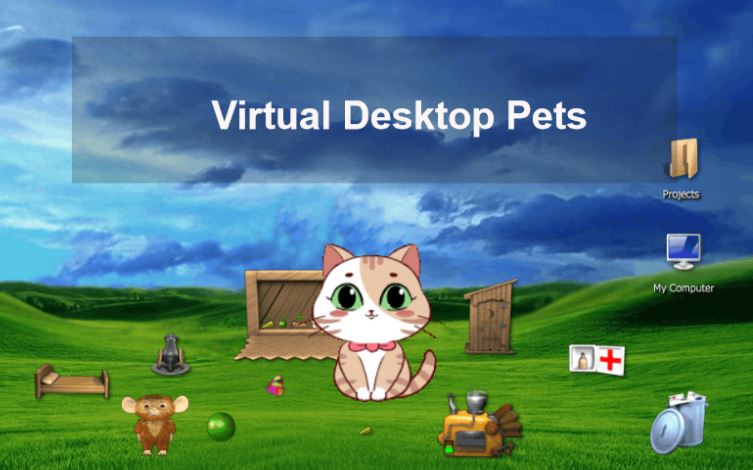
Choosing the right PC desktop pet can transform your desktop into a lively and engaging environment. With smooth animations and interactive behaviors, these pets create a balance between entertainment and productivity, making your daily computer usage more enjoyable.
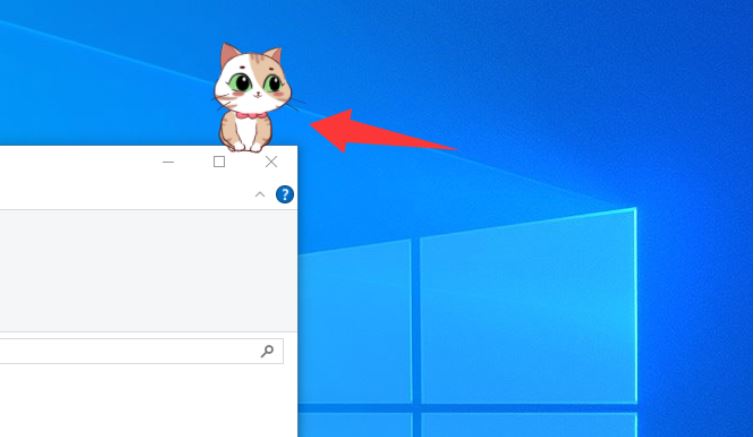
A virtual desktop pet is a small animated character that lives on your screen and moves freely across windows. It can interact with your cursor, perform idle animations, or respond to clicks. Unlike traditional software, a virtual pet on screen runs passively without interrupting your tasks.
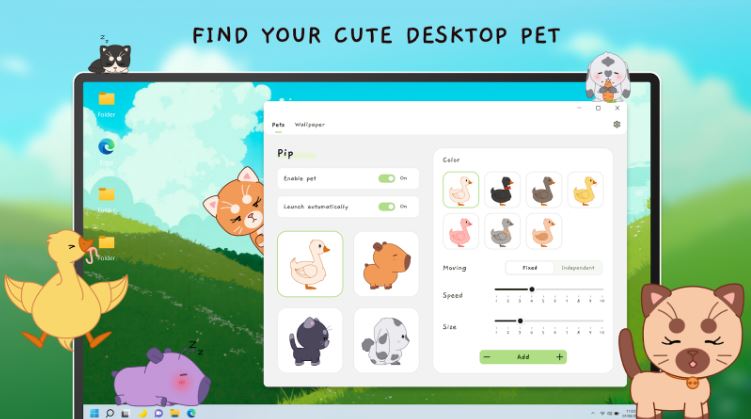
Most virtual pets for Windows tools are lightweight and customizable, making them suitable for both casual users and professionals who want a more dynamic desktop experience.
Virtual desktop pets are not just decorative - they bring real value to your daily computer experience. Here are the main reasons users enjoy them:
Stress Relief
A virtual desktop pet provides a calming presence during long work sessions, helping reduce fatigue and mental stress.
Personalized Workspace
They add character to your screen, especially when combined with tools like a desktop calendar widget or a clock widget in Windows 11.
Lightweight Entertainment
Unlike games or videos, a virtual pet for desktop offers subtle entertainment without demanding full attention.
Interactive Experience
Many pets respond to clicks, follow your cursor, or perform random actions, making your desktop feel alive.
Easy Integration
They work well alongside tools like a desktop organizer for Windows, enhancing both functionality and aesthetics.
With so many tools available, choosing the right virtual desktop pet can feel overwhelming. Below are four of the best virtual desktop pet free download options, each offering unique features and experiences for different types of users.
1. PawPal – iTop Easy Desktop Virtual Desktop Pet (Recommended)
PawPal by iTop Easy Desktop is one of the best choices for users looking for a clean, smooth, and beginner-friendly virtual desktop pet. It focuses on delivering a polished experience without overwhelming users with complex settings, making it ideal for first-time users.

- iTop Easy Desktop
Next-Gen Desktop Customizer -
- 1-click organize 100+ icons
- 5000+ 4K and live wallpapers
- Interact with AI desktop pet
iTop Easy Desktop is one of the most popular desktop organizers, its virtual pet - PawPal, for desktop stands out for its performance efficiency. Currently, it supports adorable cat pet characters, with more to be added in the future. It will even plan to allow you to upload photos of your own pets, cat, dog, parrot, or more as your digital pet, providing companionship anytime, anywhere.
It runs quietly in the background with minimal CPU usage, ensuring that your system remains responsive even during multitasking. The animations are fluid, and the pet behaves naturally. Gentle interaction without disturbing your work
Pros:
Lightweight and efficient
Smooth and natural animations
Beginner-friendly interface
Minimal system impact
Stable for long-term use
Cons:
Limited advanced customization
The character library is under development
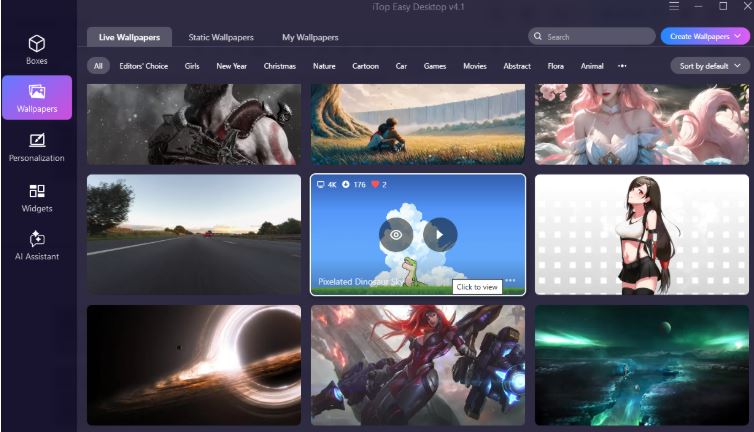
Another key advantage lies in its compatibility with desktop enhancement and organization tools. When used with iTop Easy Desktop's high-quality 4K wallpapers, PawPal helps users create a beautiful and tidy workspace. Furthermore, it offers one-click management of cluttered icons through Boxes categorization and customizable desktop widgets. Your desktop, your rules.
2. Desktop Goose
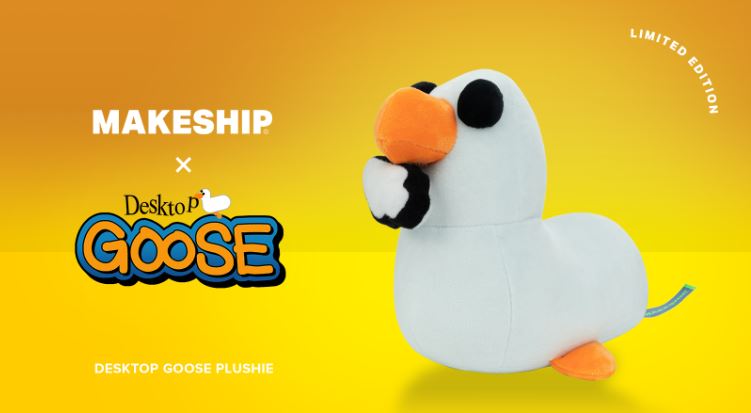
Desktop Goose offers a completely different experience compared to traditional virtual desktop pet tools. Instead of being calm and cute, it behaves like a mischievous goose that actively interacts with your desktop in chaotic ways.
This virtual desktop pet is perfect for users who enjoy humor and unexpected interruptions. It can drag images, leave footprints, and even interfere with your mouse movements. While entertaining, it may not suit productivity-focused environments.
Pros:
Unique and funny behavior
Memorable user experience
Easy to install
Cons:
Can be distracting
Limited customization options
Not ideal for work setups
3. Shimeji Desktop Pet
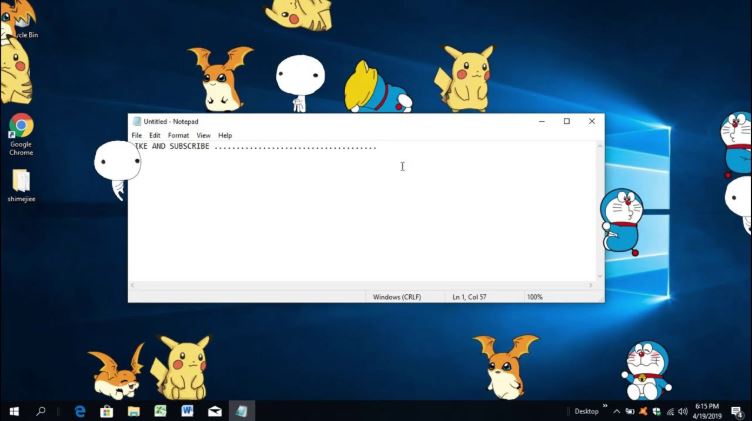
Shimeji Desktop Pet is a highly interactive virtual pet for desktops, especially popular among anime fans. It allows multiple characters to move around your screen, climb windows, and interact with each other.
This virtual pet on screen offers extensive customization, including different character packs and behaviors. While it provides a rich experience, it may use more system resources compared to simpler tools.
Pros:
Wide variety of characters
Highly interactive animations
Supports multiple pets
Cons:
Higher resource usage
Setup may be more complex
Can clutter the desktop
4. eSheep Desktop Pet
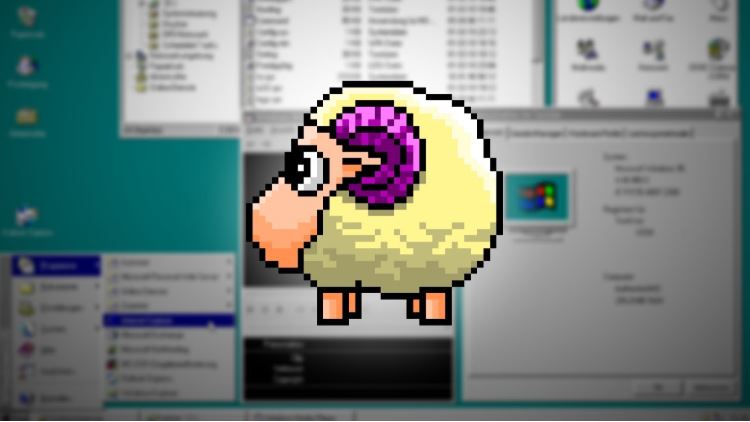
eSheep is a classic pc desktop pet known for its simplicity and low resource usage. It features a small animated sheep that walks across your screen, making it one of the most lightweight virtual desktop pet options available.
Although it lacks advanced features, its minimalism is appealing for users who want a simple and nostalgic desktop companion without distractions.
Pros:
Extremely lightweight
Easy to use
Classic design
Cons:
Limited functionality
Getting started with a virtual desktop pet is simple, even for beginners. Most tools follow a similar installation process, and you can be up and running within minutes.
Step 1. Choose a trusted source and download the installer. Take download iTop Easy Desktop for example.
Step 2. Run the setup file and follow the installation prompts. Launch it after installation
Step 3. Go to AI Assistant > PawPal. Enable PawPal.
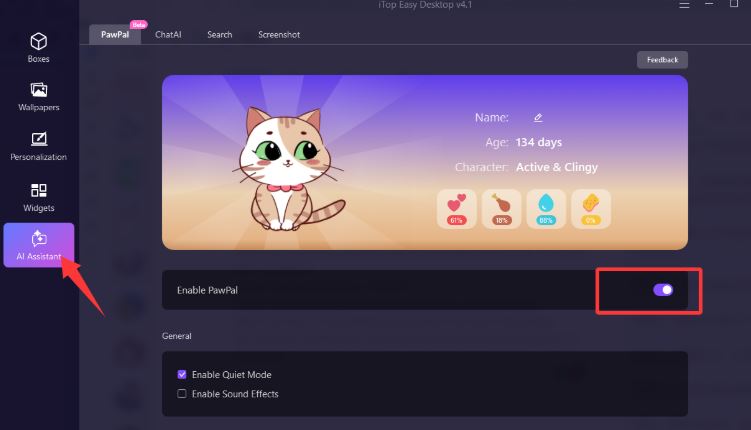
Step 4. Adjust settings such as name, sound, and interaction mode.
When all is done, let your virtual desktop pet appear and start interacting.
If the above options don’t fully meet your needs, there are many more virtual desktop pet tools worth exploring. Platforms like itch.io host a variety of creative and indie desktop pets, offering unique designs and experimental features. You can explore different categories, and the following are some hot lists.
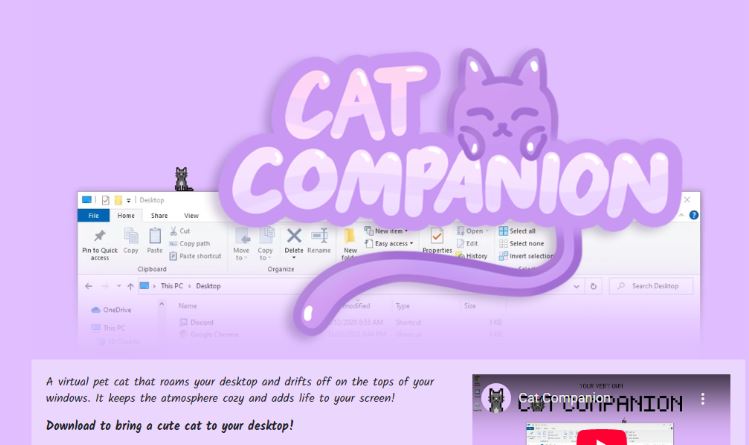
1. Cute Feline Pets - Cute cats
Cat Companion: Free
Boop a Cat: Paid
Desktop Cat Buddy: Free
Purrfect Desktop Cat: Pay What You Want
Tiny Desk Cat: Paid
Kitten Pet Pal: Free
2. Lovely Mammal Pets
A Pretty Odd Bunny: Free
Desktop Raccoon: Pay What You Want
Fluffy Hamster Buddy: Paid
Capybara Desktop Pal: Free
My Fox Desktop Pet: Free
Buns and Poops: Paid
3. Pixel Style Pets
Bit Buddy: Free
Pixel Fox Companion: Free
8-bit Pixel Bunny: Free
Retro Pixel Squirrel: Pay What You Want
Pixel Hamster Pal: Free
PufferPet: Free
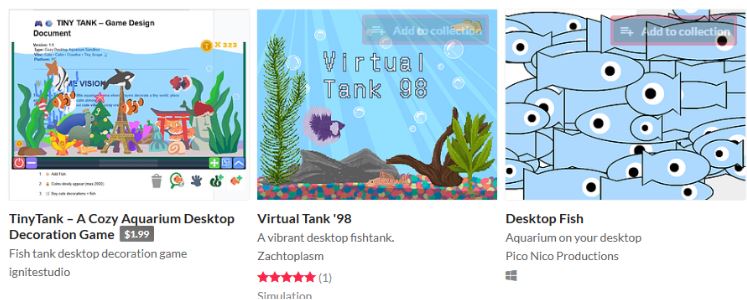
4. Aquatic Pets
Jellyfish Desktop Pet: Free
Mini Aquarium Buddy: Free
Tropical Fish Desktop: Paid
Desktop Fish Tank: Free
Sea Turtle Virtual Pet: Pay What You Want
Idle Aquarium: Pay What You Want
5. Fantasy & Magical Pets
Idle Time Slime: Paid
Fantasy Slime Buddy: Pay What You Want
Mystic Fox Spirit: Free
Magical Creature Companion: Free
Fairy Desk Pet: Free
Dragon Hatchling Pet: Paid
6. Casual Companion Pets
Desk Garden: Free
Lazy Bird Buddy: Pay What You Want
Calm Butterfly: Free
Quiet Firefly: Free
Desktop Friend: Free
Simple Desk Pal: Free
Before choosing a virtual desktop pet, it’s important to understand what features matter most. Here are key factors to consider:
Performance: Ensure smooth operation without slowing your PC
Customization: Look for adjustable animations and characters
Compatibility: Check support for the virtual pet for Windows
Interactivity: Decide how dynamic you want the pet to be
Resource Usage: Prefer lightweight tools for multitasking
Visual Style: Choose a design that fits your desktop theme
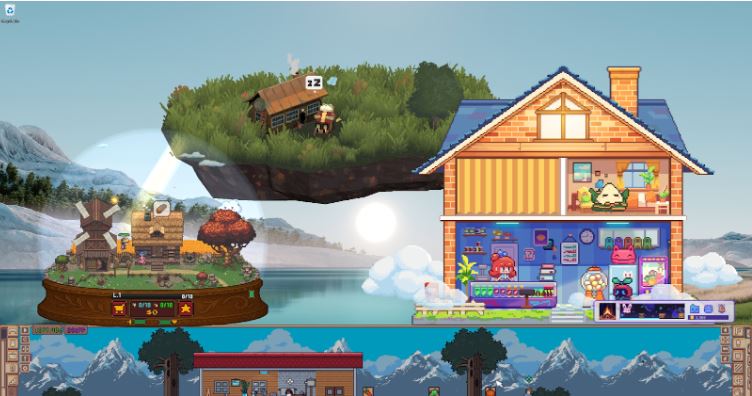
A virtual desktop pet is definitely worth trying if you enjoy customizing your workspace. It adds personality, reduces stress, and makes your screen feel more alive.
With many tools offering a virtual desktop pet free download, there’s almost no risk in experimenting. As long as you choose a safe and lightweight option, it can greatly enhance your daily computing experience.
The Bottom Line
A virtual desktop pet is more than just a decorative tool - it brings personality, interaction, and a sense of comfort to your daily PC experience. Whether you prefer a lightweight companion like PawPal or a more dynamic option like Shimeji, there’s something for every user. With many tools offering easy setup and free access, adding a virtual desktop pet is a simple yet effective way to make your workspace more enjoyable and engaging.