-
iTop Easy Desktop - No.1 Desktop Organizer for Windows
-
Automatically organize and customize Windows desktop. Make your messy desktop look clean and professional within seconds.

Best Live Wallpaper App for PC: Top Free & Paid Picks for Windows 11
Looking for the best desktop live wallpaper app? Check the best live wallpaper app for PC, including free and paid tools for Windows 11. Get now.
Personalizing your desktop has never been easier, thanks to the rise of powerful desktop live wallpaper app solutions. Whether you want animated landscapes, interactive visuals, or stunning 4K videos, choosing the best live wallpaper app for PC can completely transform your workspace. Modern tools are designed to be lightweight, customizable, and fully compatible with the latest systems.
Finding the right live wallpaper app for PC depends on your needs - performance, features, and budget all matter. From free open-source tools to premium software, today’s desktop live wallpaper app options offer flexibility for both casual users and power users. In this guide, you will learn the top choices, especially for Windows 11 users seeking smooth and visually impressive experiences.
A live wallpaper app for PC is software that allows you to use animated, video, or interactive backgrounds instead of static images. Unlike traditional wallpapers, a desktop live wallpaper app can display motion graphics, real-time effects, or even web-based content, creating a more immersive desktop environment.
With Windows 11’s modern UI and enhanced graphics capabilities, using a desktop live wallpaper app is more appealing than ever. It adds personality and functionality to your workspace while taking advantage of improved system performance.
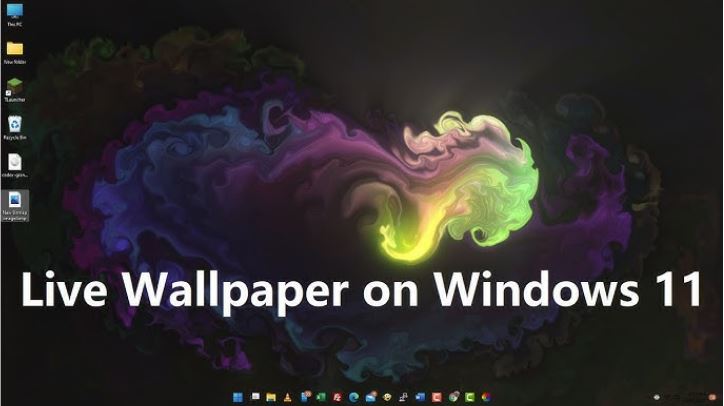
Transitioning from static to dynamic backgrounds brings several benefits:
Enhance visual appeal with animations and real-time effects
Personalize your desktop with unique themes and styles
Support multi-monitor setups seamlessly
Access widgets like a calendar widget or clock widget for productivity
Enjoy compatibility with modern live wallpaper software for Windows 11
Choosing the right desktop live wallpaper app can be overwhelming with so many options available. To help you decide, here are five of the best tools based on performance, features, and value. These include both premium and the best free live wallpaper apps for PC options.
1. iTop Easy Desktop - Recommended
iTop Easy Desktop stands out as a versatile desktop organizer for Windows, as well as a desktop live wallpaper app that goes beyond simple animations. It is free for use.

- iTop Easy Desktop - Explore Aesthetic Wallpapers for PC
-
- Free download wallpapers across a wide range of styles
- Animate your desktop with free HD/4K live wallpapers
- Create custom wallpapers from images/videos with ease
- Apply and change desktop backgrounds in one click
As for its wallpaper part, it offers massive static and live wallpapers among multiple themes, cartoon, minimalism, nature, cars, people, pets, technology, animation, comics, etc. And for live wallpapers, it even allows users to turn videos into live wallpapers and enjoy smooth playback with minimal almost 0 system impact. This makes it one of the best live wallpaper apps for Windows 11 users looking for performance and simplicity.
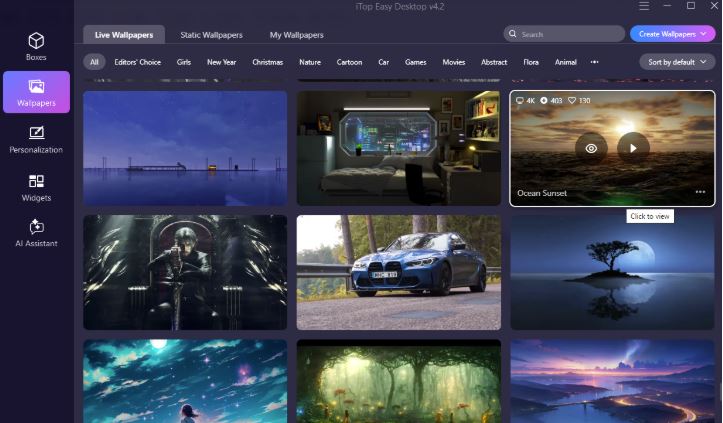
Besides, what makes it unique is its integration of productivity tools. As a desktop organizer, it helps users manage icons with its Box function efficiently. You can use this desktop organizer for Windows to customize and manage your desktop icons and files. You can even simply double-click on the desktop to hide all icons. This gives you a more immersive experience of 4K wallpaper for PC.
With its beginner-friendly interface and powerful features, iTop Easy Desktop is ideal for anyone seeking a complete desktop live wallpaper app solution. And, more than just a live wallpaper app for PC.
2. Wallpaper Engine
Wallpaper Engine is widely considered one of the best live wallpaper apps for PC thanks to its massive library and customization options. Available via Steam, it offers thousands of user-created wallpapers, including interactive and audio-responsive designs.
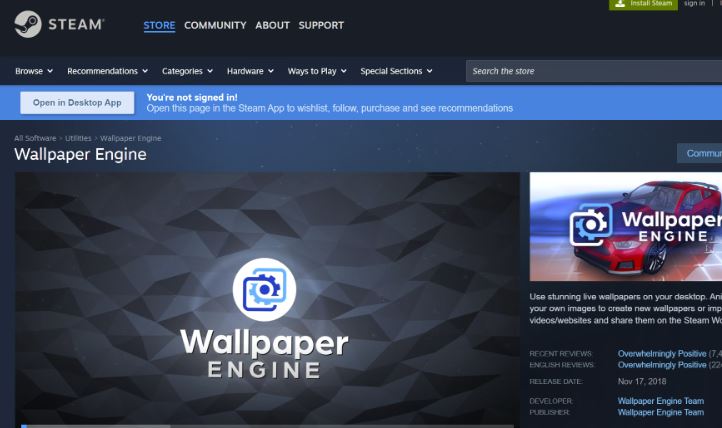
This desktop live wallpaper app supports multiple formats such as videos, web pages, and 3D animations. It also allows users to create their own wallpapers using built-in tools. While it is a paid option, its active community and constant updates make it a top choice for enthusiasts seeking advanced features.
3. Lively Wallpaper (Free & Open Source)
Lively Wallpaper is often regarded as the best free live wallpaper app for PC due to its open-source nature and zero cost. It supports video playback, GIFs, and even YouTube links as wallpapers, making it highly flexible.
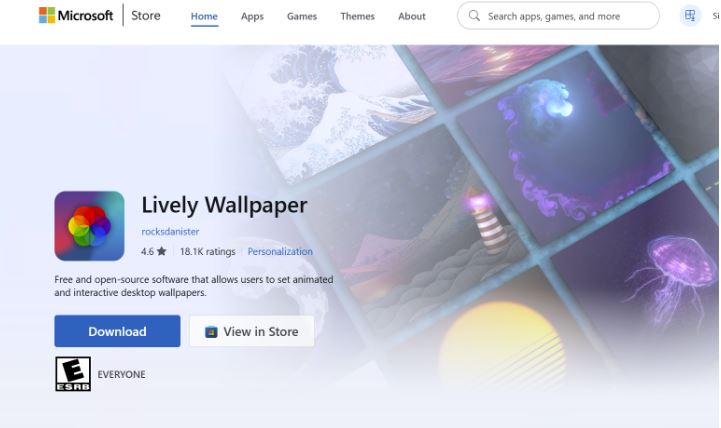
As a lightweight desktop live wallpaper app, it automatically pauses animations when running full-screen applications, helping conserve system resources. Its compatibility with live wallpaper software for Windows 11 ensures smooth performance, making it a great option for users who want a free yet powerful solution.
4. DeskScapes
DeskScapes is a premium desktop live wallpaper app developed for users who enjoy artistic and animated backgrounds. It supports Dream format wallpapers and offers various visual effects that can be applied to static images.
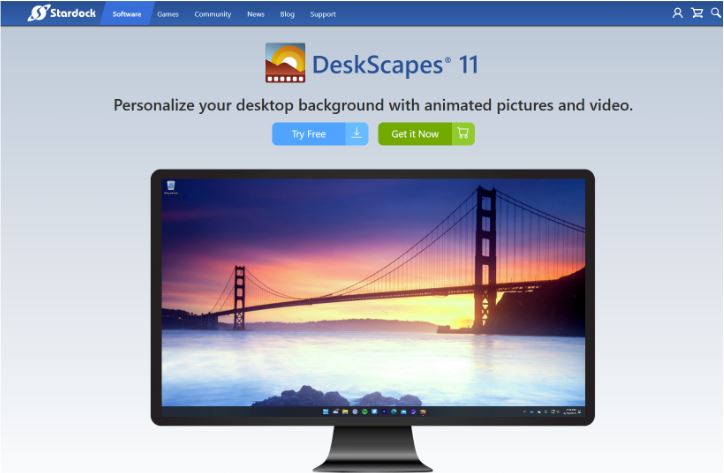
This live wallpaper app for pc is known for its ease of use and polished interface. Users can customize colors, animations, and textures to create unique desktops. Although it requires a purchase, its focus on visual quality and customization makes it a solid choice for creative users.
5. RainWallpaper
RainWallpaper is a lightweight and efficient desktop live wallpaper app designed for users who want performance without sacrificing visuals. It supports customizable animations, interactive wallpapers, and even web-based designs.
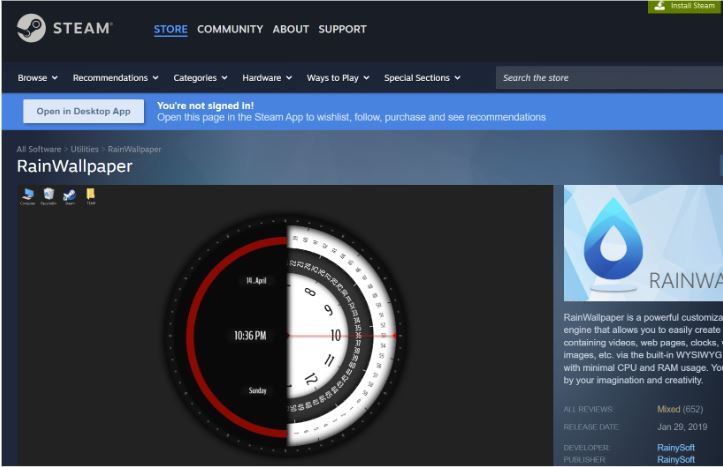
This live wallpaper app for PC is especially suitable for mid-range systems, as it balances resource usage and visual effects. With a growing library and flexible customization options, RainWallpaper remains a popular alternative among users looking for a simple yet effective solution.
After exploring each desktop live wallpaper app, it’s helpful to compare them side by side.
App Name |
Pricing |
Key Feature |
System Impact |
iTop Easy Desktop |
Free |
All-in-one + organizer |
Low |
Wallpaper Engine |
Paid |
Massive community library |
Medium |
Lively Wallpaper |
Free |
Open-source & flexible |
Low |
DeskScapes |
Paid |
Artistic effects & customization |
Medium |
RainWallpaper |
Free/Paid |
Lightweight & customizable |
Low |
With so many options available, selecting the right desktop live wallpaper app depends on your specific needs. Understanding key factors can help you make the best decision.
Here are some essential criteria to consider:
Performance impact on CPU and GPU
Compatibility with the best live wallpaper app for Windows 11
Availability of free vs paid features
Support for video, GIF, and interactive content
Additional tools like organization or widgets
Choosing the right desktop live wallpaper app ensures a balance between aesthetics and system performance.
The Bottom Line
A good desktop live wallpaper app can completely transform your PC experience, especially on Windows 11. Whether you prefer a feature-rich solution like iTop Easy Desktop or a community-driven tool like Wallpaper Engine, the right choice depends on your priorities. Focus on performance, customization, and usability to find the best fit for your needs and enjoy a more dynamic, personalized desktop environment.
- Related Articles for Reference