-
iTop Easy Desktop - No.1 Desktop Organizer for Windows
-
Automatically organize and customize Windows desktop. Make your messy desktop look clean and professional within seconds.

5 Best 8K Wallpaper for PC Sites in 2026 (Gaming/Anime/Pet/Nature/Car)
Skip endless searching, free download 8K wallpaper for PC from 5 top sites. Upgrade and refresh your desktop instantly with wallpapers in 8K (7680×4320).
High-resolution desktops have become more than just a backdrop. From immersive gaming setups to anime-inspired screens, PC users are increasingly hunting for crisp, detailed visuals that make every monitor pop. In particular, 8K wallpaper for PC has gained attention among enthusiasts who want ultra-sharp backgrounds.
With so many seeking free downloads, it can be overwhelming to find reliable, high-quality sources. This post highlights five of the best websites to get stunning 8K wallpapers and explains how to easily personalize your desktop on Windows.
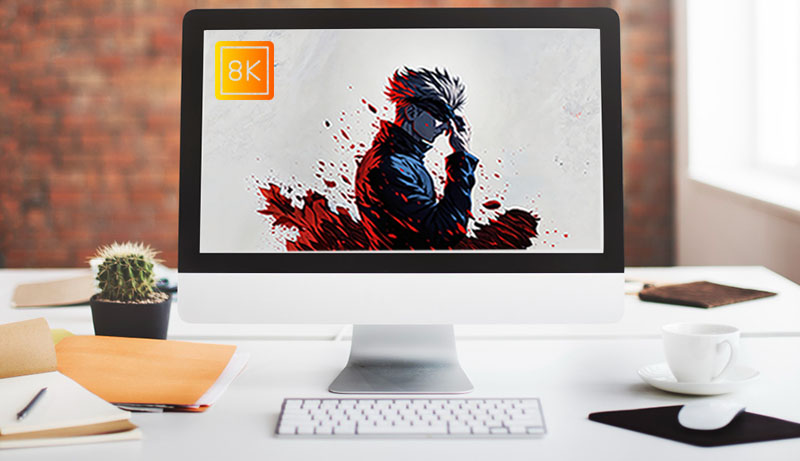
8K wallpaper refers to ultra-high-definition images with a resolution of 7680×4320 pixels, four times the detail of 4K displays. For PC users, this level of clarity makes a noticeable difference, whether you’re gaming, streaming anime, or designing creative content. Textures appear sharper, colors more vibrant, and every scene feels immersive, even on large monitors.
Many users want 8K wallpaper for PC to enhance their setup’s visual impact and create a more polished, personalized experience. Beyond aesthetics, high-resolution wallpapers reduce pixelation when scaling images.
Finding stunning 8K wallpaper for PC has never been easier, thanks to several sites that offer high-resolution images across gaming, anime, nature, and pet categories. These platforms allow you to download free 8K wallpapers that look sharp on large monitors, brighten up your desktop, and make everyday browsing or gaming more immersive. Here are 5 of the best sites to search for truly beautiful and personalized 8K wallpaper.
1. Xtrafondos Wallpaper (HD/4K/6K/8K)
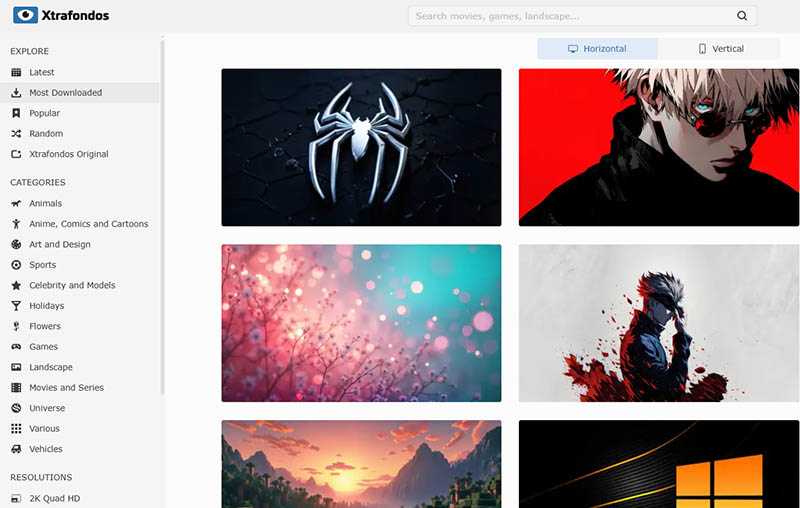
Xtrafondos Wallpaper offers a wide variety of high-resolution desktop wallpapers, covering gaming, anime, pets, and nature, in 8K, 4K, 2K, and HD. Categories are clearly organized, and it’s easy to find the ideal 8K wallpaper for PC. Each image maintains sharp detail while downloading quickly. Thousands of new 4K wallpapers are frequently added to its library. You can explore the wallpaper you want via categories, colors, resolutions, etc.
2. 4K Wallpapers (8K Includes)
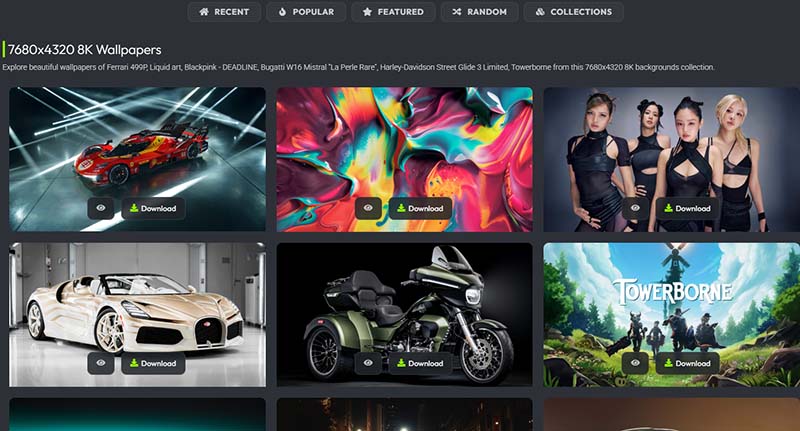
4K Wallpapers is a long-running wallpaper library known for its clean layout and huge image collection. The site organizes content by styles, making it easy to browse everything from nature shots to game art. Its dedicated 8K page features crisp 8K wallpaper for PC downloads, including a solid selection of gaming 8K wallpaper PC, and anime wallpaper for desktop backgrounds. Each image page shows resolution details and styles.
3. Pexels 8k Wallpaper
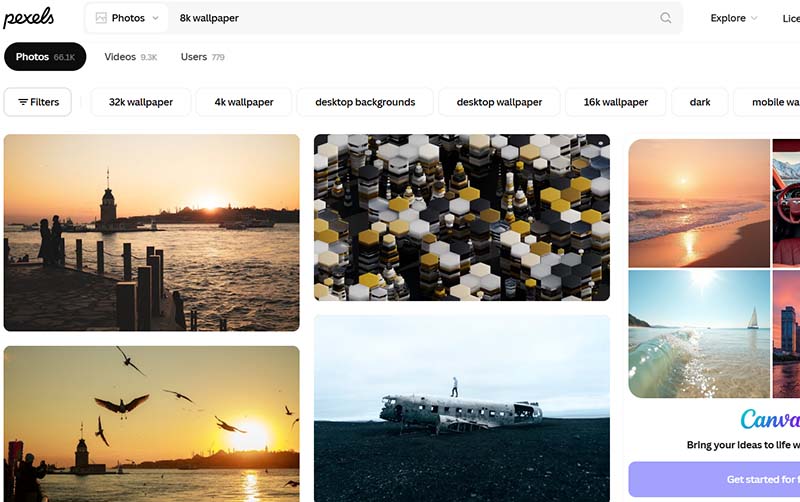
Pexels hosts a vast library of free photography, including a growing collection of ultra-high-resolution backgrounds. Its search tools make it simple to filter and download sharp 8K wallpaper for PC images, from landscapes to minimalist scenes. The platform is curated, so quality remains consistently high. Images can be edited, cropped, or adapted freely with Canva, which suits users looking for gaming 8K wallpaper PC setups or custom desktop themes without licensing complications.
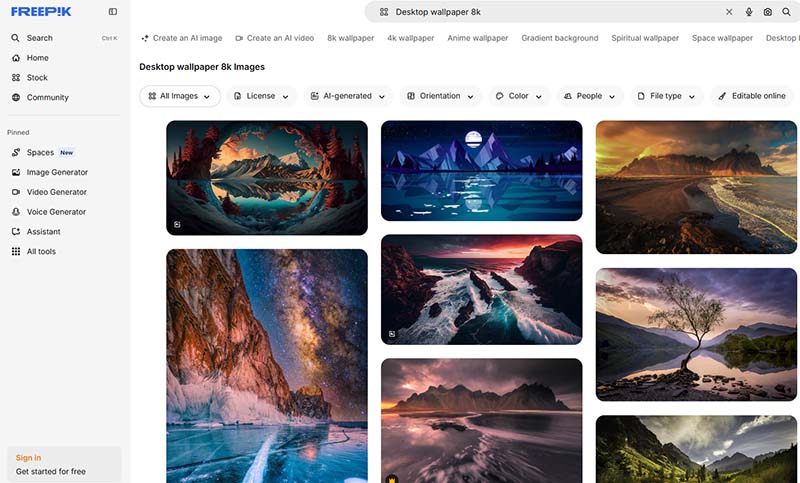
4. Freepik Wallpaper 8K
Freepik is widely known for its enormous catalog of design resources, ranging from stock photos and vectors to PSD templates and AI-generated graphics. Its wallpaper section features a steady stream of sharp 8K wallpaper for PC options across styles like abstract art, nature, and 3D backgrounds. The platform also includes built-in AI tools that help users create or customize an 8K wallpaper PC design for both quick downloads and personalized desktop visuals.
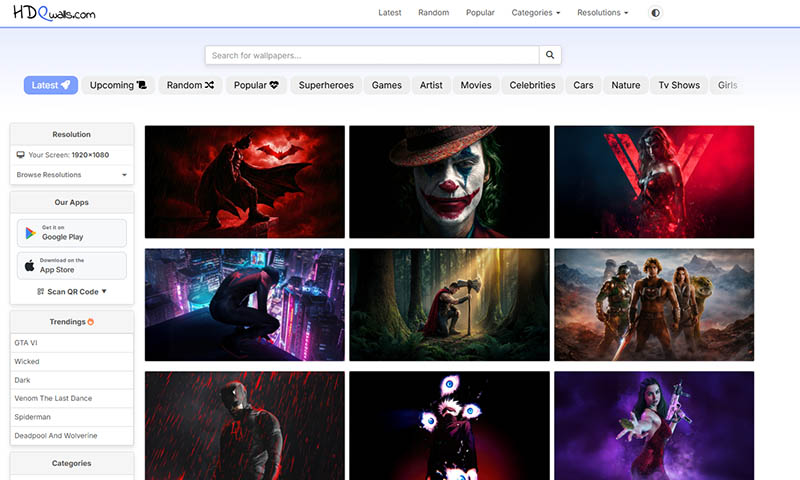
5. HDQWalls Ultra 4K/8K
HDQWalls focuses on high-resolution backgrounds, with a strong lineup that extends into 8K. The site keeps navigation simple, letting you browse by categories, popular picks, or the latest update without clutter. Its gallery features superheroes, games, and artist wallpapers, all optimized for sharp display. If you’re searching for a polished 8K wallpaper for PC, it’s easy to find options that also translate well into an 8K wallpaper desktop setup with minimal effort.
After picking the right 8K wallpaper for PC, setting it as your background only takes a moment in Windows. The process is nearly identical in both Windows 10 and 11, with just slight differences in layout.
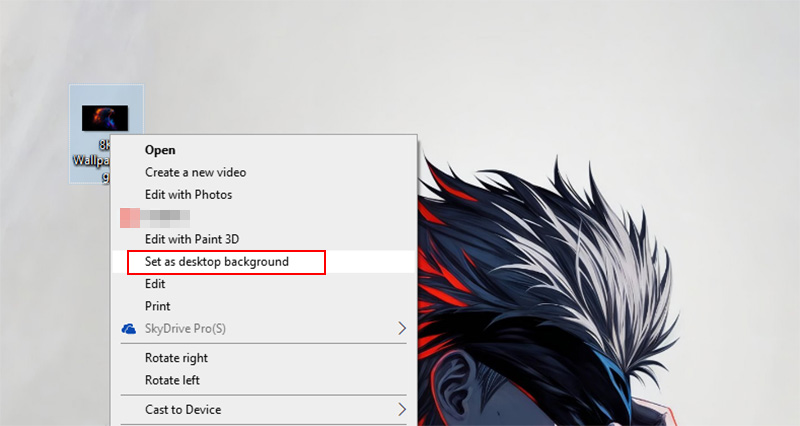
Step 1. Locate the 8K wallpaper on your computer. Right-click the wallpaper and select Set as desktop background for the quickest result.
Step 2. For more control, open Settings > Personalization > Background. Here, you can choose between Picture, Slideshow, or Solid Color. Select Picture, then browse for your downloaded 8K wallpaper for PC.
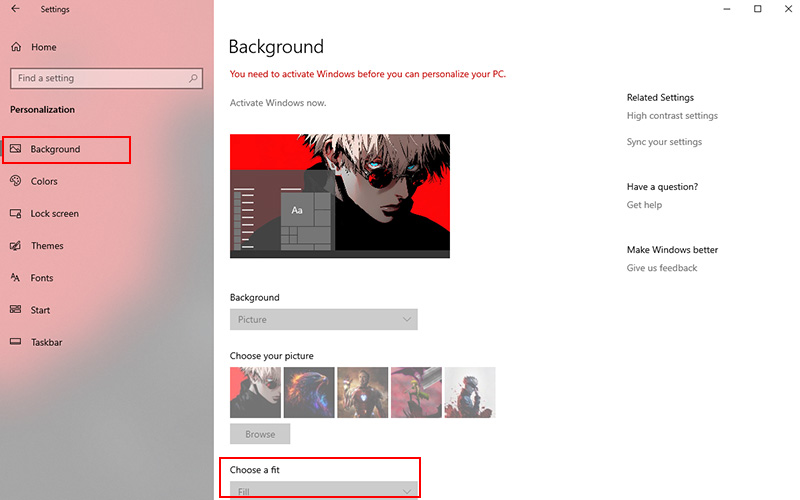
Step 3. Adjust the fit option to match your screen, such as Fill, Fit, or Stretch. This ensures the image displays properly without distortion, especially important for high-resolution 8K visuals.
Read More: 5 Best Free Wallpaper Engine Alternatives for Windows >>
If browsing and downloading wallpapers one by one feels slow, there’s a more direct approach. iTop Easy Desktop brings everything into a single interface, making it simple to discover and apply an 8K wallpaper for PC free without jumping between sites. It works smoothly and is especially handy if you want a static or live 8K wallpaper for Windows 11/10 PC setup in seconds.

- iTop Easy Desktop - Explore Aesthetic Wallpapers for PC
-
- Free download wallpapers across a wide range of styles
- Animate your desktop with free HD/4K live wallpapers
- Create custom wallpapers from images/videos with ease
- Apply and change desktop backgrounds in one click
Step 1. Download and install iTop Easy Desktop for your PC, then launch the program.
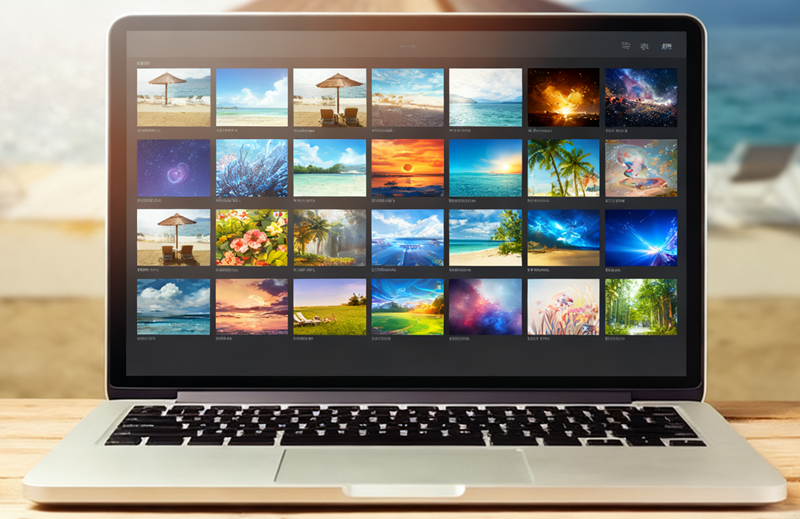
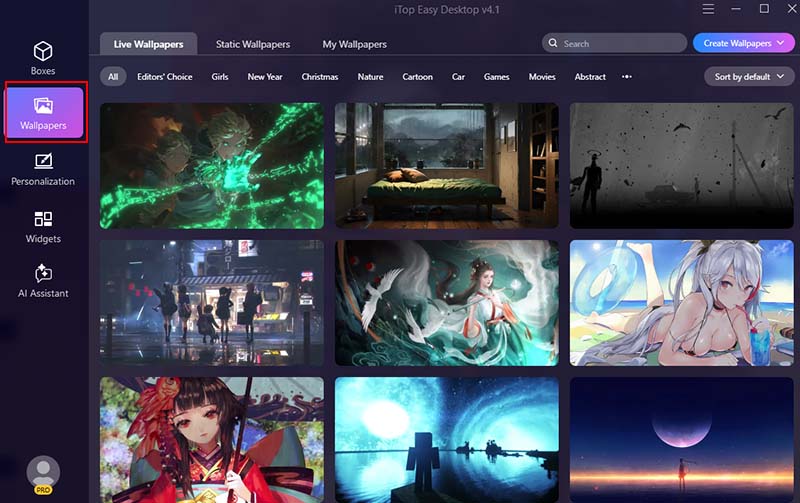
Step 2. Click Wallpapers, and browse the built-in wallpaper library. You can filter by style, resolution, or theme, including categories tailored for an 8K wallpaper for PC.
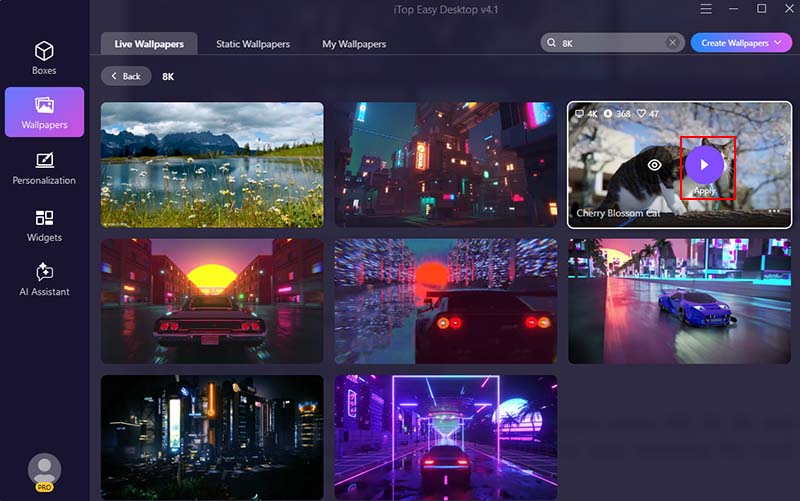
Step 3. Click any wallpaper you like and choose Apply. The 8K wallpaper downloads and updates instantly, with no manual adjustments required.
Why Is iTop Easy Desktop Your First Pick?
Fast 8K Wallpaper Application for Free
iTop Easy Desktop includes a wide selection of wallpapers across HD, 2K, 4K, and 8K resolutions. Everything can be applied instantly at no cost, removing the need to download, resize, or manually set images.
Aesthetic Wallpapers for Gaming/Anime
Its wallpaper library covers a broad mix of styles, such as cinematic landscapes, anime art, gaming-inspired visuals, and many more. This variety makes it easy to match your desktop with your personal taste or current setup.
Stunning Live 8K Wallpapers for PC
Beyond static images, iTop Easy Desktop also offers live wallpaper for PC in 8K/4K with smooth motion effects. Themes like cyberpunk and neon cityscapes add depth without overwhelming system performance.
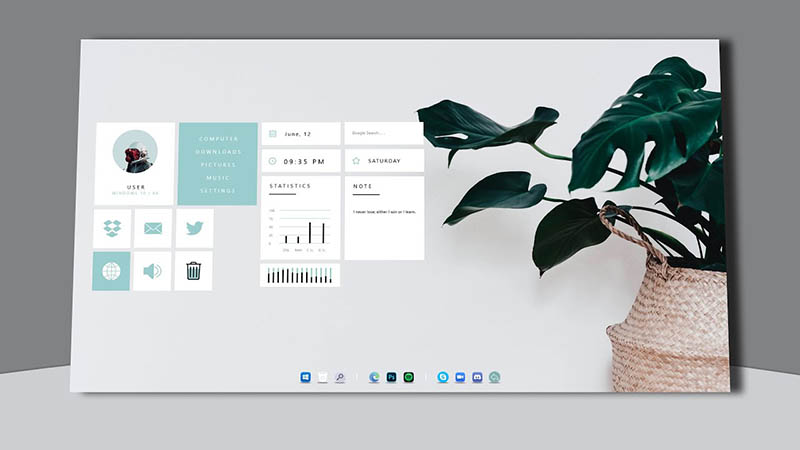
The desktop organizer goes further than 8K/4K wallpapers. It also allows tweaks to themes, start menu layouts, taskbar styles, and mouse effects. The desktop customization and adjustments can make the entire desktop feel more cohesive.
Automatic Desktop Organizer for PC
Built-in box organization tools help keep icons tidy by grouping or aligning them automatically. This keeps your workspace clean while maintaining quick access to files and apps. It also comes with desktop calendar widget, schedules, weather widgets, and more.
The Final Thought
8K wallpaper sites give you plenty of stunning options, but juggling downloads, resizing, and attribution can be a hassle. iTop Easy Desktop offers a smoother approach: browse, apply, and tweak high-resolution wallpapers directly on your desktop in seconds. If you want a stylish 8K wallpaper for PC setup without the usual fuss, it’s worth giving it a try.

- iTop Easy Desktop
Next-Gen Desktop Customizer -
- 1-click organize 100+ icons
- 5000+ 4K and live wallpapers
- Interact with AI desktop pet