-
iTop Easy Desktop - No.1 Desktop Organizer for Windows
-
Automatically organize and customize Windows desktop. Make your messy desktop look clean and professional within seconds.

Desktop Wallpaper Free Download | Best Sites and Apps to Download HD Wallpapers
Looking for desktop wallpaper free download options? Find the 6 best sites and apps to download full screen and HD desktop backgrounds for free.
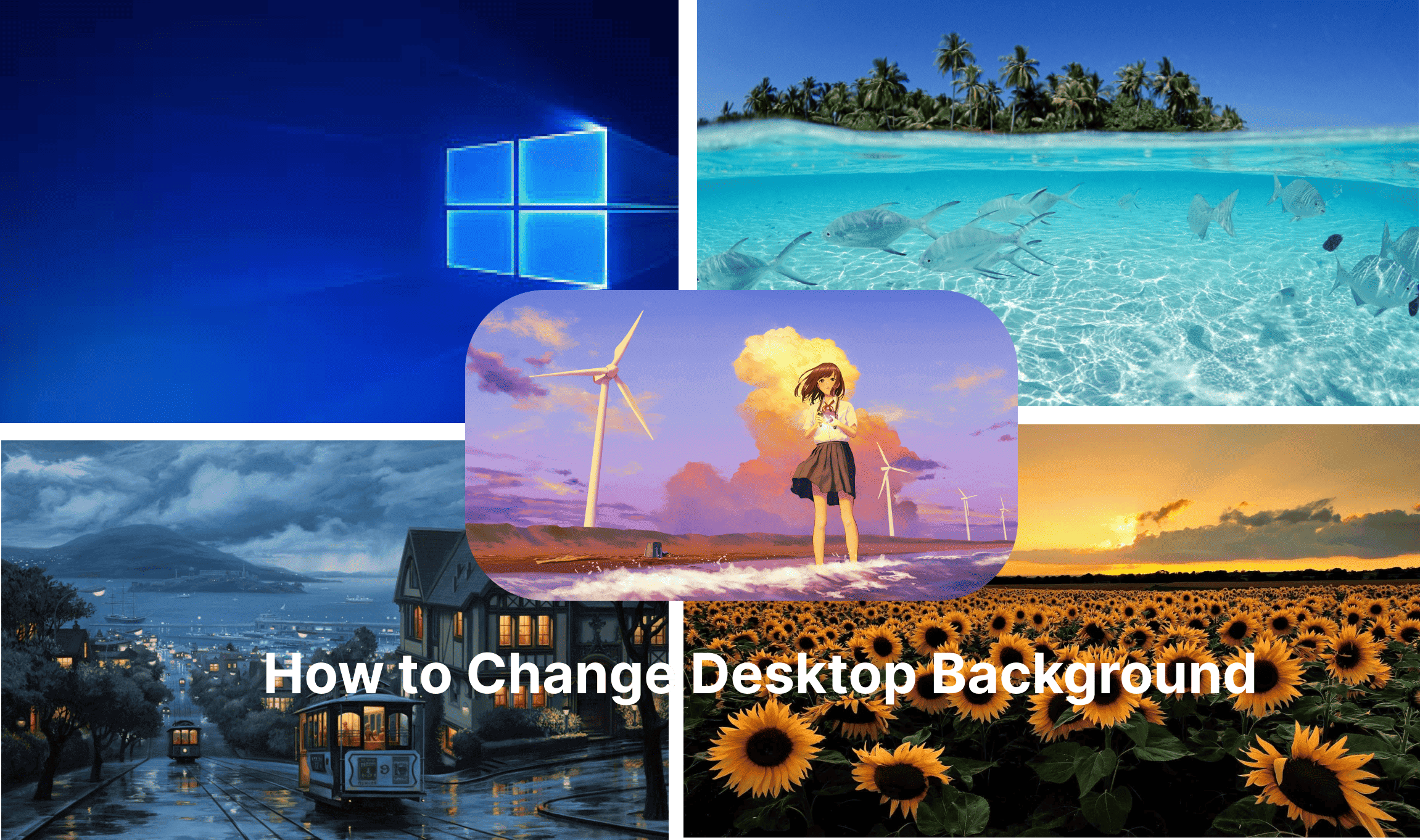
People set desktop wallpapers for various purposes: to make their desktop look beautiful, express what they love, boost productivity, or create a personalized environment that inspires creativity or relaxation.
It can be anything, for instance, a serene landscape to calm the mind during work or a vibrant abstract design to energize your day. The only problem is—where can you find high-quality desktop wallpaper free download options? Worry not, just read on to find the best websites and apps that offer stunning visuals without any cost.
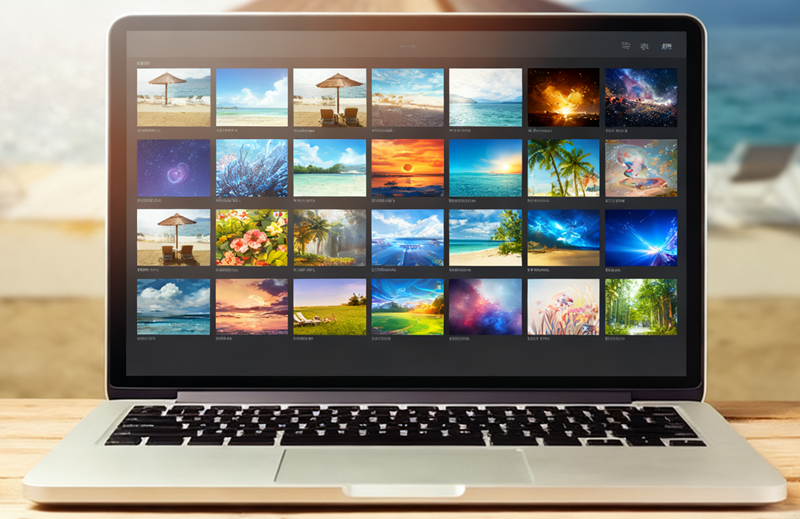
When looking for desktop wallpaper free download sources, several websites stand out for their vast collections, high-quality images, and user-friendly interfaces. Here are the top 3 picks.
Unsplash - Desktop Wallpaper Free Download for Both Personal & Commercial Use
With tons of free HD wallpapers for PCs, mobiles, and tablets, Unsplash is a premier platform for desktop wallpaper free download. The site features a community of talented photographers to submit high-quality images frequently. If you are looking for aesthetic, high-quality full screen desktop wallpaper free download options, Unsplash is the go-to choice.
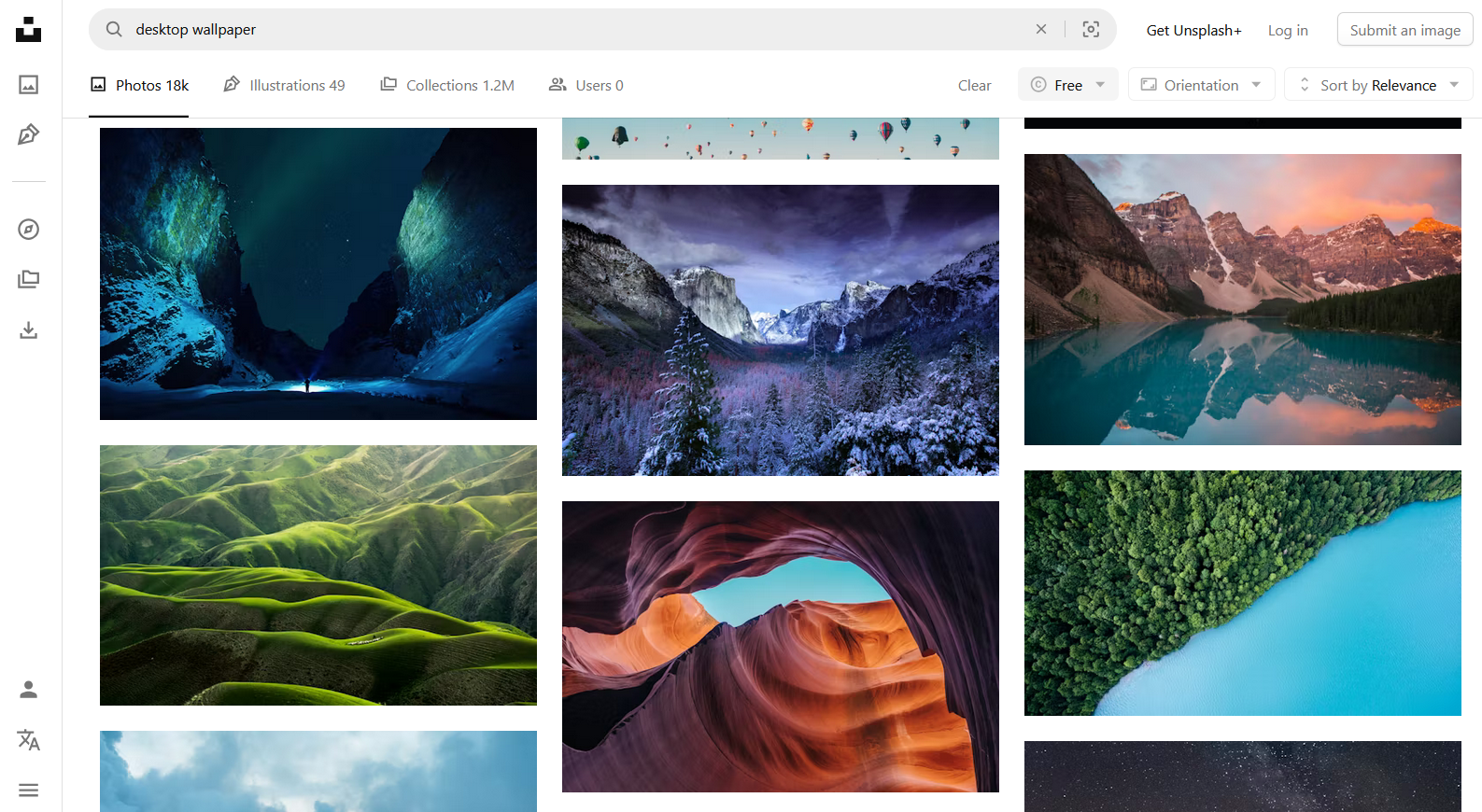
What to expect:
Desktop wallpaper backgrounds free download in HD or higher, ensuring crisp results even on 4K screens.
Browse through nature, architecture, minimalism, and abstract themes tailored to desktop backgrounds.
All wallpapers are free to use personally and commercially without worrying about copyright.
The search bar and filters make finding your desired wallpaper style quick and accurate.
A clean design to explore wallpapers without distractions or overwhelming ads.
Pexels - Full HD Desktop Wallpaper Free Download for PC, Mac & Laptop
Pexels is another excellent resource for desktop wallpaper free download, offering over 70,000 stock photos tailored for desktops, including full HD and higher resolutions. Sourced from a global community of creators, all images are free for personal and commercial use. Its versatile wallpaper library is just great for those who want professional-grade visuals for desktops.
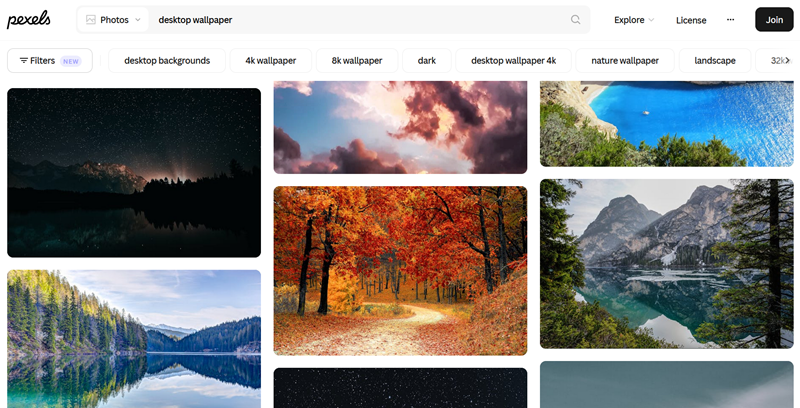
What to expect:
4K or full HD desktop wallpaper free download to ensure the highest quality backgrounds.
Users can refine searches by landscape, portrait, or specific resolution for desktops.
Access pre-designed wallpaper packs, such as minimalist or aesthetic themes, with one simple click.
Easy to browse and offer wallpapers without disruptive advertisements or pop-ups.
All wallpapers are royalty-free; safe for personal and business use alike.
Wallpapers.com - Desktop Wallpaper Free Download for All Screen Sizes
Wallpapers.com is a comprehensive hub for desktop wallpaper free download. With a massive library suitable for all screen sizes, the site is designed for those who want wallpapers tailored to their exact screen setup. The biggest downside of Wallpapers.com is the occasional pop-up ads, but the sheer volume and variety of content make it worthwhile.
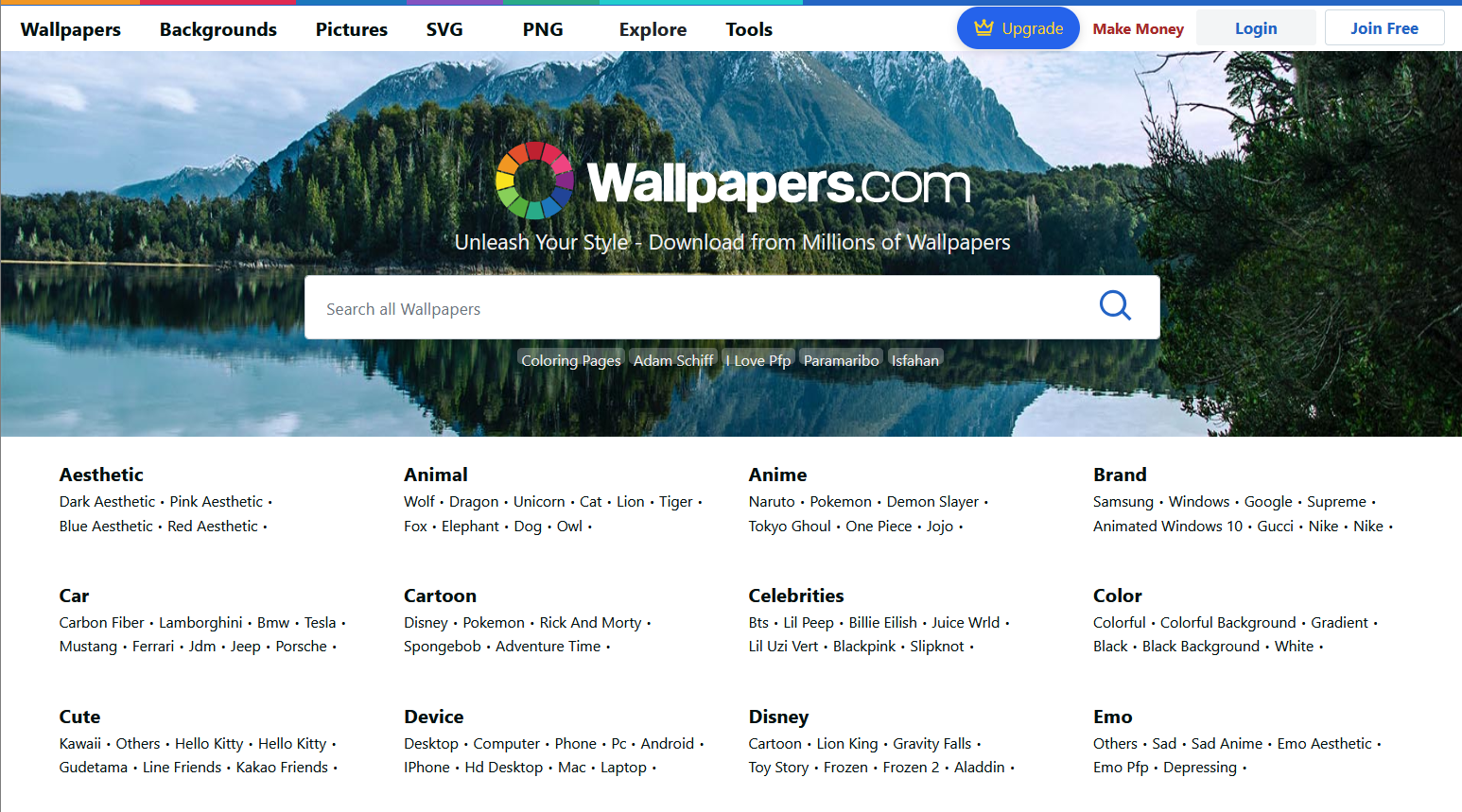
What to expect:
Choose wallpapers by HD, 2K, 4K, or ultrawide resolutions for exact screen compatibility.
Huge theme selection: anime, gaming, abstract art, and more; the site offers wallpapers for every personal taste.
Wallpapers can be tailored to fit both Windows 10 and Windows 11 desktops seamlessly.
Users can download wallpapers optimized for desktop, tablet, or mobile screens with one click.
Frequent updates add fresh wallpapers; ensure users always find new, trending designs.
Whether you look for desktop wallpaper free download for Windows 10, 11, macOS, or your mobiles, the 3 recommended websites have tons of choices! For those preferring apps over websites, here are the 3 top choices for desktop wallpaper free download.
iTop Easy Desktop - All-in-one Desktop Organizer & Wallpaper App for Windows
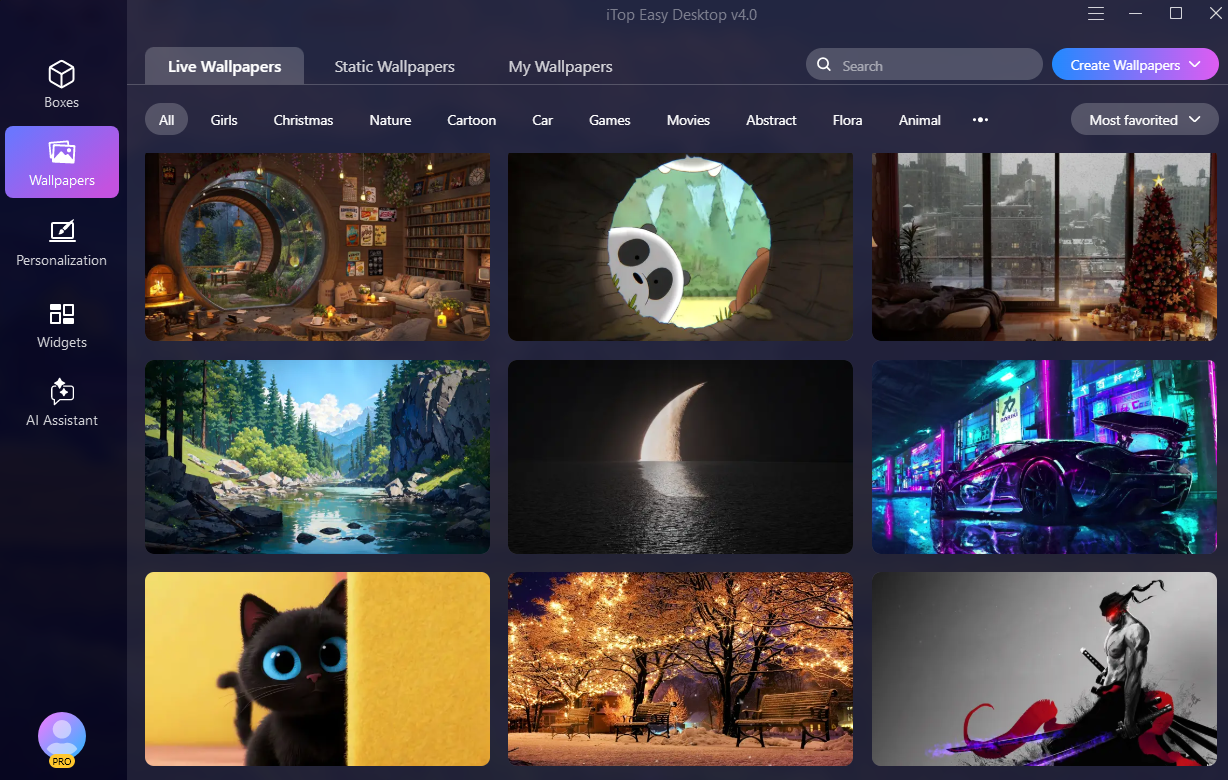
Perfectly combining wallpaper management with desktop organization, iTop Easy Desktop is an all-in-one tool for Windows 11/10/8/7. It’s not a desktop wallpaper free download tool, but it comes with a built-in library that offers a rich collection of wallpapers for free switching. You can declutter desktops and enhance productivity at the same time.
What to expect:
Smart desktop organization that automatically arranges icons and files into customizable boxes for a cleaner workspace.
No need to get desktop wallpaper free download for Windows 11; you can easily switch wallpapers in one click.
Personalize your desktop with dynamic wallpapers (videos, HTML), static images, and solid colors.
Wide categories such as Nature, Science Fiction, Cartoons, Holidays, etc.
Instantly hide all desktop icons and files with a double-click to ensure a clean appearance or privacy protection.
Personalize boxes by changing colors, transparency, and icon tint based on your aesthetic.

- iTop Easy Desktop - Explore Aesthetic Wallpapers for PC
-
- Free download wallpapers across a wide range of styles
- Animate your desktop with free HD/4K live wallpapers
- Create custom wallpapers from images/videos with ease
- Apply and change desktop backgrounds in one click
Lively Wallpaper - Lightweight Live Desktop Wallpaper Free Download App for PC
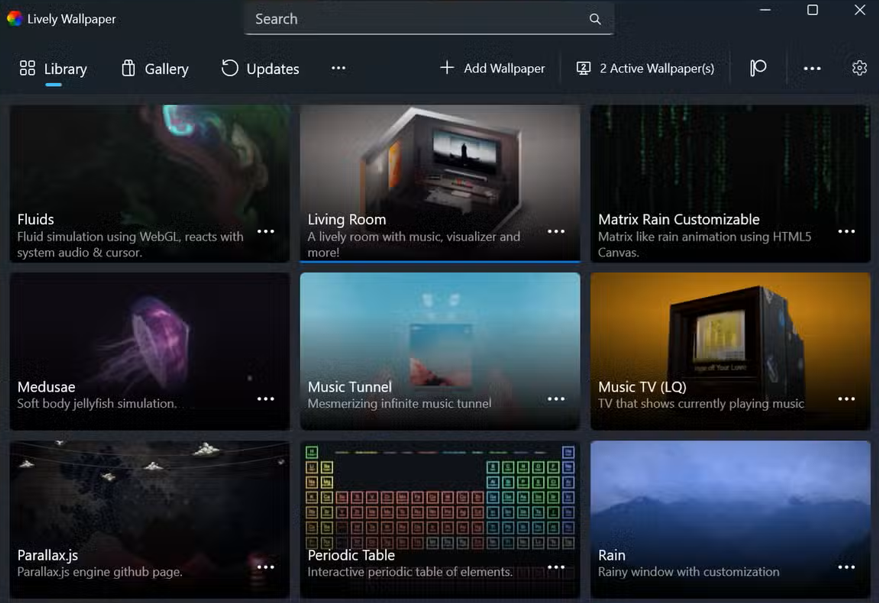
Lively Wallpaper is a free and open-source app that can transform your desktop into an interactive canvas. It supports multi-monitor setups and ultra-wide displays, and pauses performance when running games/work. The live wallpaper app is highly rated on the Microsoft Store; it is praised for being better than paid alternatives.
What to expect:
Powered by WinUI 3 for smooth performance, it allows you to set videos, GIFs, and webpages as dynamic desktops.
Support multiple monitors; adjustable intensity, speed, and more for personalized setups.
Automatically pause when a full-screen application is detected, during gaming, or when a remote desktop is in use to conserve system resources.
Adopt MPV for hardware-accelerated video playback with customizable filters to ensure efficient resource use.
Create unique wallpapers that react to system audio using the Lively Audio API.
Razer Axon - High-Res Desktop Wallpaper Free Download and Customization
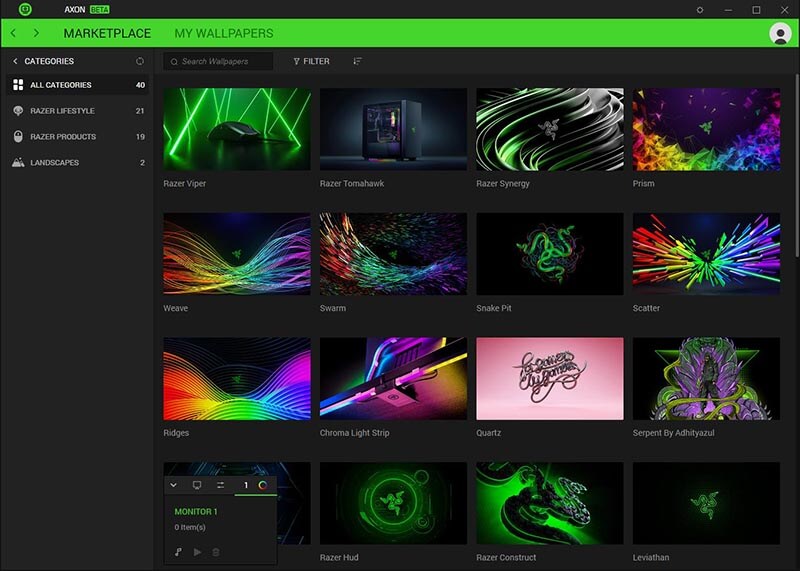
Razer Axon is a premium-grade wallpaper app for gamers, tech enthusiasts, and anyone who loves futuristic aesthetics. It delivers exclusive high-resolution desktop wallpaper free download options, featuring gaming themes, digital art, and sci-fi visuals. These wallpapers are carefully curated; they give users access to fresh and unique designs not found elsewhere.
What to expect:
All official wallpapers match Razer Chroma effects and perfectly sync with peripherals for immersive lighting.
AI-powered tool to create unique RGB effects matching wallpapers automatically; AI-created art and wallpapers from global artists.
Dynamic wallpapers that react to music rhythms, enhancing gaming or relaxation sessions.
Lightweight with excellent resource usage compared to competitors; supports multiple monitors.
Create and manage playlists of your wallpapers; set a timer to cycle through them automatically.
If you have read this far, now you have the 6 best websites and apps for desktop wallpaper free download. Once you have your new wallpaper downloaded, you can follow these steps to change your wallpaper.
Change wallpaper and background on Windows desktop
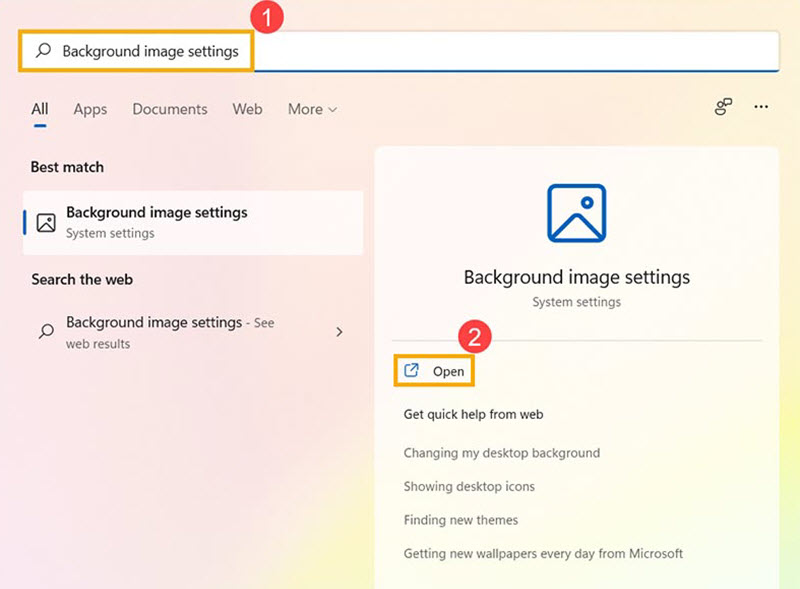
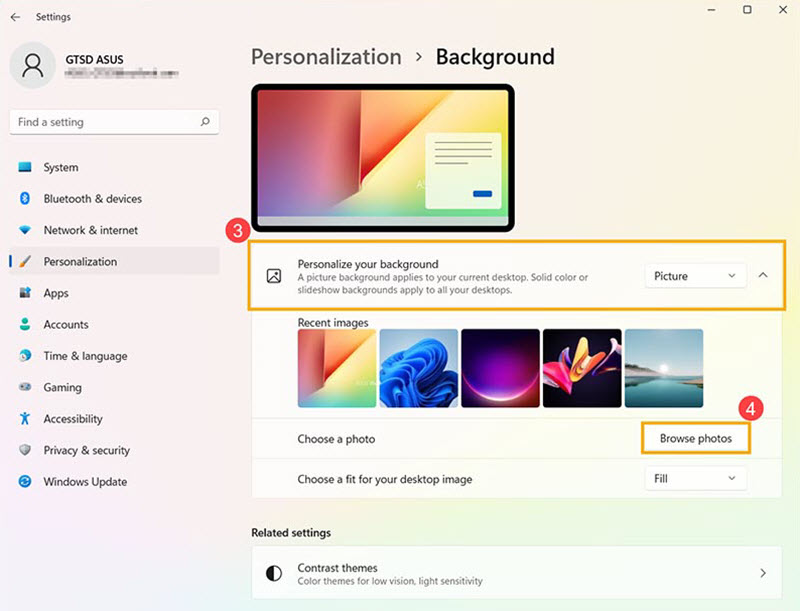
Step 1. In the Windows search bar, type Background image settings and click Open.
Step 2. Under the Personalize your background section, choose from the options: set a single image as your wallpaper, use a plain background color, or rotate through multiple pictures at intervals. To use a different photo, click Browse photos and select an image from your files.
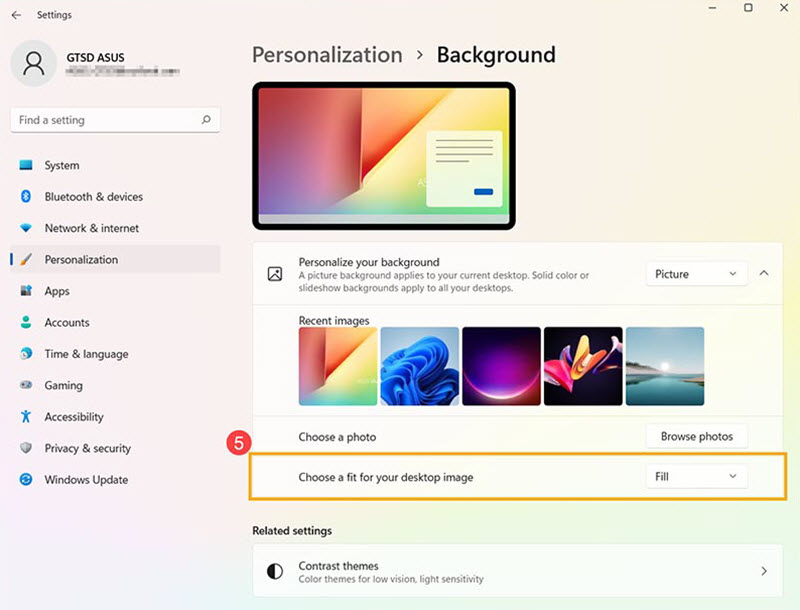
Step 3. You can adjust how your wallpaper fits your screen. Choose from Fill, Fit, Stretch, Tile, Center, or Span to get the best look.
Change wallpaper and background on Mac desktop
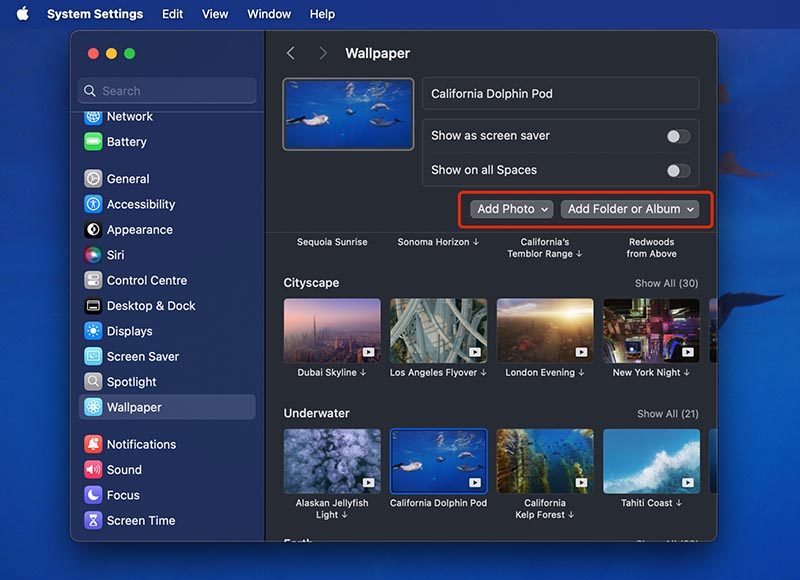
Step 1. Click the Apple menu and select System Settings, then scroll down and click Wallpaper in the sidebar. Choose a wallpaper category from the available options.
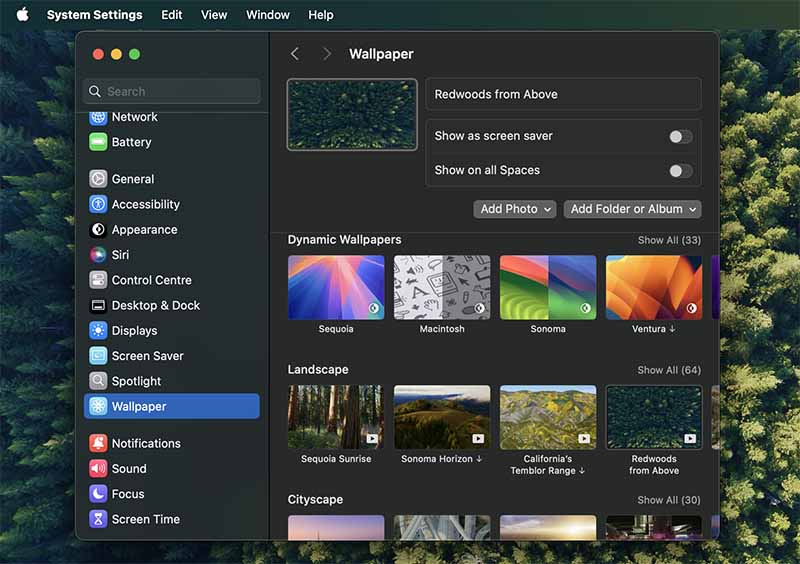
Step 2. Adjust settings depending on the wallpaper type: shuffle aerials, pick light/dark versions of Dynamic Wallpaper, or enable a slow-motion aerial as a screen saver.
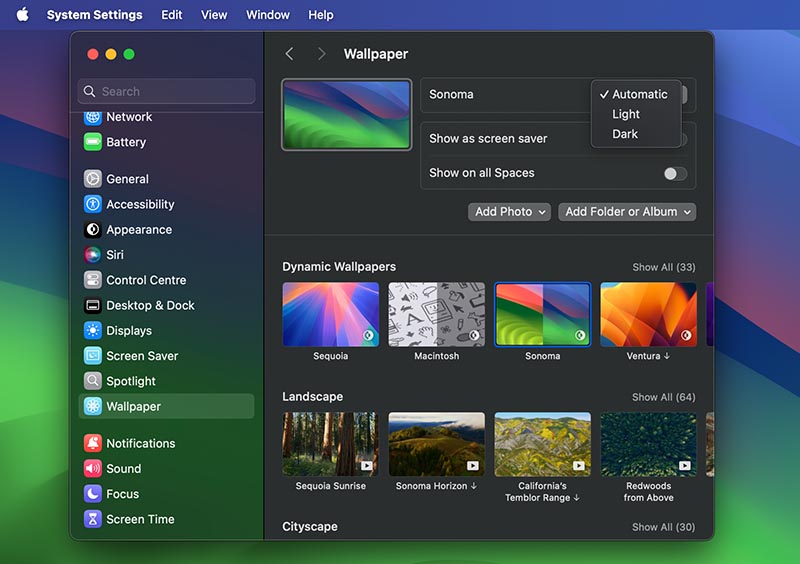
Step 3. You can add your own wallpaper from various paths: Photo app, Folder, Album, and more.
Conclusion
There are tons of desktop wallpaper free download options you can explore! Popular sites offer a wide range of high-quality images, while many apps also provide free downloads, including both static and live wallpapers to suit any taste. For Windows users, iTop Easy Desktop stands out as more than just a wallpaper source. With a huge library of crisp desktop backgrounds and tools to declutter your desktop, your PC will look both stylish and organized under the help of this desktop organizer software. If you are looking for a reliable all-in-one solution for wallpapers and desktop management, iTop Easy Desktop is definitely worth trying!

- iTop Easy Desktop - Keep Your Desktop Organized
-
- Box desktop icons to declutter your workspace
- Manage documents, games, media files, etc., at 1 click
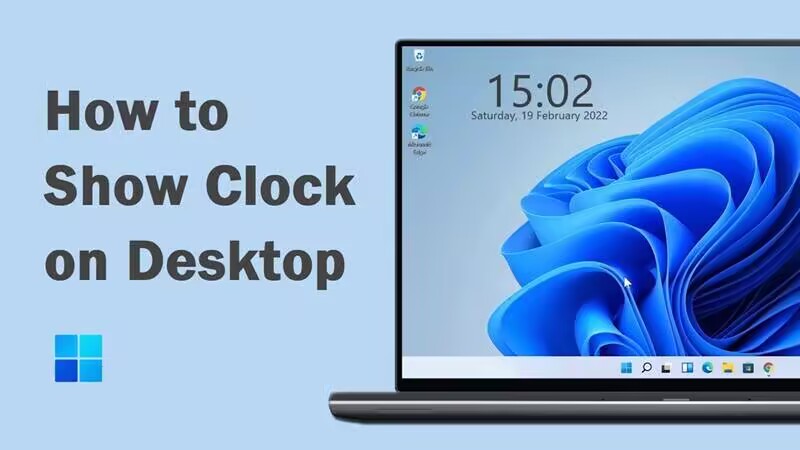
- Add calendar, clock and other widgets to desktop
- Locate any file you want instantly with search box