-
iTop Easy Desktop - No.1 Desktop Organizer for Windows
-
Automatically organize and customize Windows desktop. Make your messy desktop look clean and professional within seconds.

Ultimate Guide to Live Earth Wallpaper on Windows 11 & Pixel (Stunning 4K Options)
Find the best earth wallpaper, from live earth wallpaper Windows 11 setups to live earth wallpaper Pixel phones. Get stunning 4K backgrounds - try it now!
An earth wallpaper brings a unique blend of science, beauty, and motion to your screen. Whether you prefer a rotating globe, real-time day-night cycles, or cinematic space views, these wallpapers transform ordinary desktops and smartphones into immersive experiences. With the growing demand for personalization, users are now actively searching for high-quality options like earth wallpapers 4K and dynamic backgrounds.
At the same time, solutions for both desktop and mobile users have expanded, especially Pixel users. From advanced tools for live earth wallpaper Windows 11 to live earth wallpaper Pixel options on smartphones, there are now more ways than ever to enjoy a stunning earth wallpaper across devices. This guide walks you through everything, from finding these wallpapers to setting them up efficiently.
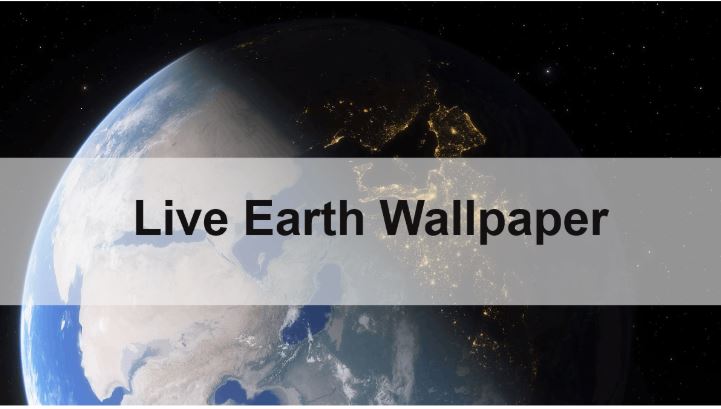
A live earth wallpaper is a dynamic background that displays Earth in motion, often simulating real-time rotation, weather patterns, or day-to-night transitions. Unlike static images, these wallpapers create a sense of depth and realism, especially when using earth 3d live wallpaper formats.
One of the main reasons for its popularity is visual immersion. Users enjoy watching our Earth rotate, or city lights glow as night falls. It turns your device into something more interactive and engaging. Another factor is customization - modern systems allow users to tailor brightness, motion speed, and perspective.
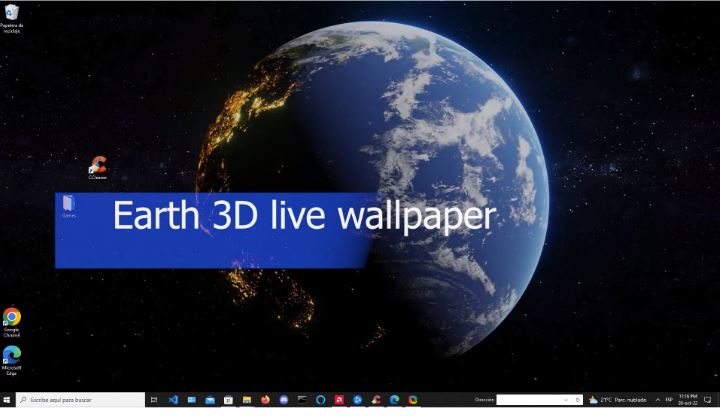
Additionally, advancements in display technology have made earth wallpapers 4k more accessible. High-resolution screens on both PCs and smartphones make these wallpapers look incredibly detailed. Whether you're setting up earth wallpaper live windows or using a phone, the experience feels premium and futuristic.
Finding a high-quality earth wallpaper is easier than ever, thanks to a wide range of online platforms offering both static and live options. Whether you want minimal designs or realistic space visuals, there’s something for every preference.
For users seeking earth wallpapers 4k, here are some popular sources:
Wallpaper websites (e.g., Unsplash, Pexels) for static earth wallpaper
Live wallpaper apps like Wallpaper Engine or mobile apps
NASA image libraries for authentic Earth visuals
Desktop tools offering built-in earth wallpaper live windows options
Dedicated 4k wallpaper for PC tool like iTop Easy Desktop
These platforms provide both still images and animated backgrounds, allowing you to choose based on your device performance and personal style.
While Windows doesn’t natively support animated backgrounds, setting up a live earth wallpaper in Windows 11 or Windows 10 environment is still straightforward with the help of third-party tools. Once you install the right software, you can turn any video or animated Earth scene into a smooth and immersive earth wallpaper.
Follow these steps to set a live earth wallpaper:
Step 1. Download a live wallpaper tool
Choose software like iTop Easy Desktop, Wallpaper Engine, or Lively Wallpaper.
Step 2. Install and launch the program
Complete the setup process and open the application.
Step 3. Browse or import an earth wallpaper
Select from built-in libraries or upload your own earth wallpapers 4k video.
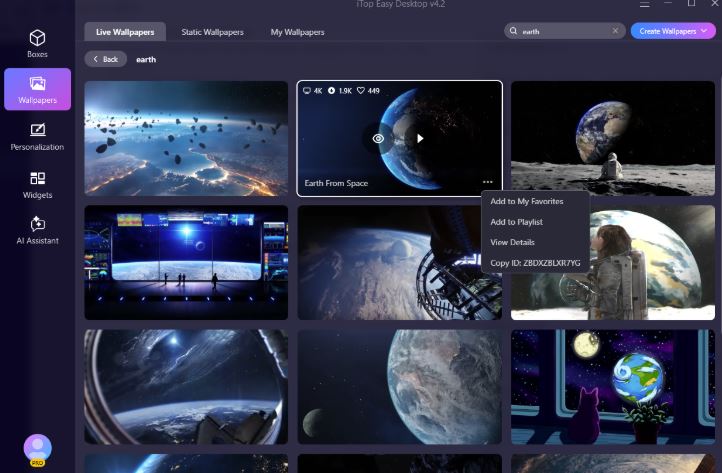
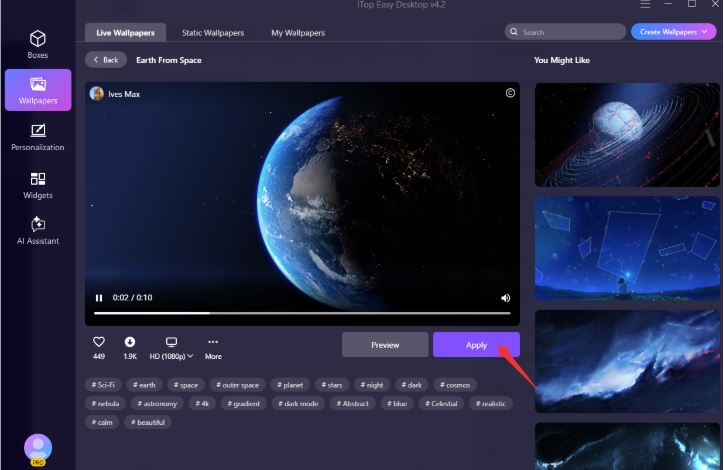
Step 4. Apply the wallpaper
Click “Apply” or equivalent to activate the animation.
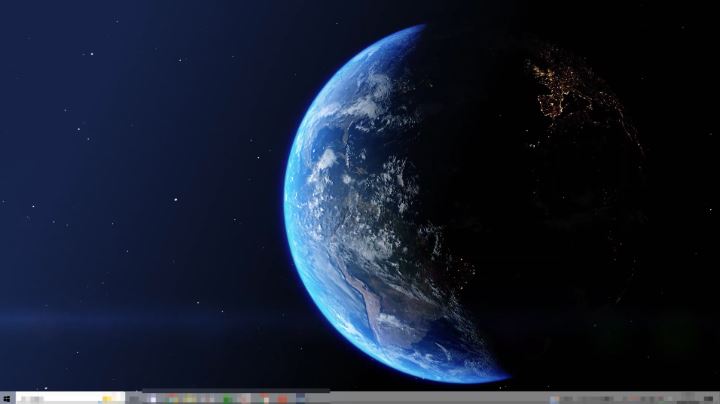
Once completed, your desktop will display a fully animated earth wallpaper live Windows background.
There are several ways to set up a high-quality earth wallpaper on Windows 11, depending on your preference for simplicity, customization, or performance. Below are three of the most effective methods, each offering a different balance of features and ease of use.
Way 1. 1-Click Way to Set Live Earth Wallpaper with iTop Easy Desktop
If you want the fastest and most beginner-friendly way to apply a live earth wallpaper Windows 11, iTop Easy Desktop stands out as a top choice. It combines wallpaper customization with powerful desktop management, making it more than just a wallpaper tool.

- iTop Easy Desktop - Explore Aesthetic Wallpapers for PC
-
- Free download wallpapers across a wide range of styles
- Animate your desktop with free HD/4K live wallpapers
- Create custom wallpapers from images/videos with ease
- Apply and change desktop backgrounds in one click
Unlike traditional solutions, iTop Easy Desktop integrates dynamic backgrounds with a smart desktop organizer, allowing you to keep your workspace clean while enjoying a stunning earth wallpaper. It’s especially useful for users who want both aesthetics and productivity in one place.
Beyond basic wallpaper settings, the tool supports high-resolution animations, including earth 3d live wallpaper and ultra-clear earth wallpapers 4K. Its optimized engine ensures smooth playback with minimal CPU usage, which is crucial for maintaining system performance on Windows 11.
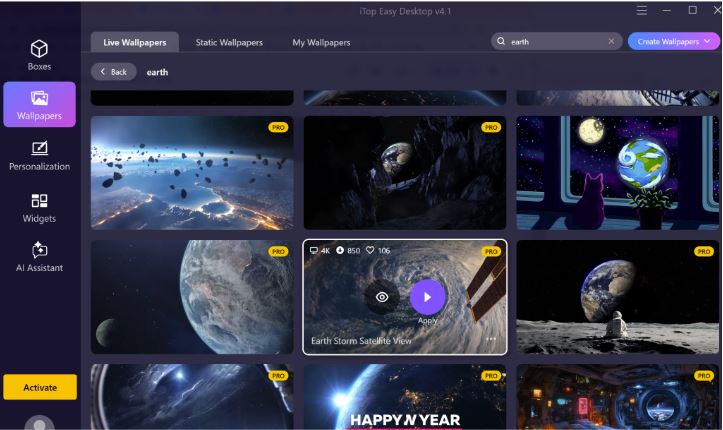
Another standout feature is its built-in productivity ecosystem. You can enhance your desktop with tools like a calendar widget for scheduling and a clock widget for real-time tracking - all while your earth wallpaper live Windows runs seamlessly in the background.
Overall, this is the most efficient live earth wallpaper hub for beginners and anyone who wants a clean, feature-rich desktop setup without complexity. And for users seeking a complete desktop organizer for Windows, this adds significant value.
Pros:
One-click setup for live earth wallpaper Windows 11, very beginner-friendly
Built-in desktop organizer and widgets for productivity
Smooth performance with low CPU usage
Supports high-quality earth wallpaper and 4K content
Cons:
Wallpaper library not as large as community-based platforms
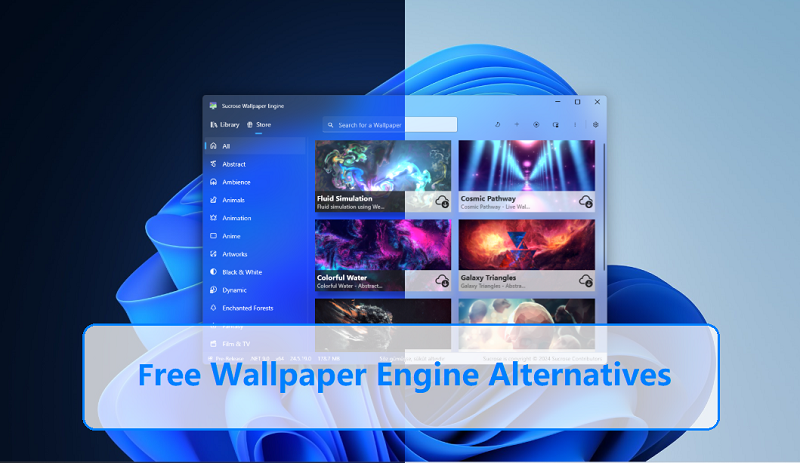
Way 2. Using Wallpaper Engine for Advanced Customization
Wallpaper Engine is a feature-rich solution for users who want maximum control over their earth wallpaper experience. It provides access to thousands of animated wallpapers, including interactive and community-created designs.
This tool is particularly suitable for advanced users who want to fine-tune animation effects, lighting, and performance settings. Many available wallpapers include detailed earth wallpapers 4k and realistic motion effects, making them visually impressive.
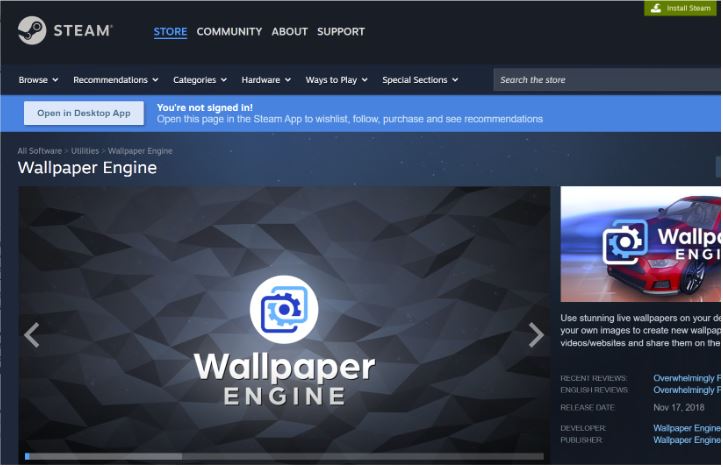
Steps:
1. Install Wallpaper Engine via Steam
2. Browse the workshop for Earth-themed wallpapers
3. Download and apply your chosen design
While powerful, it may require more system resources and setup time compared to simpler tools.
Pros:
Massive library including earth wallpapers 4k and interactive designs
Highly customizable (effects, audio response, performance tuning)
Strong community support with frequent updates
Cons:
Paid software (requires purchase)
Higher system resource usage
Slight learning curve for beginners
Way 3. Using Lively Wallpaper (Free Option)
Lively Wallpaper is a lightweight, open-source option that allows users to set videos as their earth wallpaper. It’s ideal for those who prefer a free solution without sacrificing basic functionality.
This method works well if you have already downloaded earth wallpapers 4k videos. It converts them into animated desktop backgrounds with minimal setup.
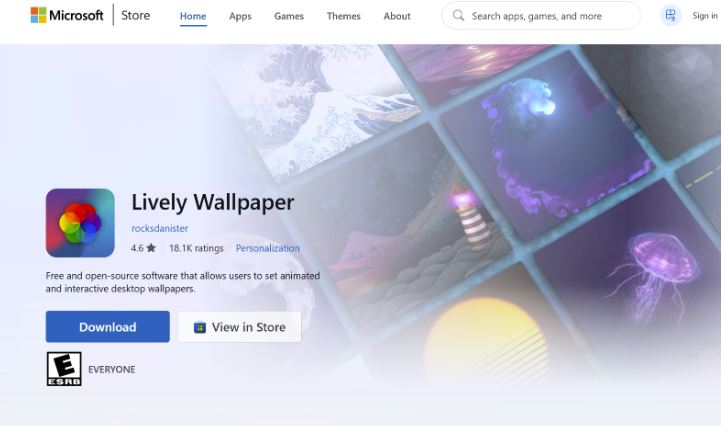
Steps:
1. Install Lively Wallpaper
2. Import your Earth video file
3. Set it as your desktop background
Pros:
Completely free and open-source
Lightweight and easy to use
Supports importing video-based earth wallpaper for live Windows
Cons:
Limited built-in wallpaper library
Less polished UI
For mobile users, especially those using Pixel phones, there are several excellent ways to enjoy a live earth wallpaper pixel experience. These options are optimized for performance and battery efficiency.
Here are three top choices:
Google Earth Live Wallpapers
Built into Pixel devices, these provide real-time views of Earth with smooth transitions and excellent optimization.
Third-Party Live Wallpaper Apps
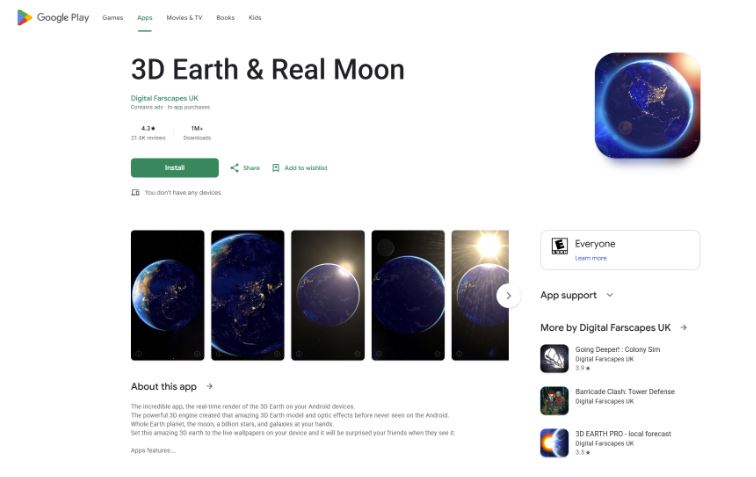
Apps on the Play Store offer customizable earth wallpaper styles, including earth 3d live wallpaper effects and interactive features. Popular options include Earth Live Wallpaper (by App4Joy), 3D Earth & Moon Live Wallpaper, and Earth & Moon in HD Gyro 3D.
Video-Based Live Wallpapers
Some apps allow you to convert high-quality earth wallpapers 4k videos into dynamic backgrounds. Tools like Video Live Wallpaper, KLWP Live Wallpaper Maker, and Walloop Live Wallpapers make it easy to turn videos into a personalized earth wallpaper.
Each option supports live earth wallpaper pixel setups with different levels of customization. Depending on your preference, you can choose between realism, artistic styles, or performance-focused designs.
The Bottom Line
A well-chosen earth wallpaper can completely transform your device, whether you’re on a Pixel phone or a Windows PC. With the right tools and sources, setting up dynamic, high-quality visuals is simple and rewarding. From built-in mobile options to powerful desktop software, there’s a solution for everyone looking to bring Earth to life on their screen.