-
iTop Easy Desktop - No.1 Desktop Organizer for Windows
-
Automatically organize and customize Windows desktop. Make your messy desktop look clean and professional within seconds.

Top 3 Resources to Refresh Your Gaming Wallpaper for Desktop
Where to find high-quality wallpaper for games? Explore the top resources that embrace amazing gaming wallpapers for desktop that captures a game's soul.
The artistic styles within game worlds represent the culmination of immense creative vision. When you encounter a truly stunning scene, the immersion is total. Why not bring that atmosphere into your daily routine? By using these vistas as your desktop background, every login becomes a fresh entry point into your favorite universe. However, finding high-quality game wallpapers can be a challenge. Sourcing specific art styles or true 4K resolution often requires digging through low-res archives.
This article highlights the best resources to find stunning wallpapers for games, helping you explore perfect aesthetic backgrounds and introduce a powerful desktop tool to manage it all.
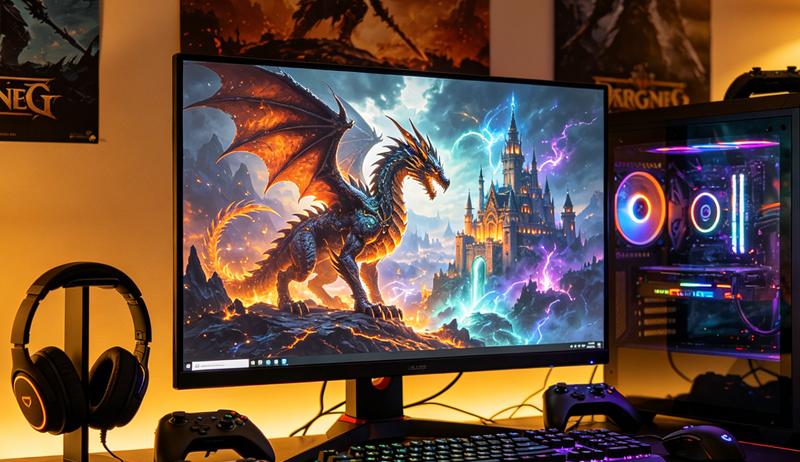
Different types of games correspond to different visual styles. Popular ones today include realistic cities and villages, sci-fi landscapes, surreal fantasy scenes, 2D anime styles, and dark horror themes. When searching for gaming wallpapers, these styles can help you quickly narrow down and find what fits your taste.
Realistic open-world: Transform your desktop into a sprawling landscape of bustling cities, quiet villages, and untouched wilderness. Imagine that a top-down view reminiscent of a classic Chinese wuxia masterpiece invite you into a living, breathing realm.
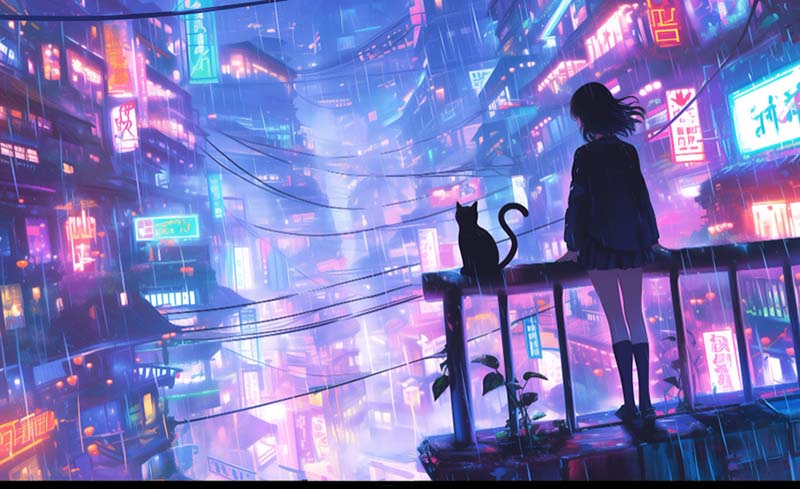
Sci-fi and cyberpunk: Futuristic settings, neon lights, and surreal elements define this style. Cyberpunk wallpapers with glowing skylines, advanced cities, or dramatic scenes like a red moon in a sci-fi world can create a bold atmosphere.
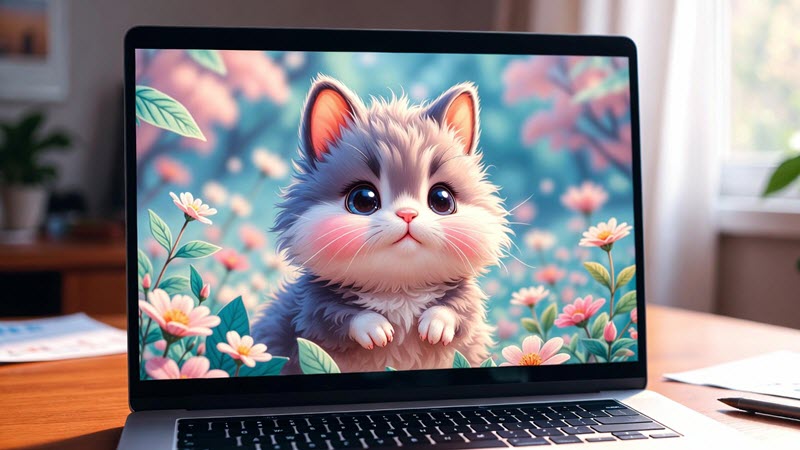
Anime and manga style: Bright colors and stylized environments are key features here. Scenes like a jungle path forming a tunnel or gateway can add a sense of adventure and imagination to your desktop.
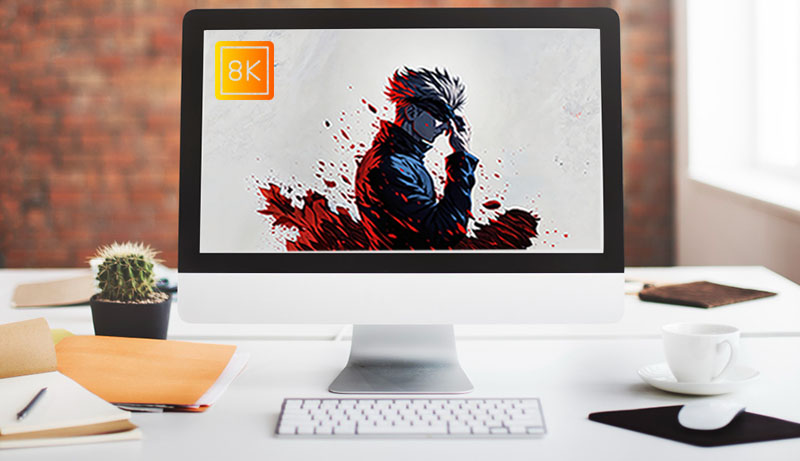
Dark-themed combat scenes: Focus on dramatic lighting and strong contrast, often featuring intense battle moments. A dark-toned gaming wallpaper highlighting the tension between hero and villain can bring a dynamic feel to your screen.
Once you've identified your favorite game and preferred visual style, the next step is to find high-quality wallpapers that match your expectations. There are several reliable resources where you can browse and download 4K gaming wallpapers for your desktop.
If you're struggling to find a reliable resource for gaming wallpapers, Wallpapers.com serves as a powerful entry point. It has established an archives of high-resolution desktop backgrounds. Featuring an intuitive search interface and categorized tags, fans can quickly access and download desired arts of their favorite games. Optimized for high-end monitors, these wallpapers for games ensure that your desktop remains crisp, vibrant, and free of pixelation. Beyond standard desktops, the platform provides tailored aspect ratios for dual-monitor setups, mobile devices, and tablets. Explore extensive collection in Wallpaper.com and transform your computer into a living gateway to the gaming worlds you love.
Note: An account is required for wallpaper free download.
How to Get Gaming Wallpapers Desktop from Wallpapers.comStep 1. Visit the Wallpapers.com website using your browser. You'll need to sign up and log in to get started.
Step 2. Browse wallpaper categories on the home page and locate Gaming. Otherwise, enter keywords of desired wallpaper for games in the search box to get available results.
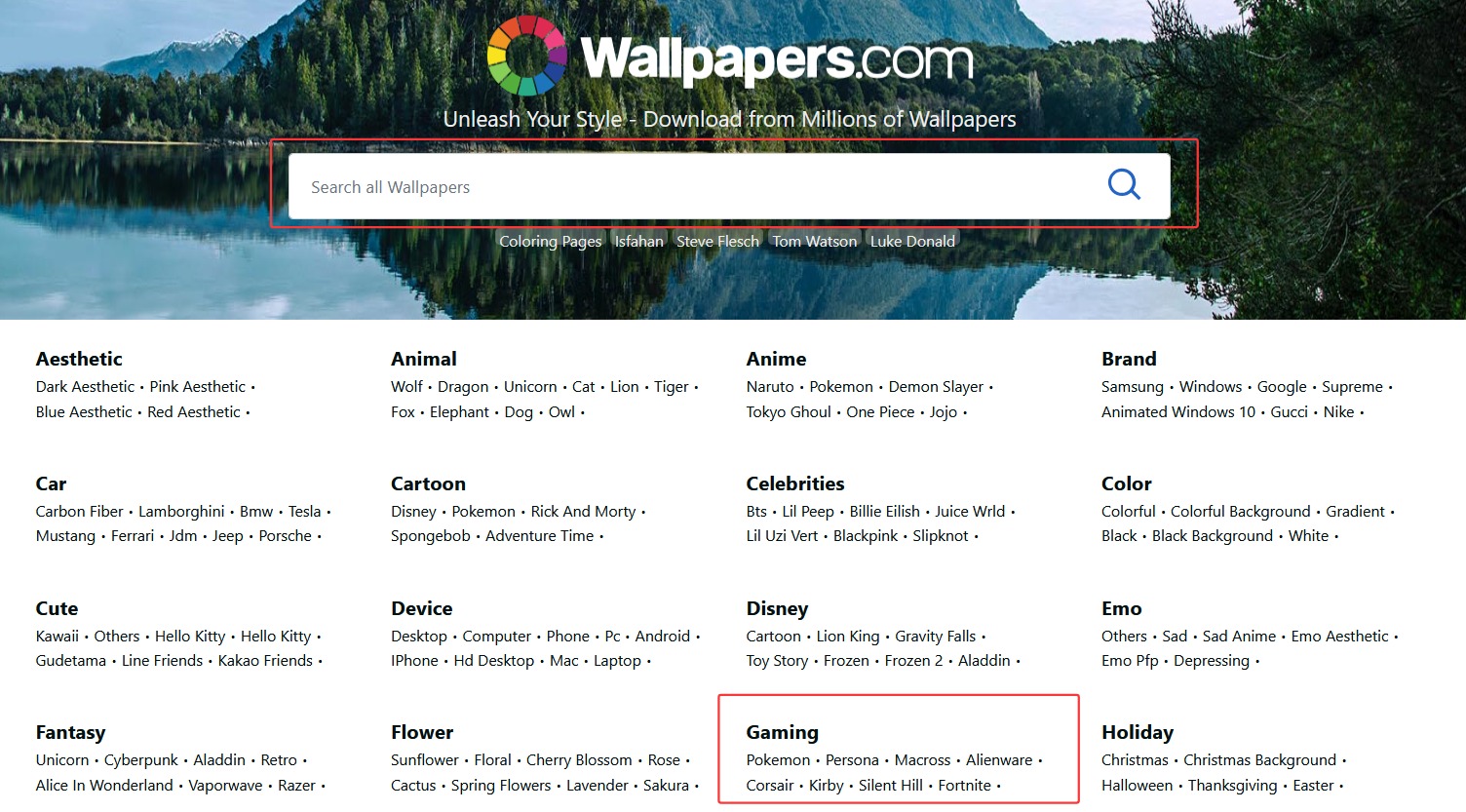
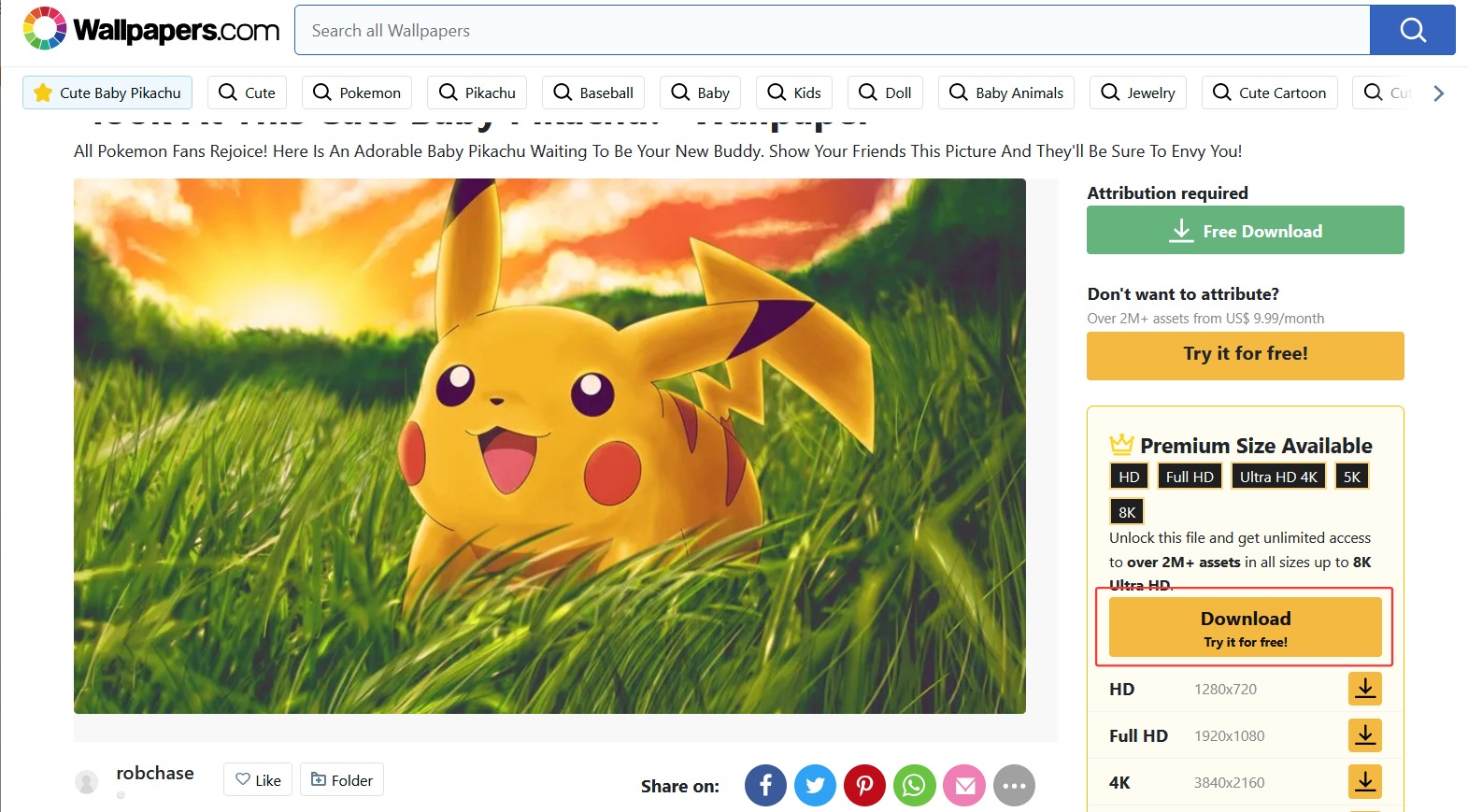
Step 3. Once you find an image you like, click on it to open the detail page. Then select Free Download to save it.
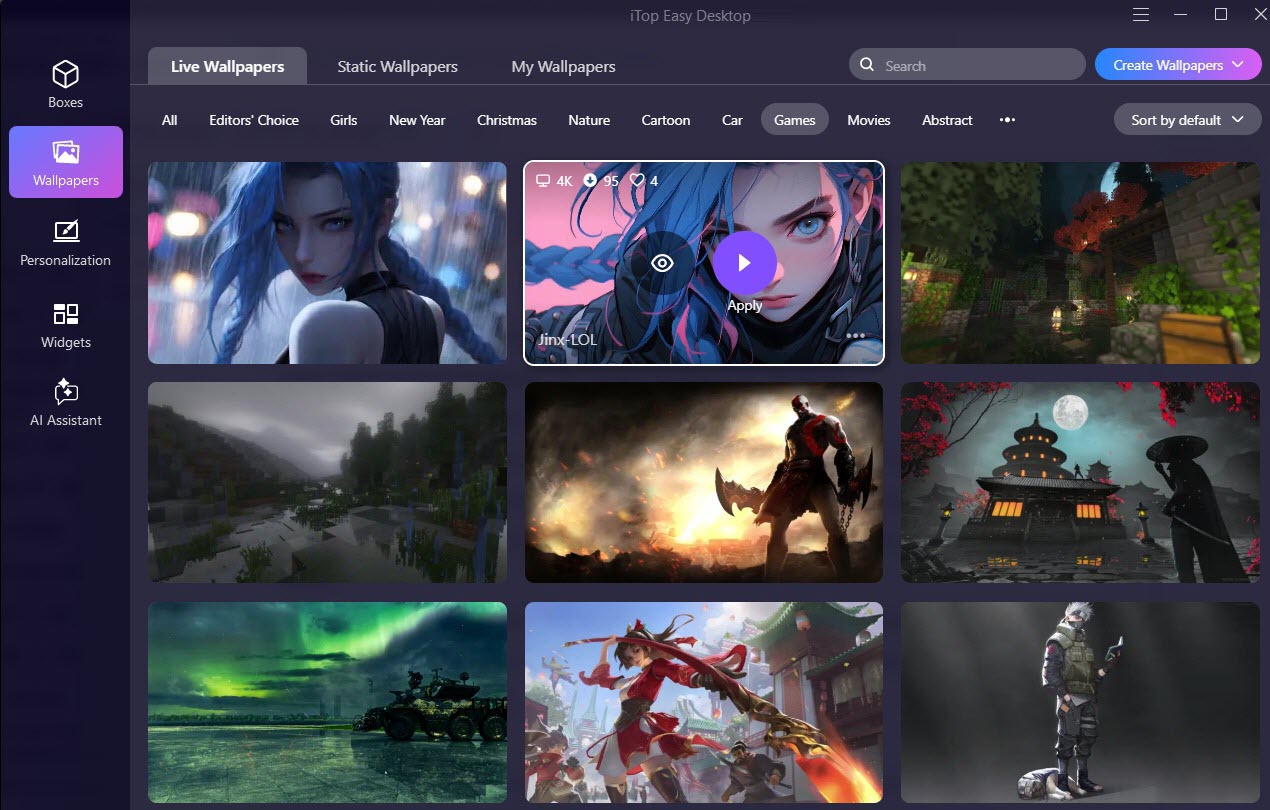
iTop Easy Desktop, an all-in-one desktop customizer for Windows, has a huge collection of wallpapers for games, from immersive gaming scenes to fantastic characters. Whether you want to animated wallpapers to spice up your desktop or just enjoy static background for a cozy feel, it helps you easily explore, download and apply dream gaming wallpapers on the desktop in a single click. Besides gaming wallpapers, it additionally gathers thousands of backgrounds in various styles, Cartoon/Anime, Nature, Sci-Fi, Sports and so on.
iTop Easy Desktop also builds the best place to manage and personalize your wallpapers. Upload your image and set as backgrounds for desktop or lock screen. Alternatively, create your own live game wallpapers to make your desktop unique.
How to Find Wallpaper for Games in iTop Easy DesktopStep 1. Download and install iTop Easy Desktop on your computer.
Step 2. Open the software and navigate to the Wallpapers section. Go to Live Wallpaper or Static Wallpaper, and click Games to browse wallpaper for games. Alternatively, enter game keyword in search box in the upper-right corner and click search.
Step 3. Filter the results displayed on the platform. Once you find a wallpaper you like, hover your mouse over it. You can click Preview to check how it looks first. If you're satisfied, click Apply.
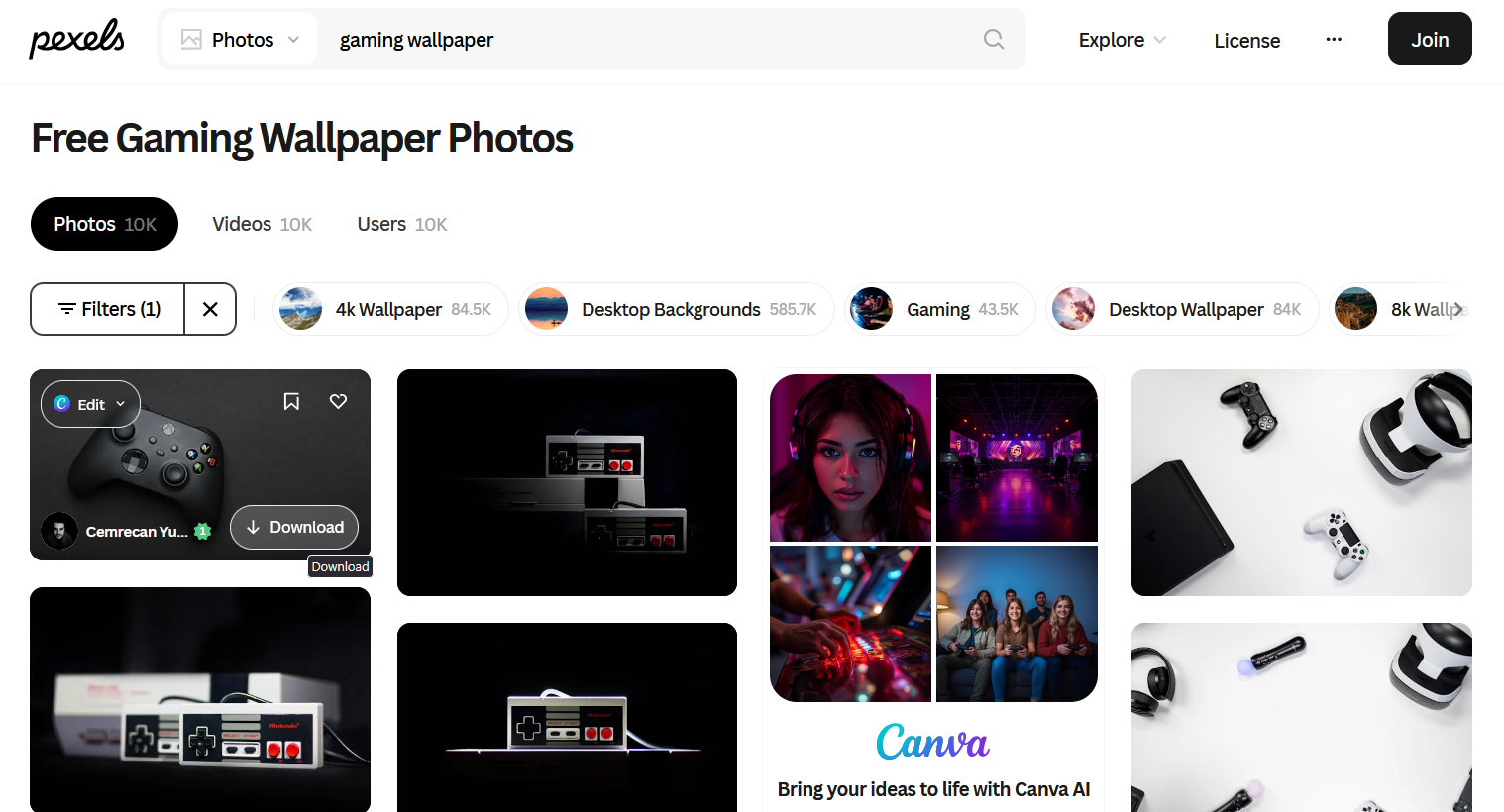
Pexels is a great option if you’re searching for free, high-quality game-style wallpapers. The creative visuals inspired by gaming culture make the platform a go-to resource for finding trendy gaming aesthetics, from cyberpunk setups to immersive battle scenes, from competitive FPS vibes to cozy indie environment, and more. Most wallpapers are available in HD and 4K perfect for modern monitors.
Pexels offers easy search and filters helping you quickly find relevant images for your taste. As a royalty-free platform, you can download game wallpapers for free, requires no attribution.
How to get wallpaper for games from PexelsStep 1. Visit the Pexels website using your browser. Locate the search bar at the top of the page, select Photos, then enter your desired wallpaper keywords and click the search icon.
Step 2. Once you find a wallpaper you like, hover your mouse over it and click the Download button that appears in the bottom-right corner.
The Bottom Line
Game enthusiasts prefer to decorate their desktops with wallpapers related to favorite games. This article have listed the top 3 resources that enable users to download numerous game wallpapers for free. Unlike Wallpapers.com and Pexels which are online platforms, iTop Easy Desktop is a well-developed desktop customization tool for Windows and delivers a Wallpaper section allowing users to search and set backgrounds in a convenient way. Creators can also expand their creativity to make live wallpapers for desktop.

- iTop Easy Desktop - Explore Aesthetic Wallpapers for PC
-
- Free download wallpapers across a wide range of styles
- Animate your desktop with free HD/4K live wallpapers
- Create custom wallpapers from images/videos with ease
- Apply and change desktop backgrounds in one click