
iTop VPN offers 3200+ VPN servers in 100+ locations worldwide to help you access various sites privately and safely, along with dedicated IP, dynamic and static IP, and Double VPN.
Learn how to delete yourself from the internet and protect your privacy. Follow this step-by-step guide to protect your privacy from social media.
The world is connected. Every click, like, and sign-up leaves a digital footprint. With increasing concerns about privacy, many people are asking “how to delete my information from the internet” to regain control over their personal data. Don’t worry! This article will tell you how to delete yourself from the internet step-by-step. Meanwhile, you will also learn a method for protecting your personal information in this article for your future online activities.
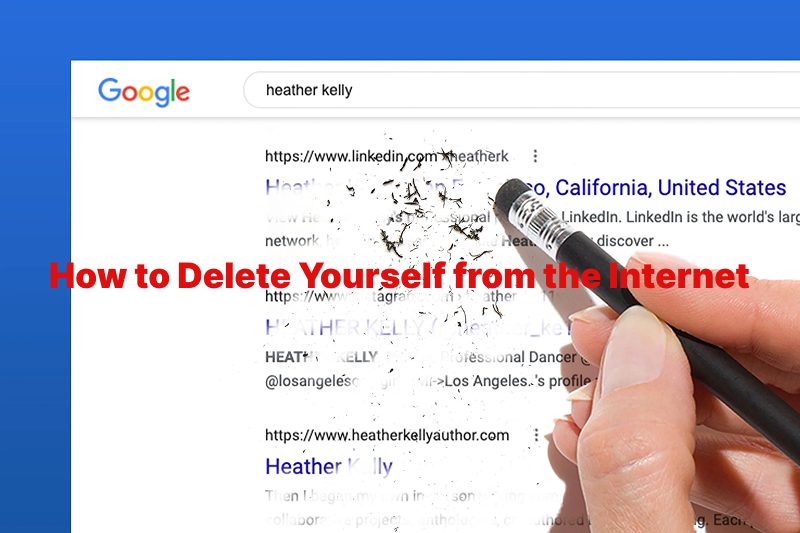
The more personal data you expose online, the more risks you face. Conversely, understanding how to delete yourself from the internet allows you to regain control over your personal data and minimize your digital attack surface. Are you ready to take actions according to the below steps?
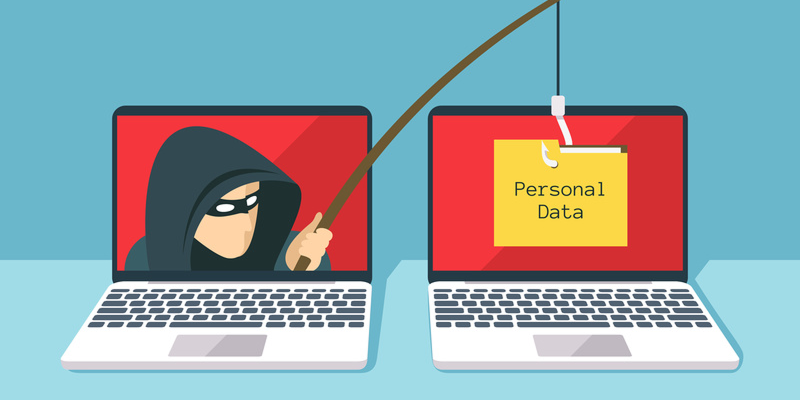
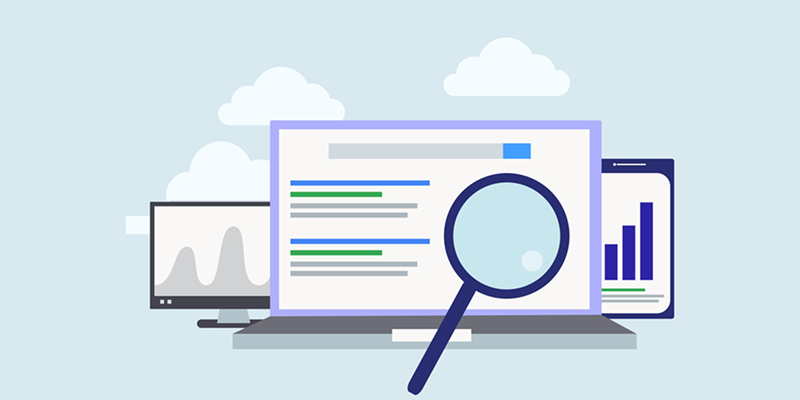
Conducting a thorough audit of your digital life is a good answer for how to delete personal information from the internet. Search for your full name, primary email addresses, and common usernames across major search engines like Google and Bing. Don’t forget to check people-search websites (e.g., Spokeo, Whitepages, BeenVerified), which often aggregate personal details. Document every finding—this list will be your roadmap for the cleanup process.
Social media profiles are often the most significant source of personal exposure. It's crucial to figure out how to delete your information from the internet.
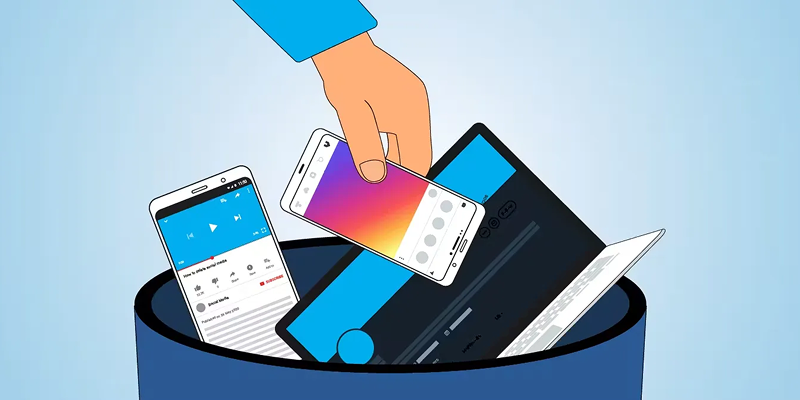
Facebook: Navigate to Settings & Privacy > Settings > Your Facebook Information > Deactivation and Deletion.
Instagram: Go to your profile, access Settings > Account > Delete Account.
Twitter/X: Go to Settings and Privacy > Your account > Deactivate your account.
LinkedIn: In Settings & Privacy, go to Account preferences > Account management > Close Account.
Before deleting, download a copy of your data for personal record-keeping through each platform's data archive tool.
Data brokers collect and sell your personal information. If you want to learn how to delete yourself from the internet, you must tackle these sites. The manual process involves finding the opt-out page on each broker's website, which can be time-consuming. If you want to do it more efficiently, please try to use automated privacy services like DeleteMe or Incogni, which handle the opt-out requests on your behalf.
Want to know how to delete personal information from internet? Never forget your old accounts! Forgotten accounts on old forums, shopping sites, and apps still hold sensitive data. Use tools like JustDelete.me to find direct deletion links. You can also search your email inbox for "welcome" or "verify your account" messages to uncover old subscriptions. For accounts that cannot be deleted, a good practice is to replace your real data with fake information.

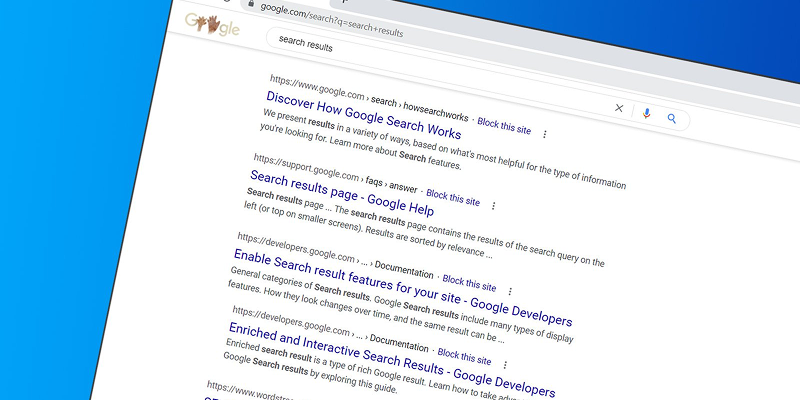
Even after deleting information at the source, cached results can linger in search engines. So, removing these traces is crucial for anyone trying to master how to delete yourself from the internet. To address this, use Google’s Remove Outdated Content tool to request the removal of old links from search results. Similarly, Bing provides a Content Removal Request tool for the same purpose.
How to delete your information from the internet? Be careful with your emails! Your email exposure often leads to inbox clutter. Unsubscribe from marketing emails directly or mark them as spam. Proactively, you can register with sites like DMAchoice to opt out of marketing emails and the Do Not Mail List to reduce physical junk mail.

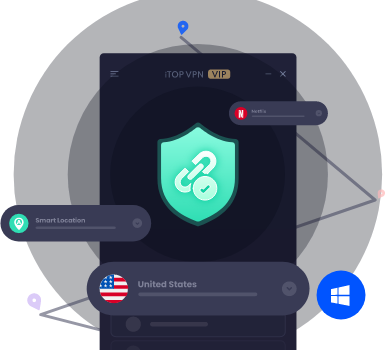
After cleaning up your past to achieve how to delete yourself from the internet, it's vital to protect your future online activity. Essential tools include a VPN to encrypt your connection, Two-Factor Authentication (2FA) for account security, and regularly clearing cookies and browser cache. For robust protection, iTop VPN is a recommended solution designed for encrypted browsing and IP masking. Its features include:
Military-Grade Encryption: Rest easy knowing your data is protected with the advanced encryption protocols of a premium dedicated IP VPN, a service designed to keep your information safe from prying eyes.
Global Server Network: Connect to a vast array of servers across the globe, giving you the flexibility to choose the best location for your needs, whether you're looking for speed or access to specific content.
No-Log Policy: With this speed VPN, your online actions stay private. We never track, log, or store any of your browsing activity, ensuring that your digital footprint remains invisible.
IP Address Masking: The core of iTop VPN's protection is its ability to hide IP address. This technology completely masks your real IP, letting you browse the web freely, safe from tracking and identification.
Ad and Tracker Blocker: Say goodbye to annoying ads and sneaky trackers. Use iTop VPN to get a smoother, faster browsing experience with fewer interruptions and enhanced privacy.
Kill Switch Function: In the unlikely event of a free VPN connection drop, the kill switch kicks in to instantly sever your internet connection, protecting your data from any leaks.
Cross-Platform Support: iTop VPN works seamlessly across a range of devices, including Windows, iOS, Android, and more, ensuring you stay protected no matter what platform you’re using.
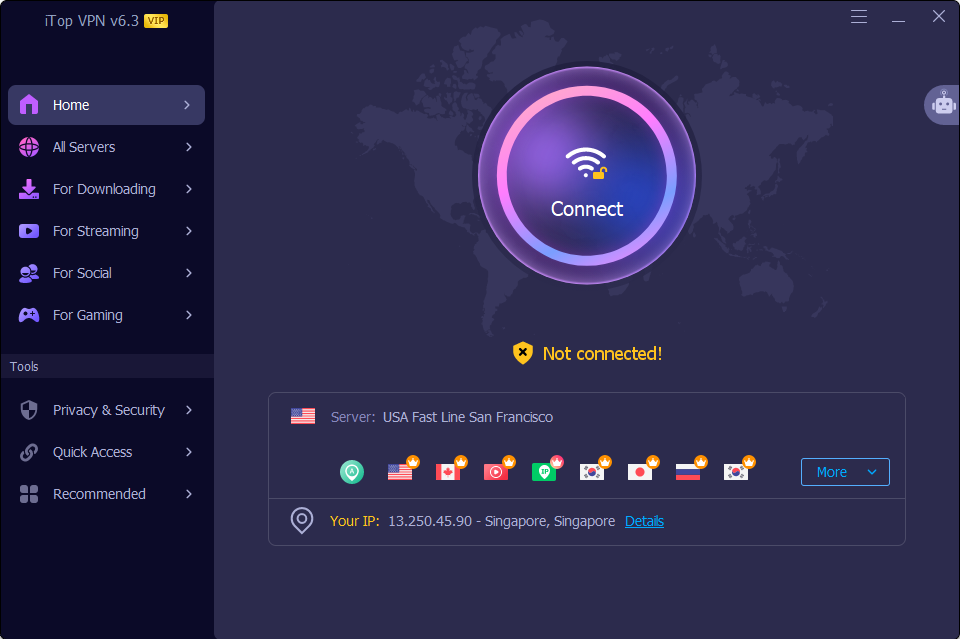
Here is a simple guide to using iTop VPN's Privacy & Security tools:
Step 1. Download and install iTop VPN on your device from its official website or your app store (like iTop VPN iOS App Store).
Step 2. Open the application and create an account. For enhanced privacy, you can explore options for a dedicated IP VPN.
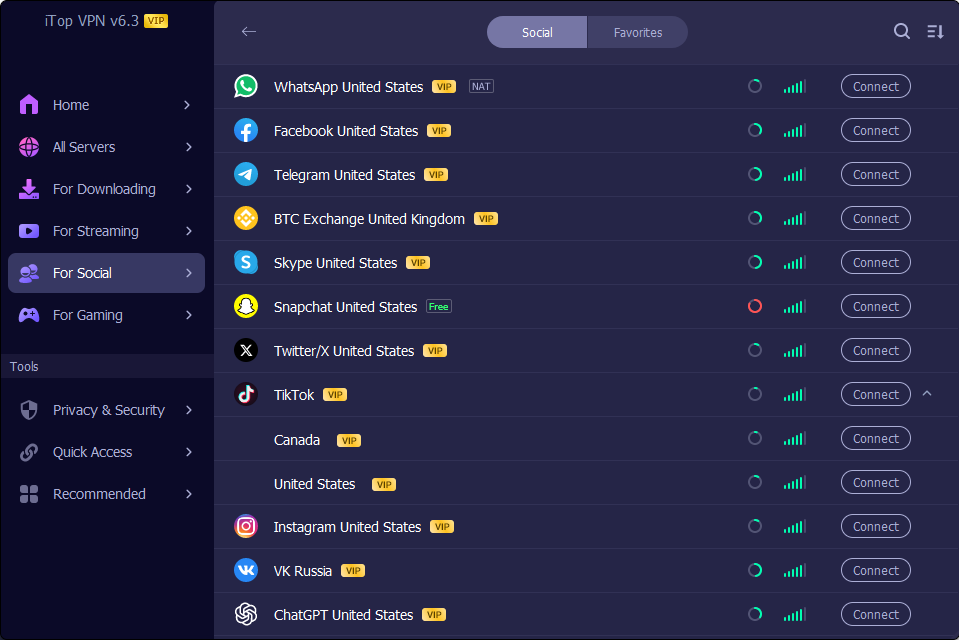 Step 3. Select available VPN servers from the list and connect.
When talking about how to delete yourself from the internet, don't overlook the powerful legal tools at your disposal. Laws like the GDPR in Europe and the CCPA in California grant you the "right to be forgotten." You can use these regulations to submit formal data deletion requests to companies holding your information, forcing them to erase your data.
Now you can answer how to delete personal info from internet according to the above steps. In addition, you should also remember to adopt these habits to maintain a low profile when after the major cleanup:
Use disposable email addresses for sign-ups. This keeps your primary email private and contains spam.
Regularly review permissions granted to apps and services. Revoke access for those you no longer use.
Avoid oversharing personal details on forums and social platforms. The less information you put out there, the smaller your footprint.
Final Words
You now have a clear path for how to delete yourself from the internet. Reaching 100% invisibility is tough, but cutting your online presence down to size is both feasible and transformative for your security. Always stay protected moving forward! Make it a habit to regularly manage how to delete my info from the internet. For a seamless solution, get iTop VPN iOS or Android version today and lock down your privacy in seconds.
10+ dedicated social app servers
Unblock your favorite apps
Encrypt and protect data

Subscribe to Our Newsletter
Subscribe to our newsletter to stay updated every moment.

Subscribe to Our Newsletter
Subscribe to our newsletter to stay updated every moment.
© 2026 iTop. All rights reserved.






