iTop VPN offers 3200+ VPN servers in 100+ locations worldwide to help you access various sites privately and safely, along with dedicated IP, dynamic and static IP, and Double VPN.
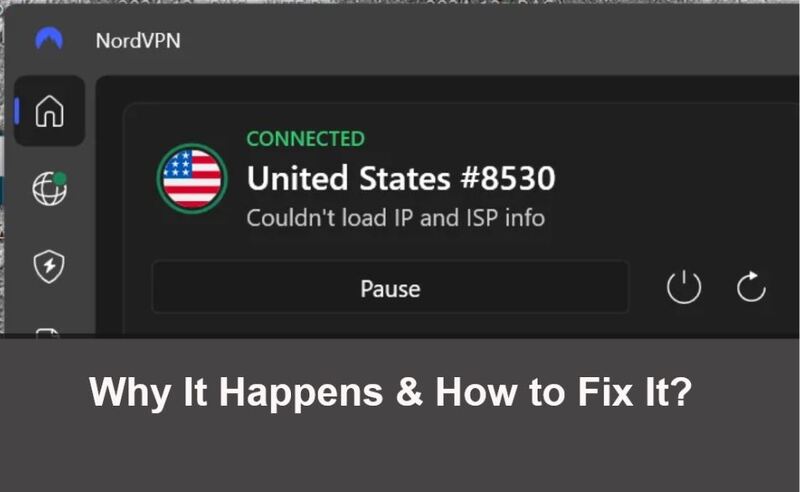
Facing NordVPN can't connect errors? Learn why NordVPN is not connecting to server, how to fix NordVPN server not responding issues, and get alternatives.
After users purchase a premium VPN, connection issues can be especially frustrating. Errors like NordVPN can't connect, NordVPN not connecting to server, or NordVPN server not responding often appear suddenly, interrupting browsing, streaming, or secure work sessions. These problems may affect a single server, a region, or even an entire device, making it hard to know where to start troubleshooting.
 Fortunately, most NordVPN connection failures are not permanent. By understanding common triggers, you can quickly restore a stable VPN tunnel. This guide walks you through proven fixes and introduces safe alternatives when NordVPN servers remain unavailable.
When NordVPN can't connect, the issue is rarely caused by a single factor. Network configuration, server load, device settings, and even local ISP policies can all interfere with VPN tunnels. Instead of randomly trying fixes, it’s more effective to go through structured troubleshooting steps.
The following 10 solutions move from quick checks to deeper system-level adjustments, helping resolve most NordVPN not connecting to server, NordVPN server not responding and more related situations.
Temporary memory conflicts or background service crashes can prevent NordVPN from initializing properly. Fully close the NordVPN app (not just minimize it), restart your device, and then reconnect. This simple step often resolves sudden NordVPN can't connect errors after sleep mode or system updates.
Disconnect NordVPN and open several websites directly. If the internet itself is unstable, NordVPN will fail to establish a secure tunnel. Weak Wi-Fi signals, captive portals, or ISP outages frequently trigger NordVPN can’t connect to internet messages.
To restore your internet connection, you can:
Reconnect to your Wi-Fi network.
Restart your router.
Inspect the Ethernet cable to ensure it isn’t damaged and that all connections are secure.
Contact your ISP if the issue continues.
Automatic Quick Connect may assign overloaded servers. Manually choosing a different location, especially a nearby region, can immediately fix NordVPN not connecting to server issues. This is particularly helpful when users report NordVPN UK servers not working during peak hours.
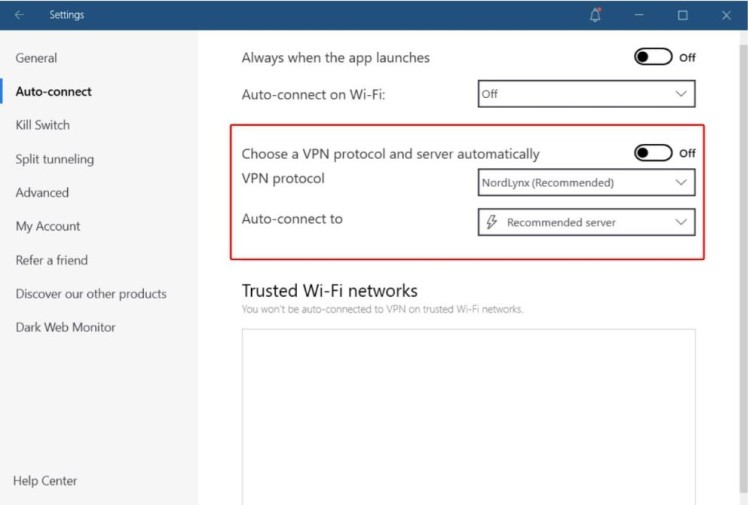
NordVPN supports NordLynx, OpenVPN UDP, and OpenVPN TCP. Some networks block certain protocols, causing repeated connection failures. Switching protocols in settings often resolves handshake problems behind firewalls or restrictive networks.
Third-party security software may mistakenly block encrypted VPN traffic. Temporarily disabling the firewall or antivirus helps identify whether it’s causing NordVPN not connecting on PC. If confirmed, adding NordVPN to the whitelist is recommended.
Outdated apps may conflict with newer operating system security policies. Keeping NordVPN updated ensures compatibility and reduces the risk of NordVPN can't connect after OS upgrades.
Corrupted DNS, TCP/IP stacks, or proxy settings can prevent VPN traffic from routing correctly. Resetting network settings often resolves persistent NordVPN server not responding errors, especially on Windows systems.
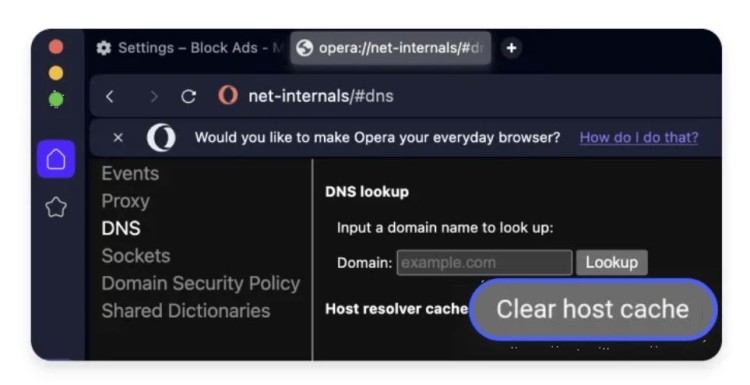
Old DNS records can conflict with VPN routing. Flushing the DNS cache forces your device to fetch fresh records, which can restore connectivity when NordVPN connects but fails to load pages.
Authentication tokens may expire or become invalid. Logging out of NordVPN and signing back in refreshes account credentials and can fix silent connection failures.
If none of the above methods work, uninstall NordVPN completely, restart the device, and reinstall the app. This removes corrupted configuration files that cause repeated NordVPN can't connect loops.
Even after applying fixes, users often wonder why these issues occur in the first place. Understanding the root causes helps prevent future connection failures.
When NordVPN can't connect, the issue is rarely caused by a single factor. Network configuration, server load, device settings, and even local ISP policies can all interfere with VPN tunnels. Common reasons include server congestion, ISP interference, outdated VPN protocols, or restrictive local networks such as schools or offices.

Device-specific factors also matter; mobile systems may restrict background VPN activity, leading to NordVPN not connecting Android or NordVPN can’t connect iPhone scenarios. In some regions, network filtering or DNS manipulation can further disrupt VPN connections.
When NordVPN server not responding persists across multiple locations, the problem may lie beyond simple fixes. Server outages, regional blocks, or long-term congestion can make NordVPN temporarily unusable. In such cases, switching to a reliable alternative becomes a practical solution. One option is using a trusted free VPN as a temporary replacement, like the free VPN version of iTop VPN.
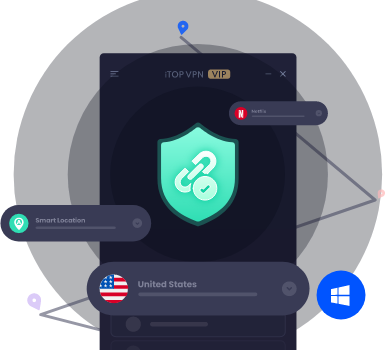
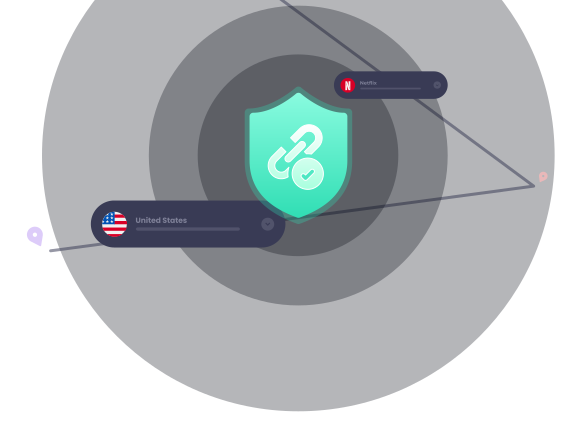
Safe free servers can help restore basic connectivity, access blocked websites, or test whether the issue is VPN-specific or network-wide. iTop VPN, a reliable VPN, offers both a free and a pro version for users. It offers about 100 free VPN servers and a full range of VPN servers, 3200+ servers in over 100 countries, which helps users choose less congested regions, including specialized locations like India, the USA, UAE, Singapore, Malaysia, and more.
 Why iTop VPN Is a Practical Alternative
When NordVPN fails repeatedly, iTop VPN offers a stable and user-friendly option. It is designed for quick setup and smooth connections, especially on Windows systems that frequently encounter NordVPN can't connect error. It brings you a wide range of advantages:
Free and premium servers available for immediate access
Optimized performance for streaming and browsing
Optional dedicated IP for stable, private connections
Clear server categorization to avoid congestion
Reliable VPN for Windows, Mac, iOS, and Android with minimal configuration
As an added benefit, iTop VPN can also support cost-saving use cases like buying TikTok coins cheaply by accessing region-specific pricing securely.
1. Why does NordVPN connect but not load websites?
This usually indicates DNS issues or split tunneling conflicts. Flushing DNS or changing servers helps.
2. Is NordVPN down when it says server not responding?
Not always. It may be a specific server or region experiencing overload.
3. Why is NordVPN not connecting to server on public Wi-Fi?
Public networks often block VPN ports, causing NordVPN can't connect errors.
4. Does reinstalling NordVPN delete my account?
No. Your subscription remains linked to your login credentials.
5. Should I switch VPN providers if NordVPN keeps failing?
If issues persist long-term, testing a reliable alternative like iTop VPN is reasonable.
The Bottom Line
Persistent VPN issues can disrupt both privacy and productivity. While most NordVPN can't connect problems are solvable with the right steps, server outages and regional restrictions sometimes require a backup plan. By applying the fixes above or switching to a trusted alternative in a timely manner, you can maintain secure, uninterrupted internet access without unnecessary frustration.
Subscribe to Our Newsletter
Subscribe to our newsletter to stay updated every moment.

Subscribe to Our Newsletter
Subscribe to our newsletter to stay updated every moment.
© 2026 iTop. All rights reserved.