
iTop VPN offers 3200+ VPN servers in 100+ locations worldwide to help you access various sites privately and safely, along with dedicated IP, dynamic and static IP, and Double VPN.
Learn about HappyMod VPN, the best MOD VPN options, safety concerns, and the top free alternative to VPN HappyMod. Safer security, free surfing online!
HappyMod is a popular third-party Android platform offering modified APKs. Many users like to use HappyMod VPN to unlock restricted content, access faster downloads, or mask their IP addresses. At the same time, using any VPN HappyMod version raises questions about safety, stability, and legitimacy.

Is HappyMod legit? Are the VPNs available on the platform trustworthy? In this guide, you will learn about the popular VPNs on HappyMod, how to download them, and whether you should consider safer official alternatives.
HappyMod is a third-party Android app store offering thousands of MOD APKs - modified versions of popular apps and games with unlocked premium features. Users often choose it to avoid paywalls or access unavailable functions.
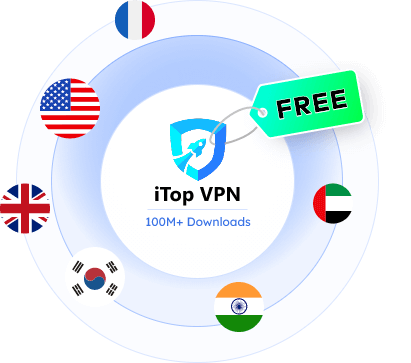
For getting a VPN on HappyMod, users may unlock premium features such as premium servers, unlimited data, ad removal, and enhanced stability for free. For example, get free access to pro servers in some countries, like India, the UK, US, UAE and more.
While HappyMod isn’t primarily a VPN platform, many users explore it in search of cracked or modified VPN tools. Even with considerable security trade-offs, people still want to get a HappyMod VPN with no cost. Below are three VPNs that frequently appear on HappyMod, often sought after by users looking for cost-free access and feature-rich options.
Quick Overview of VPN Mod HappyMod:
HappyMod VPN |
Mod functions |
Note |
Link |
Snap VPN |
Unlimited data traffic, no ads |
Lightweight VPN |
|
Turbo VPN |
Unlock VIP servers, remove ads, and increase traffic |
Very popular and suitable for daily use |
|
Hola VPN |
Unlock the acceleration function, no geographical restrictions |
Free but with privacy concerns |
Snap VPN MODs on HappyMod often unlock unlimited bandwidth, premium server access, and an ad-free interface. It’s lightweight and relatively easy to install, making it a favorite among casual users. However, its MOD versions may lack consistent updates and proper encryption, which makes it unreliable for secure tasks like banking or account logins.
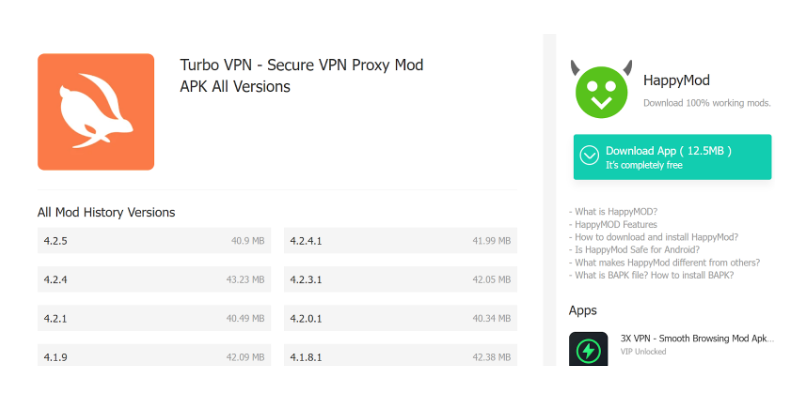
Turbo VPN is often found under searches like "super vpn happymod" or "vpn mod happymod". These modified versions typically unlock high-speed servers and kill switch functionality. Despite these enhancements, they pose risks including a lack of HTTPS tunneling and the possibility of embedded trackers. Turbo VPN MODs are widely used for media streaming and unblocking games, though not recommended for privacy-critical activities.
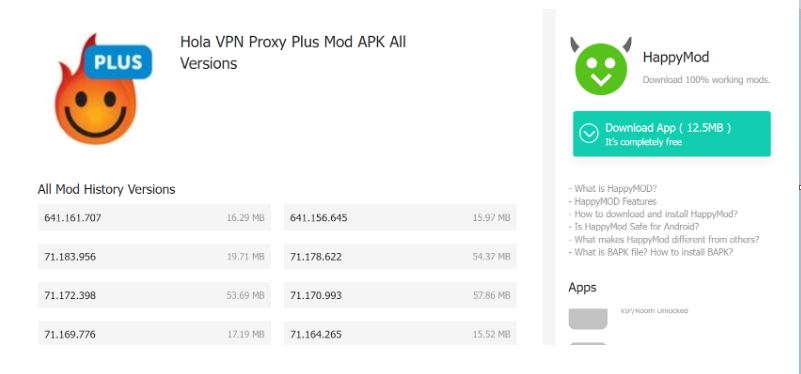
Hola VPN’s MODs remove limitations on region switching and server locations. Its ease of use and peer-to-peer infrastructure attract users, but this same decentralized nature poses major security concerns. Hola has faced criticism for routing user traffic through other people’s devices, raising red flags about data exposure.
Notice that, while these options may grant access to premium VPN features, they should be used with extreme caution.
Although ensuring safety is another story, finding a VPN HappyMod version is relatively simple. To download a VPN from HappyMod:
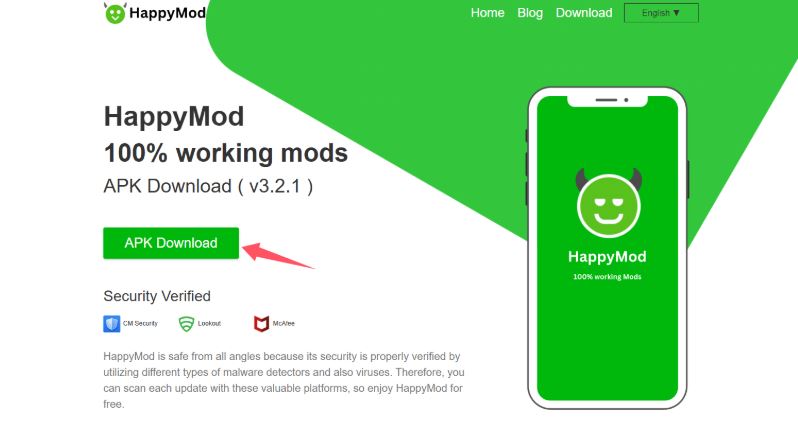
Step 1. Get and launch the HappyMod app.
Step 2. Search using relevant keywords like “1111 VPN HappyMod”, “VPN proxy”, or “Turbo VPN MOD”.
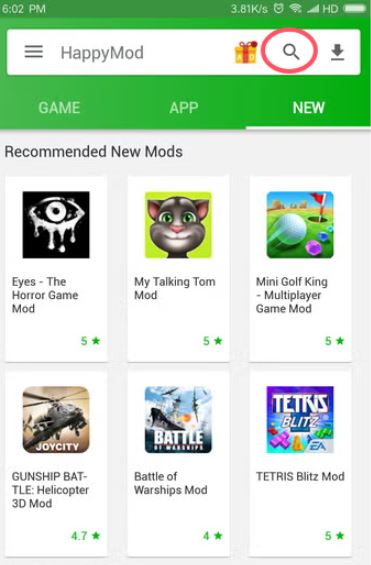
Step 3. Review available options and sort by download numbers and user ratings.
Step 4. Choose a VPN, check the permissions requested, and read the MOD notes.
Step 5. Tap “Download” and enable “Unknown Sources” in Android settings to install.
It's easy to access, but many of these files are unverified and may contain malware. It’s highly advised to scan APKs before installation and avoid granting invasive permissions.
Using a VPN from HappyMod may seem convenient, but the reality is filled with risks. These modified apps may contain backdoors, adware, or hidden trackers, which can compromise your device’s security. Moreover, they often lack transparency, updates, or real customer support. What's worse, some versions contain malicious code or ad hijacking behavior.
So, HappyMod VPN is recommended only for accessing restricted applications or testing. Please choose a regular VPN for long-term use. Regular VPNs provide dependable encryption, DNS leak protection, and advanced features like kill switch and dedicated IP, etc., which guarantee them a safer alternative for long-term use.
Given the privacy and security risks associated with MOD VPNs, switching to a trusted VPN provider is a smart and necessary move. Since the main reason why many users want to download a mod VPN is to use advanced features for free, choosing a secure regular VPN provider that offers free servers can solve this problem well.
Among various options available, one standout choice is iTop VPN, which combines feature-rich free plan, security, speed, and accessibility for all users.

Check out why iTop VPN performs as a more reliable option.
Free Forever, No Strings Attached
iTop VPN offers a free VPN plan with generous bandwidth, fast connection speeds, leading encryption, and about 100 free servers in 5 countries. There’s no need to sideload risky APKs or modify your device. It’s an ideal replacement for those considering a cost-free tool similar to HappyMod VPNs.
Excellent Cross-Platform Compatibility
Whether you’re using an Android phone, iPhone, Windows PC, or macOS, iTop VPN has you covered. The VPN for Android app works more smoothly than using a modified HappyMod VPN for Android.
Bypass Regional Restrictions with Ease
iTop VPN offers a wide VPN server list, 3200+ servers in over 100 countries, which lets users change their virtual location at will. Whether you're trying to access geo-blocked content in Asia or overcome restrictions in the Middle East, the tool functions as an effectiveVPN location changer.
Designed for Speed and Stability
If you’re frustrated with lag and disconnects, don't worry, this speed VPN for PC and mobile has been optimized for gaming, downloading, and online streaming.
Privacy and Customization Features
iTop VPN prioritizes user security with AES-256 encryption and a strict no-logs policy. Features like split tunneling, ad-blocking, and browser cleanup tools give you full control over your digital experience without risking your data.
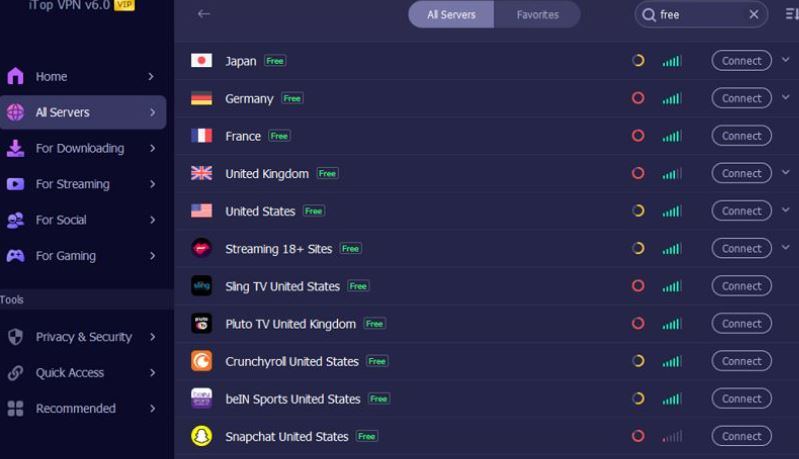
Instead of taking all the risks to download and use HappyMod VPN, why not start with the free and secure iTop VPN? Download and use it now, and you can immediately experience free servers from five countries, including the UK, the US, France, Germany, and Japan, without registration. Or, access its full VPN server list and choose the one you prefer.
HappyMod itself isn’t inherently malicious, but it hosts user-uploaded MODs. You must be cautious and avoid downloading sensitive apps through it.
Alternatives like Aptoide or APKPure offer similar MODs with better moderation. Still, they don’t fully replace HappyMod's extensive library.
No. While some sites claim to offer HappyMod for iOS, these are typically fake or unsafe. Be wary of "how to download HappyMod on iOS" tutorials promising one-click solutions.
Generally no. These MOD VPNs may contain security loopholes or tracking mechanisms. It’s safer to opt for verified VPN providers.
1111 VPN HappyMod" versions claim to mimic Cloudflare’s 1.1.1.1 VPN, but they are unverified and potentially unsafe.
It's better to switch to an official VPN that guarantees security and consistent performance. Using unverified VPN MODs can expose your device to unnecessary risks.
While downloading a HappyMod VPN may seem like a convenient shortcut, the risks far outweigh the benefits. Stick with trusted providers for a safer, faster, and more reliable experience using free Android VPNs and accessing restricted content globally.
How to Download Apps Not Available In Your Country Android-Applied
Best Unlimited VPN for Android: Free & Paid Options for Different Unlimits

Top 5 Android Emulator VPNs to Solve Internet Issues
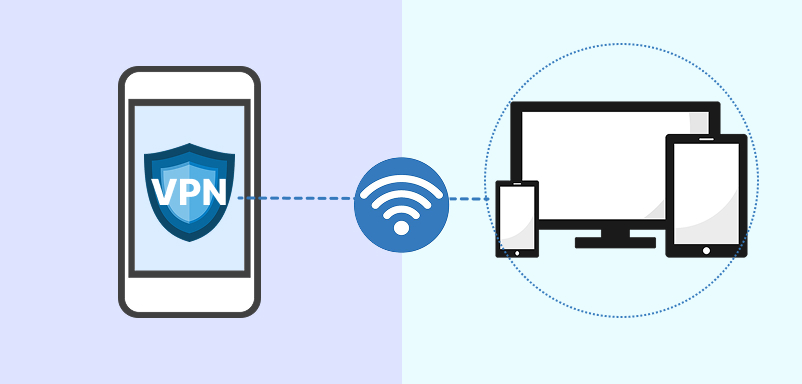
How to Share VPN Connection via Hotspot Android [Root & No Root]
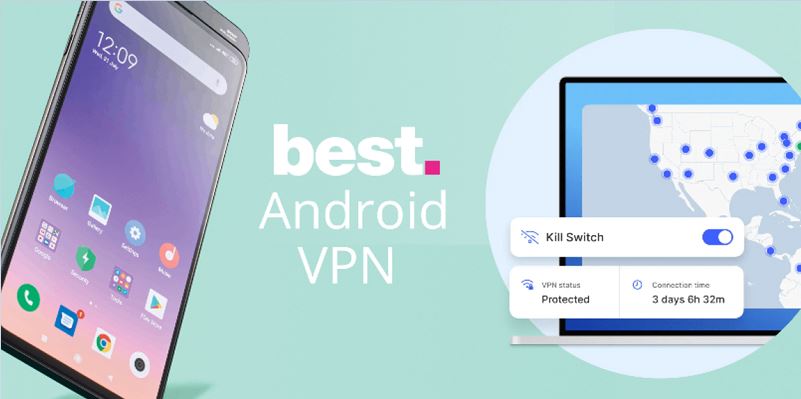
Best VPN with Kill Switch for Android: Stay Secure on Every Connection
How to Set up VPN on Android Automatically | for All Android Phones
10 Best Android Free VPN APK for Privacy and Security

Cheap TikTok Coins: 3 Methods to Buy TikTok Coins Cheap Safely
100+ global countries
3200+ worldwide servers
Dedicated IP addresses
Dynamic IP and static IP

Subscribe to Our Newsletter
Subscribe to our newsletter to stay updated every moment.

Subscribe to Our Newsletter
Subscribe to our newsletter to stay updated every moment.
© 2026 iTop. All rights reserved.






