
iTop VPN offers 3200+ VPN servers in 100+ locations worldwide to help you access various sites privately and safely, along with dedicated IP, dynamic and static IP, and Double VPN.
Want to change iPhone location with 3utools? Learn how to change location on 3uTools and discover a more convenient way for flexible location switching.
Many iPhone users search for how to use 3utools to change iPhone location on iOS 18 and the newest iOS 26, because they want a quick way to modify their device’s location without jailbreaking. Whether it’s for testing apps, accessing region-based features, or experimenting with location-based services, 3uTools is often mentioned as a practical solution for iPhone location change. Then, how to change location on 3utools?
At the same time, more people are also exploring whether it is truly convenient to change iPhone location with 3uTools, especially when compared with mobile-friendly alternatives like VPNs. In this guide, you will learn how 3uTools location changing works, detailed guide to change location with 3utools, its limitations and risks, and get a simpler and more flexible option.
Before diving into how to change location on 3uTools, it’s important to understand what this tool actually does. 3uTools is a free Windows-based iOS management utility designed to help users manage apps, files, firmware, and system features on iPhones and iPads. It is widely used for device diagnostics, flashing firmware, and accessing advanced utilities that are not available in iTunes.
One of its most talked-about features is Virtual Location. This function works by simulating GPS coordinates at the system level while your iPhone is connected to a computer via USB. When enabled, apps that rely on GPS data will read the fake coordinates instead of your real location. This means you can temporarily appear to be in another city or country without jailbreaking your device.
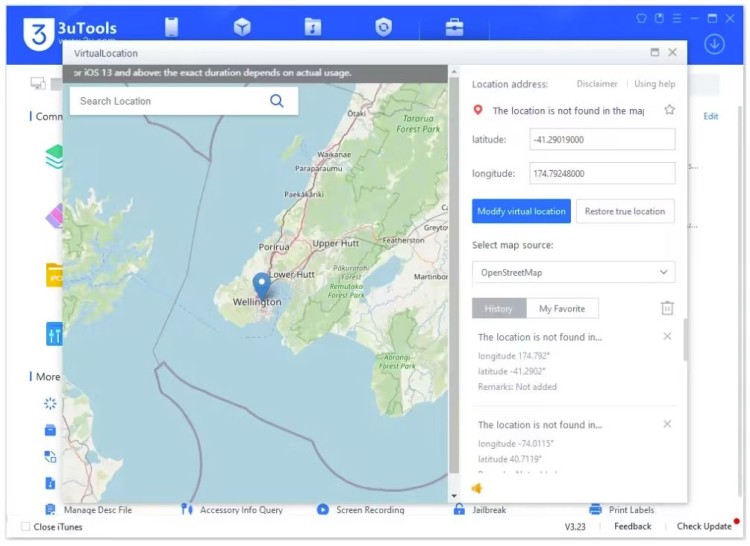
It’s important to note that this method is a temporary GPS simulation. Once the phone is restarted or disconnected from the computer, the real location usually returns. Still, for users wondering how to use 3uTools to change iPhone location or even how to use 3uTools to change iPhone location on iOS 18 to iOS 26, this approach remains one of the most accessible options without modifying the system permanently.
Now that you understand the concept, let’s move into the practical side of how to change location on 3uTools. The process itself is relatively straightforward, especially compared to older jailbreak-based methods.
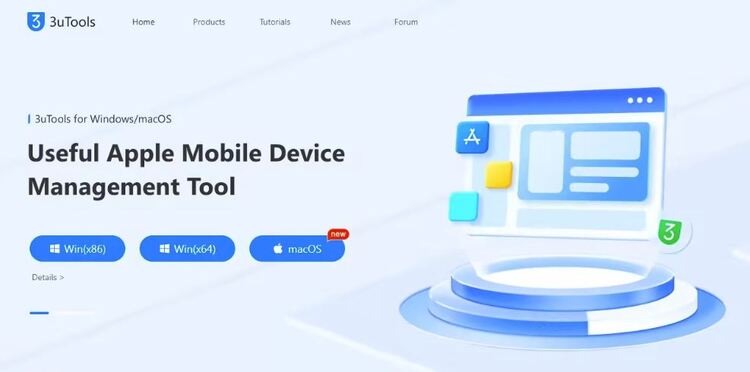
Step 1. Download and Install 3uTools
Download and install the latest version of 3uTools to your Windows or Mac computer.
Step 2. Launch 3uTools and Connect Your iPhone
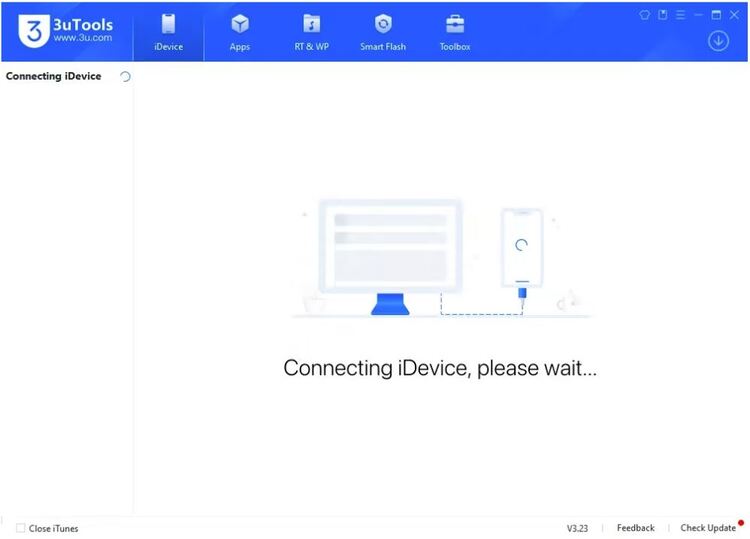
Launch 3uTools. Use a USB cable to connect your iPhone. Make sure the device is trusted and recognized.
Step 3. Navigate to Virtual Location
In the 3uTools interface, navigate to the Toolbox section and select Virtual Location.
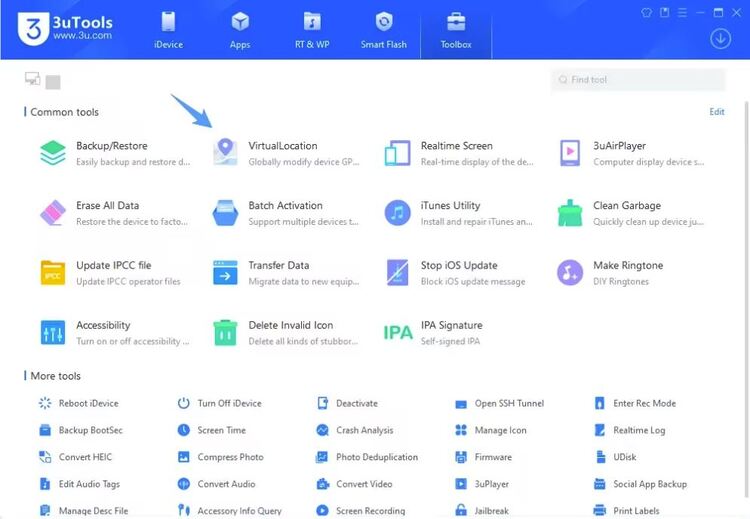
Step 4. Choose a Location
Enter a specific address or GPS coordinates on the map. This is the key step when you want to change location with 3uTools accurately.
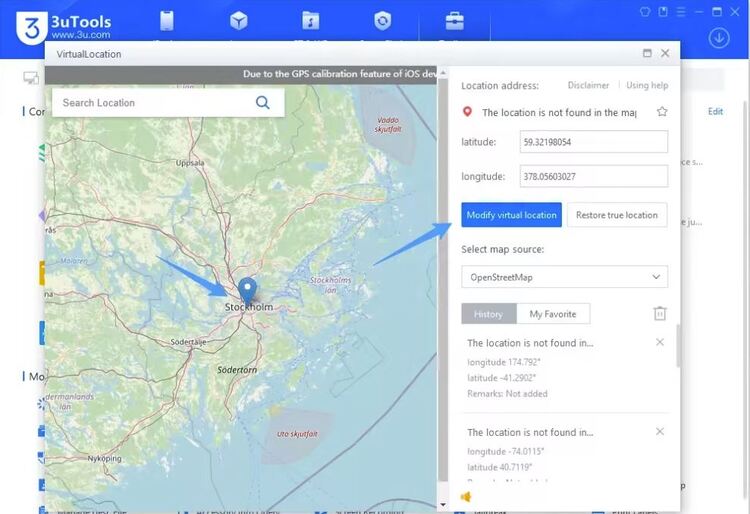
Step 5. Apply the Location
Click “Modify virtual location” to apply the new location. Your iPhone will now report the selected GPS coordinates to compatible apps until you click “Restore true location”.
After learning how to change location on 3uTools, many users assume it can fully replace other location-changing methods. In reality, the Virtual Location feature is effective in some scenarios but clearly limited in others. Understanding what works and what does not help set realistic expectations before relying on this method.
What you can do when you change location with 3uTools:
Temporarily spoof GPS coordinates at the system level
Change location in Apple Maps and similar navigation apps
Test location-based features during app development or demos
Appear in a different city or country for short-term use
Modify location without jailbreaking the iPhone
What you cannot do with 3uTools location change:
Keep the fake location after restarting the device
Maintain location changes without a constant PC connection
Bypass advanced location detection in games or financial apps
Use it seamlessly while moving or traveling
Rely on it for long-term or background location switching
Once users attempt to rely on 3uTools more frequently, the limitations become obvious. These constraints often lead users to look for more flexible solutions beyond change location with 3uTools.
Beyond functional restrictions, there are additional concerns to consider when trying to change iPhone location with 3uTools. These risks are different from simple feature limitations and relate more to safety, stability, and long-term usability.
Potential risks when using 3uTools for location changes:
Some apps may detect simulated GPS data and restrict accounts
Location-based games and services may flag abnormal behavior
Future iOS updates can reduce compatibility or disable features
As a non-official tool, it does not follow Apple’s long-term support roadmap
Practical limitations users often face:
Requires a Windows computer and a USB cable at all times
Not suitable for on-the-go or mobile-only usage
Location resets easily, requiring repeated setup
Less convenient for users who need frequent country switching
Because of these risks and limitations, many users eventually question whether changing location on 3uTools is the most practical approach and begin exploring VPN-based alternatives for everyday use.
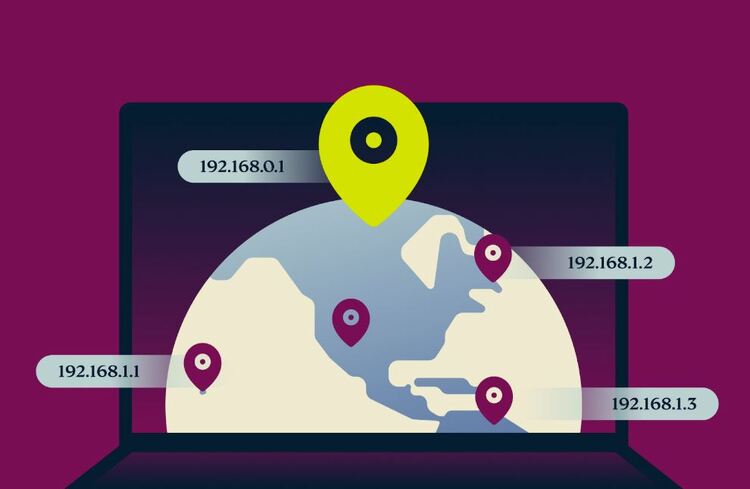
Many users are also wondering whether VPNs are a better option to change their iOS location. Compared to GPS simulation, VPN location changers work by changing your IP address, which is how most apps and websites determine your region.
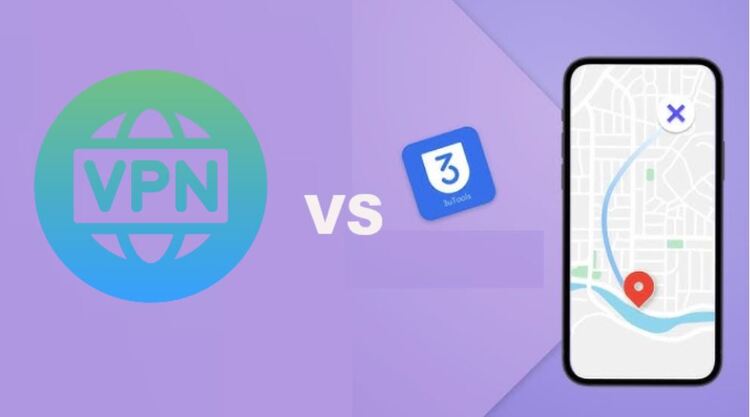
In many real-world scenarios, VPNs are more convenient because they run directly on your iPhone, require no computer, and stay active in the background. For users who frequently switch regions or want a smoother experience, a VPN for iOS can be a more practical alternative to changing location with 3uTools.
VPNs offer a modern alternative for those tried to change location on 3uTools and found it inconvenient. Below are three strong pro and free VPN options for iPhone users, each with distinct strengths.
iTop VPN stands out for users who want flexibility and affordability. It offers a generous free VPN version with about 100 free servers, making it suitable for light usage and testing. Paid plans unlock access to a broader VPN server list, 3200+ high-speed servers in over 100 countries.

From a compatibility standpoint, iTop VPN works smoothly on iOS devices and ensures stable connections and easy switching. Security features include strong AES-256 encryption, dedicated IP, double VPN, kill switch, ad blocker, etc., which is useful for users who need location change and high security in various cases.
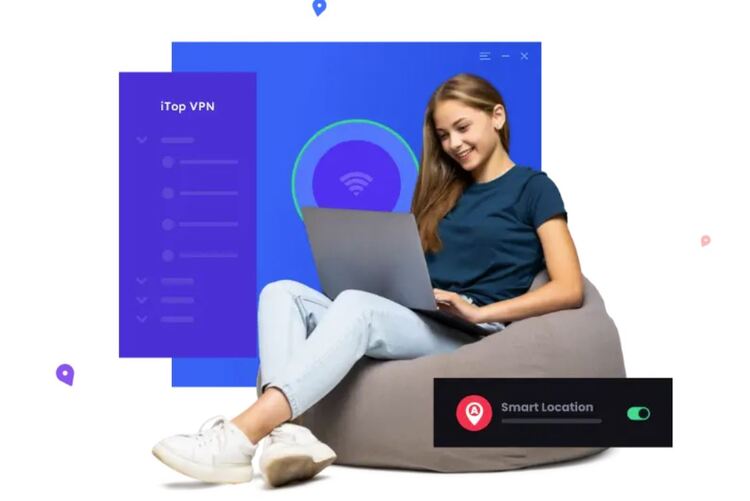
For region-specific needs, iTop VPN supports locations like India, UAE, USA, UK, Malaysia, and many others, which are suitable for accessing regional apps or services. Paid plans are competitively priced, with entry-level upgrades designed for everyday users who want more than what 3uTools can offer.
ExpressVPN is known for reliability and premium performance. With 3000+ servers across 105 countries, it offers extensive global coverage and fast speeds. This makes it ideal for users who need consistent performance rather than temporary location changes.
On iPhone, ExpressVPN provides a polished app with strong security features such as AES-256 encryption and a strict no-logs policy. While it doesn’t offer a free tier, its premium pricing reflects super speed and ease of use. For users who find how to change location on 3uTools too restrictive, ExpressVPN delivers a hands-off experience that works seamlessly in the background.
NordVPN focuses on speed and advanced security. With over 7400 servers worldwide, it allows fast switching among 118 countries and is particularly useful for streaming and social apps. Its iOS app includes features like a kill switch and advanced threat protection.
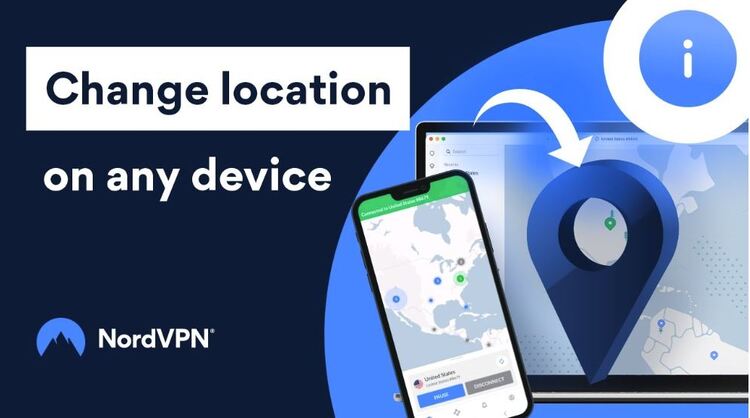
NordVPN does not have a free version and a free trial, but its entry-level plans are competitively priced and often discounted. For users interested in specific regions such as Malaysia, NordVPN offers reliable connections with low latency. Compared to changing the iPhone location with 3uTools, NordVPN provides a more consistent and mobile-friendly experience.
After exploring both methods, the choice depends on your needs. How to change location on 3uTools is useful for short-term GPS simulation and testing, while VPNs focus on IP-based location switching.
Feature |
3uTools |
VPN for iOS |
Requires Computer |
Yes |
No |
Works on Mobile |
No |
Yes |
Long-Term Use |
Limited |
Yes |
Ease of Use |
Medium |
High |
Risk Level |
Medium |
Low |
In summary, 3uTools is better for temporary tasks, while VPNs are better suited for daily and long-term location changes.
The Bottom Line
That's all about how to change location on 3uTools for short-term GPS simulation. Although it comes with clear limitations, you can still use it to make a location change. For users who value convenience, flexibility, and mobile-first usage, VPNs provide a smoother alternative that fits modern iPhone usage patterns far better. If you don't want to spend any, you can get started with a reliable free VPN - iTop VPN. Try now.
How to Use a VPN to Change State Location - Get Top 5 VPNs with All US States
Your Ultimate and Easiest Way to Change Skout Location on All Devices

Easily Change Location and Enhance Your Privacy on BLK Dating App with Best 6 VPNs in 2026

Buy Cheap TikTok Coins Online & with Free VPN in the Cheapest Country
100+ global countries
3200+ worldwide servers
Dedicated IP addresses
Dynamic IP and static IP

Subscribe to Our Newsletter
Subscribe to our newsletter to stay updated every moment.

Subscribe to Our Newsletter
Subscribe to our newsletter to stay updated every moment.
© 2026 iTop. All rights reserved.






