
iTop VPN offers 3200+ VPN servers in 100+ locations worldwide to help you access various sites privately and safely, along with dedicated IP, dynamic and static IP, and Double VPN.
Which are the best AI apps for iPhone? How to access any AI apps iPhone users love, no matter your location? Get the best AI apps for iPhone free here.
The rapid growth of AI apps for iPhone has transformed how people communicate, create, and organize their lives. From AI note-takers to intelligent design assistants, the best AI apps for iPhone are now essential for boosting personal productivity.
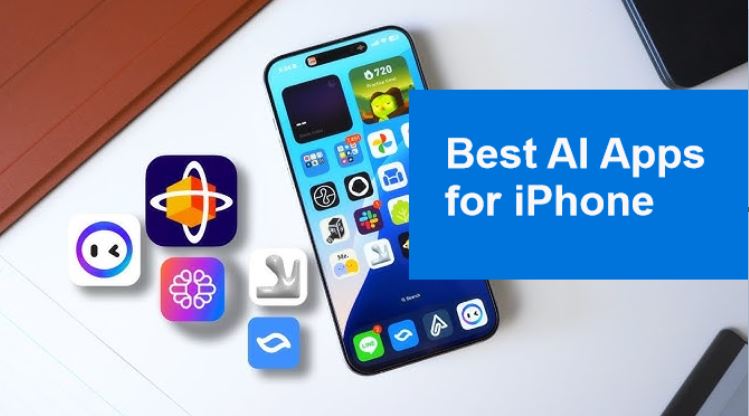
In a recent Reddit thread here, one iPhone user has a question: "Best AI apps on your iPhone? What are you using the most?" Many users revealed their favorite AI-powered apps, highlighting just how versatile and powerful these technologies are.
Then, how about you? Whether you’re into content creation, real-time transcription, or visual design, finding the best AI apps for iPhone can significantly improve your workflow.
AI apps for iPhone use artificial intelligence to automate tasks, generate content, assist with communication, or analyze data. Powered by machine learning algorithms, natural language processing, and neural networks, these apps bring advanced capabilities right to iPhone users.
Whether you want to write smarter, design faster, or talk more efficiently, artificial intelligence apps for iPhone are here to help. Many are free or offer freemium models, making them accessible for users worldwide.
With thousands of options available, here are the top 10 best AI apps for iPhone free or paid, selected for their features, accessibility, and usefulness.
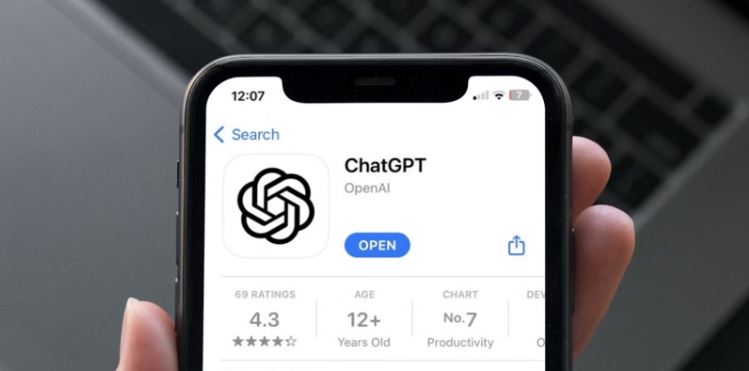
Developed by OpenAI, ChatGPT brings conversational AI to your fingertips. Ask questions, draft emails, generate ideas, or get creative writing suggestions. It supports over 50 languages and is available globally, although some countries may face restrictions, like China, North Korea, Iran, and Russia. Using a VPN location changer can help bypass these limitations.
Best for: Smart conversations, writing, brainstorming
Bonus: Its premium version offers access to GPT-4, image generation, memory features, and advanced functionality perfect for power users and professionals.
Otter AI is a transcription app that uses real-time voice recognition to convert meetings, interviews, or lectures into editable text. You can record live conversations, import audio files, and collaborate by sharing transcripts. Available in most regions, though some transcription features like advanced formatting or export options may be region-locked, including UAE and China.
Best for: Meeting transcription, lecture notes, collaborative editing
Bonus: Its integration with Zoom and calendar apps makes it a go-to for remote professionals.
Perplexity is an AI-powered search assistant that provides concise answers with citations. It acts as a research assistant, offering context-rich results across diverse subjects. Unlike traditional search engines, Perplexity responds conversationally and links to sources. It is accessible globally, but the content would be filtered based on your country.
Best for: Quick facts, academic research, learning support
Bonus: The pro version includes pro search models and enhanced customization.
Lensa is a photo editing app that leverages AI to create stylized selfies, fantasy avatars, and professional-grade retouching. Its Magic Avatars feature turns you into various artistic versions like anime, pop art, or fantasy characters. Not officially restricted, but in UAE & China stores, it may not appear.
Best for: Portrait enhancement, avatar creation, social profile photos
Bonus: The app also includes tools for skin retouching, background blurring, and more.
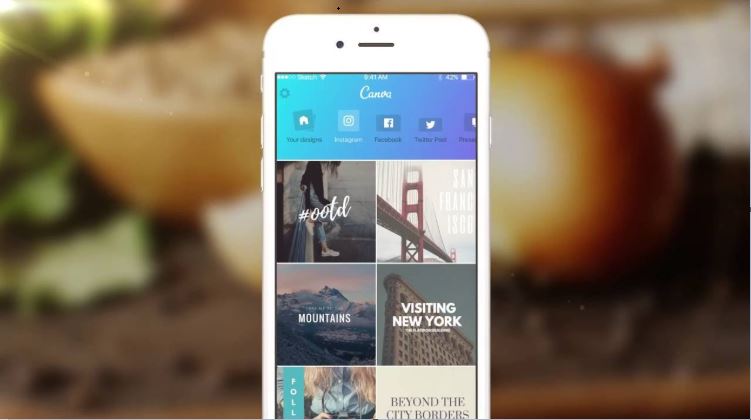
Canva integrates AI tools like Magic Write (an AI text generator), text-to-image functionality, and background remover into its graphic design suite. It is user-friendly for beginners yet powerful for professional content creators. If you are an advanced user and need to subscribe, you can buy Canva Pro at a lower price by using a VPN to switch regions.
Best for: Social media content, digital marketing, infographics, and presentations
Bonus: Canva Pro unlocks more AI-based design templates, team collaboration features, and brand kits.
Powered by xAI, Grok is a cutting-edge chatbot designed for use within the X (formerly Twitter) platform. It offers humorous and insightful responses, blending real-time data with AI reasoning to respond creatively. Currently, it is not available in the EU (due to GDPR), China. Fortunately, you can use it from anywhere with the right VPN for Grok.
Best for: Interactive learning, engaging responses, trending topic discussions
AI Transcribe is designed to deliver fast, on-device audio transcription with multilingual support. It works offline and is privacy-friendly since it processes recordings locally without needing cloud access. Supports multiple export formats and timestamps.
Best for: On-the-go transcription, journalists, students, privacy-first users
Data Privacy: No need to upload sensitive audio files online.
Luma allows users to transform regular smartphone photos or videos into immersive 3D models or environments. It uses neural radiance fields (NeRFs) to create interactive digital objects and spaces. Ideal for real estate, e-commerce, and game development.
Best for: 3D visualizations, augmented reality content, digital exhibitions
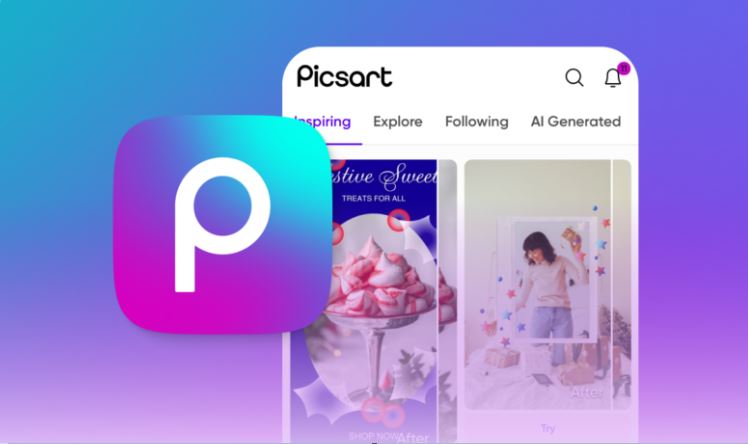
Picsart AI supercharges your photo editing workflow with AI-powered features like automatic background removal, AI filters, prompt-to-image generation, and smart effects. Its interface is beginner-friendly but offers deep customization. It also includes video editing tools and AI storyboarding features.
Best for: Artistic photo editing, content creation, social visuals
InVideo AI allows you to convert text prompts into short-form videos for social media. Perfect for influencers and marketers, it auto-generates scenes, voiceovers, transitions, and background music.
Best for: AI video generation, TikTok/Reels/YouTube Shorts content
Many AI apps iPhone users love may be limited or partially restricted depending on your region. From regional licensing to privacy regulations, these barriers can affect your app experience. That’s where VPN for AI tools come into play.
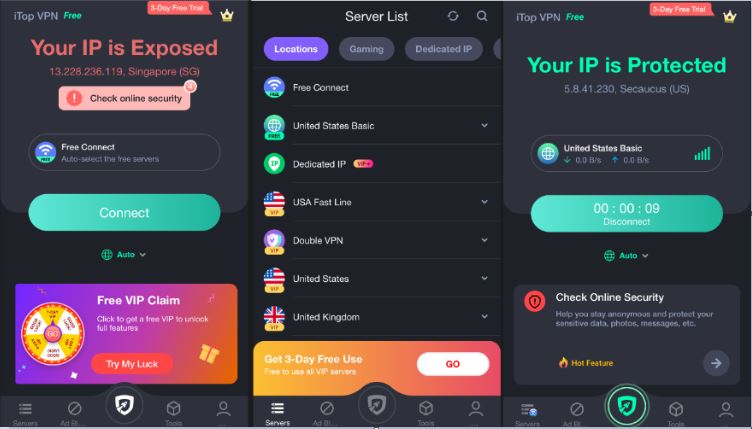
iTop VPN is a versatile and highly secure VPN solution that helps you bypass geo-blocks while protecting your online activity. It’s especially useful for accessing AI apps for iPhone from countries with tight restrictions like the UAE, India, Iran, and more. Its one-click VPN for iOS app interface is easy to use.

On top of that, it offers a generous and feature-rich free VPN version with a log of free servers, which can meet the daily work and entertainment needs of most users. Of course, if you have more advanced needs, you can also upgrade to the premium version, and the subscription price is very affordable.
Plus, you can enjoy more benefits from iTop VPN:
●3200+ servers in 100+ locations, see the full VPN server list
●Free access plan with 100 VPN servers in 5 popular countries
●Dedicated IP to avoid AI login detection issues
●Easy to use app for iOS, Android, Windows, and Mac
●Kill switch to protect data if connection drops
●Privacy-first policy with AES-256 military-grade encryption
iTop VPN also supports split tunneling, an outstanding feature that allows only selected apps like Lensa or ChatGPT to run through the VPN. Whether you want to unlock Grok in the U.S. or access Picsart Pro while traveling, iTop VPN ensures seamless and secure connectivity.
1. Are AI apps for iPhone free?
Many of the best AI apps for iPhone free users offer limited features at no cost, with paid upgrades for premium features.
2. What’s the best AI app for iPhone?
It depends on your needs: ChatGPT for conversations, Lensa for photos, and InVideo AI for videos.
3. Can I use AI apps in restricted countries?
Yes, using a VPN like iTop VPN allows you to access content even in restricted areas.
4. Is it legal to use a VPN with AI apps?
In most countries, yes. Always check your local laws, but VPN use for accessing apps is generally legal.
5. Can I get a personal IP for better AI app stability?
Yes, a dedicated IP can help maintain consistent access and avoid verification errors.
The Bottom Line
Whether you want to generate content, transcribe meetings, or create stunning designs, the best AI apps for iPhone are revolutionizing digital life. With the help of tools like iTop VPN, these apps become accessible no matter where you are. Embrace the future with the right AI tools and break through any digital borders.

Best VPNs for Artificial Intelligence to Unleash Creativity & Fasten Workflows
Remini VPN: Improve and Sharpen Your Media Files from Everywhere Securely
Best QuillBot VPN for Enhanced Security, Global Access, and Cheap Subscriptions
How to Access Sora AI: Guide to Using Sora Open AI Video Generator Safely

ChatGPT: How to Use This Chatbot Online with a ChatGPT VPN
2026 Top 5 Picsart VPNs for Enhancing Your Picture Editing Experience: Free and Premium Options

Buy Cheap TikTok Coins Online & with Free VPN in the Cheapest Country
How to Access Meta AI Anywhere with the Best VPN for Meta AI
100+ global countries
3200+ worldwide servers
Dedicated IP addresses
Dynamic IP and static IP

Subscribe to Our Newsletter
Subscribe to our newsletter to stay updated every moment.



Product
iTop VPN iTop Screen Recorder iTop Data Recovery iTop PDF Editor DualSafe Password Manager iTop Easy Desktop Plans & PricingCompany
About Us Contact Us Press Awards FacebookHelp
Support Uninstall Instructions Refund PolicyPartner
Become iTop Affiliate YouTube Creators Free AI Video Generator
Subscribe to Our Newsletter
Subscribe to our newsletter to stay updated every moment.
© 2026 iTop. All rights reserved.






