
iTop VPN offers 3200+ VPN servers in 100+ locations worldwide to help you access various sites privately and safely, along with dedicated IP, dynamic and static IP, and Double VPN.
Looking for the best VPN for Weverse to access all regions and enjoy all content from anywhere? Get the best VPNs for Weverse on Android, iOS, or PC here.
For millions of K-pop fans worldwide, Weverse is more than just an app.. It’s more like a community that connects fans directly with their favorite artists. However, some users often find certain content, events, or even the Weverse Membership store unavailable in their region.
If you are encountering the same frustration - videos that won’t load, albums not available in your country, or events marked “region locked.” The right Weverse VPN can help you unlock all that and more. A Weverse VPN for PC and mobile can let you change your IP address and access all exclusive content without restrictions on any of your devices.
Weverse is an official fan platform launched by HYBE Corporation, which connects artists like BTS, SEVENTEEN, and TXT with their global fanbase. The app allows users to read artist updates, join fan communities, and buy exclusive merchandise through Weverse Shop.
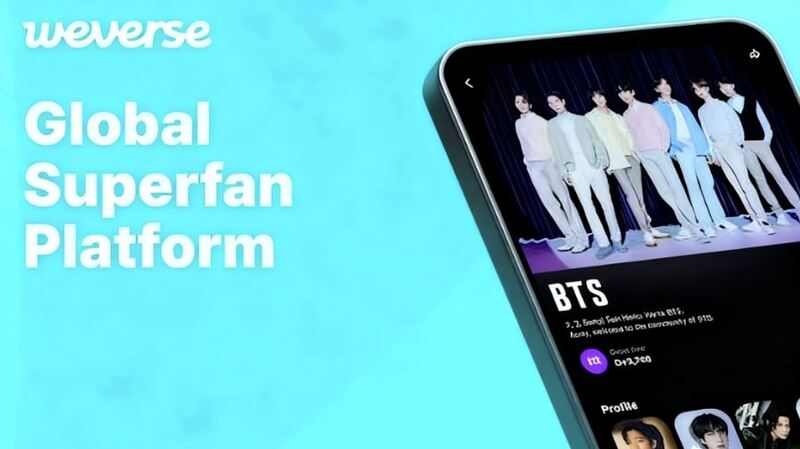
However, Weverse comes with regional restrictions: it cannot be downloaded in all countries, and not all Weverse features are available in download-supported countries. This may be the core reason behind “Why is my Weverse not working?”
Some countries experience limited access to events, albums, or digital rewards. For example, users in regions like Egypt cannot download it, and users in the UK have reported missing QR-code benefits. If you have ever asked, “Why is my Weverse not working?”, the reason might be these regional limitations. That’s where a Weverse VPN helps. A VPN for Weverse changes your IP to another country so you can enjoy full platform access and Weverse unlock post.
Before choosing a Weverse VPN for Android, iOS, or PC, it’s essential to understand why using a VPN for Weverse matters. Using a VPN, you can enjoy benefits not limited to changing your IP address to access content available only in specific regions. Here are more benefits that you can enjoy by using a Weverse VPN:
Bypass geo-restrictions: Access all membership features regardless of your region.
Improve streaming speed: Connect to a nearby VPN server list for smoother video playback.
Protect privacy: Encrypts your traffic so no one, including ISPs, can monitor your online activity.
Fix connectivity issues: If you have wondered, “Why is my Weverse not working?” Connecting to a stable VPN often resolves server errors easily.
Enable global shopping: Access Weverse Shop even when certain products aren’t available in your country.
Enable global shopping: Access Weverse Shop even when certain products aren’t available in your country.
In addition, learning how to hide your IP address on Weverse, Discord, or similar platforms helps maintain privacy across all fan communication channels, especially when discussing exclusive content.
Since Weverse fans always use iOS and Android devices, and sometimes use a PC, so, choosing the right VPN is crucial. The following services work smoothly across Android, iOS, and PC, ensuring consistent speed and access to exclusive content worldwide.

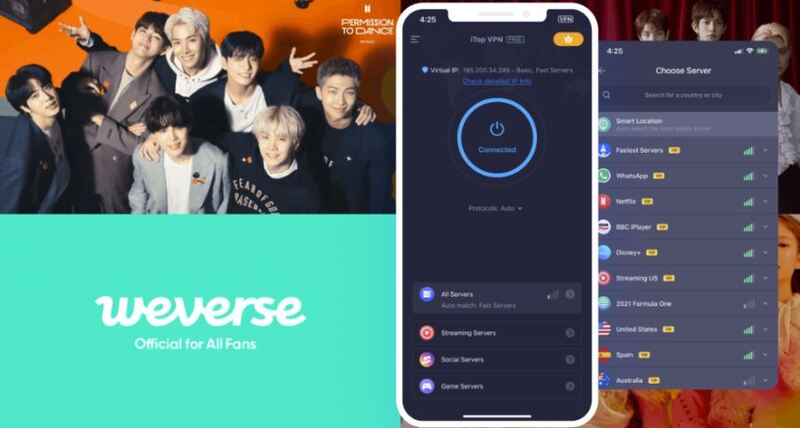
When it comes to versatility and performance, iTop VPN stands out as one of the best Weverse VPN for iOS, Android, and PC users. With over 3200 servers in more than 100 locations, it offers reliable access to geo-restricted Weverse content and smooth app performance.
Its advanced encryption AES-256 keeps your connection private, and features like kill switch, dedicated IP, double VPN, and more. That's why it is the first recommended option for both mobile and desktop users. Whether you’re in the US, India, or anywhere, iTop VPN lets you access Weverse content smoothly without lag or restrictions.
Key Advantages:
Supports multi-platform devices, including Android, macOS, iOS, and Windows.
Offers a free VPN plan for light users.
Fast connections optimized for streaming and app browsing.
Advanced encryption and kill switch for privacy protection.
Dedicated IP for stable streaming
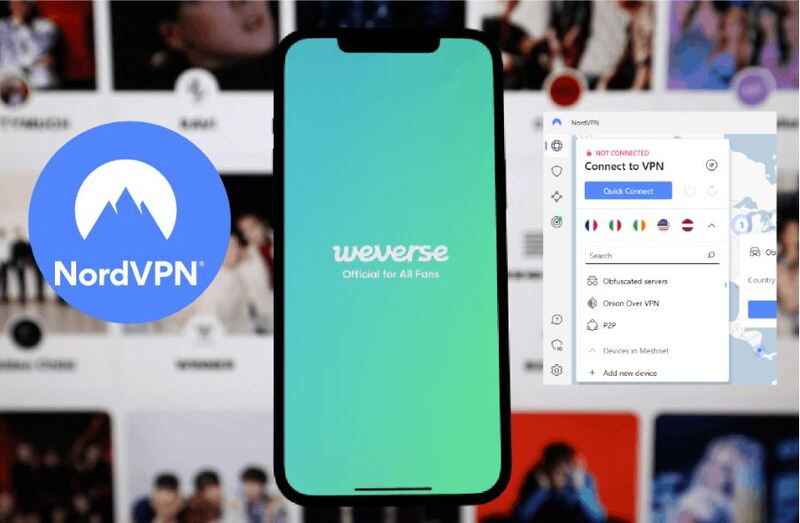
NordVPN is another great Weverse VPN iOS and Android option known for security and massive servers. It has 7400+ servers in 118 countries. You can enjoy a smooth performance when streaming artist videos or shopping for fan merchandise.
Key Advantages:
Consistent connection speeds suitable for high-definition content.
Smart DNS and split tunneling options.
Military-grade AES-256 encryption for top-tier data protection.
Supports Weverse VPN for Android, iOS, and desktop.
Offers dedicated streaming servers and 24/7 customer service.
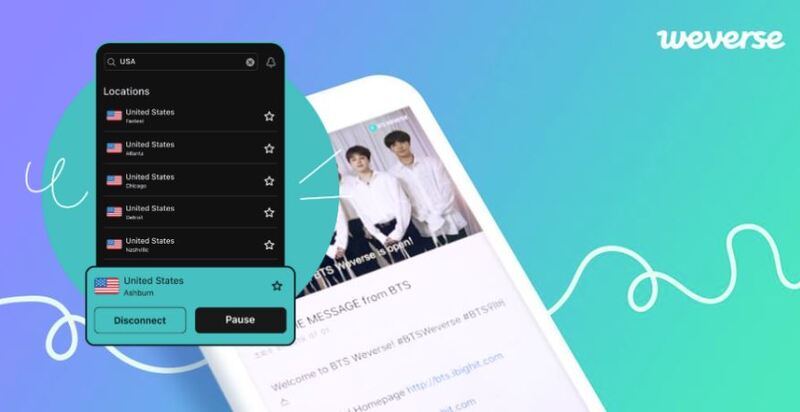
Unlike the above 2 options, Surfshark is a great option for fans seeking affordability and unlimited device connections. Despite its low cost, it provides top-tier performance and a wide global server range. It is also suitable for Weverse VPN iOS and Weverse VPN for PC users alike.
It’s an affordable vpn for Weverse with unlimited device connections under one subscription - perfect for one dormitory or groups of friends sharing accounts.
Key Advantages:
3200+ servers in 100+ countries.
Unlimited simultaneous connections (phones, tablets, PCs).
Strong privacy protection, dedicated IP option.
Affordable long-term pricing plans.
Setting up a Weverse VPN iOS or Android app is quick and easy. Below is a step-by-step guide using iTop VPN as an example, which works equally well across devices. Similarly, the steps for using other VPNs are similar.
Step 1. Download iTop VPN on your PC or mobile devices.
Step 2. Open it. Then connect to a server in South Korea, Japan, or the US for optimal access.
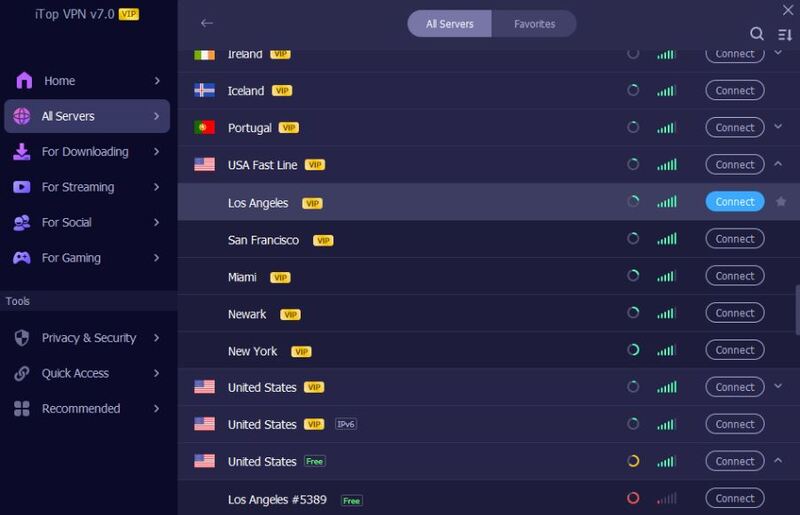
Step 3. When connected, confirm if your IP has changed successfully.
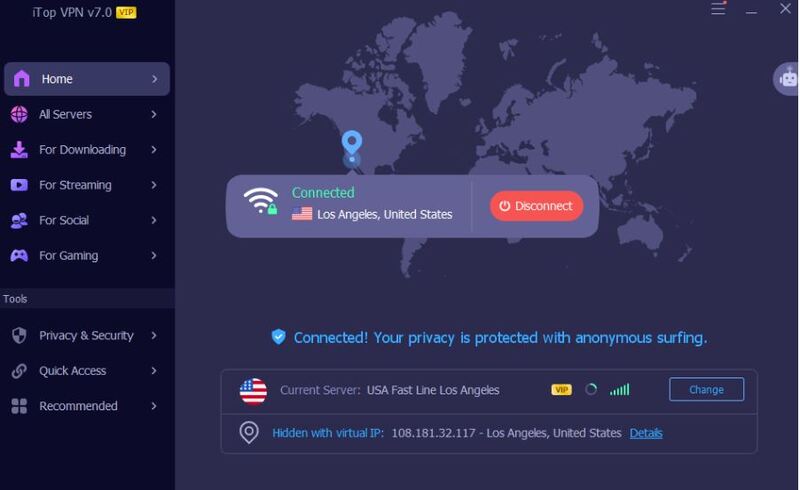
Step 4. Launch Weverse and log in. Browse artist posts, videos, or shop items without regional limits.
1. Is using a VPN for Weverse legal?
Yes, using a VPN for Weverse is legal in most countries. It’s meant for privacy and regional access, not illegal activity.
2. Does Weverse VPN affect my account safety?
No, if you use reputable VPNs like iTop or NordVPN. They encrypt traffic and don’t store logs.
3. Which country is best for Weverse VPN connection?
South Korea or Japan servers offer the best access to Weverse-exclusive events and Membership perks.
4. Can I use Weverse VPN for PC and mobile with one account?
Yes, most VPNs support cross-platform usage for Android, iOS, and PC.
5. Does a VPN fix Weverse Shop errors?
Often, yes. If certain products show “not available,” switching servers can resolve the issue.
The Bottom Line
A Weverse VPN ensures you never miss your favorite artists’ posts, events, or Weverse Membership benefits - no matter where you live. Whether on Android, iOS, or PC, using reliable services like iTop VPN or NordVPN lets you enjoy a smoother, safer experience while exploring the Weverse world. Don't hesitate, try now.
10+ dedicated social app servers
Unblock your favorite apps
Encrypt and protect data

Subscribe to Our Newsletter
Subscribe to our newsletter to stay updated every moment.

Subscribe to Our Newsletter
Subscribe to our newsletter to stay updated every moment.
© 2026 iTop. All rights reserved.






