iTop VPN offers 3200+ VPN servers in 100+ locations worldwide to help you access various sites privately and safely, along with dedicated IP, dynamic and static IP, and Double VPN.
Struggling with high ping or server bans in Tarkov? Discover the best VPN for Escape from Tarkov to reduce lag, unlock regions, and play safely.
You're in a tense firefight in Escape from Tarkov. You peek, you shoot... and then it happens. Your screen freezes, the dreaded stutter hits, and you're dead before the lag clears. We've all been there. High ping and unstable connections can turn a perfect raid into a frustrating mess. Sometimes, the problem isn't even your skill—it's your connection route or a region-locked server. So, what's the secret weapon many seasoned PMCs use? A reliable VPN for Escape from Tarkov. This guide cuts through the noise to show you how a VPN can be your key to smoother gameplay and which four services are truly worth your trouble.
Think of a VPN as your private, optimized tunnel for internet traffic. For Tarkov, it's not about hiding; it's about performance and access. Here’s why a Tarkov VPN matters:
Reduce Ping: A good VPN for Tarkov can create a faster, more direct route to the game server, bypassing your ISP's congested pathways or intentional throttling of gaming traffic.
Unlock Servers: Play with friends in other regions or access servers that might be restricted by your ISP or local network. No more being locked out of the action.
Stay Safe: Protect yourself from swatting or targeted DDoS attacks that can knock you offline mid-raid. A Tarkov VPN masks your real IP, keeping you anonymous to other players.
With so many options, choosing the right Tarkov VPN is crucial. You need speed, stability, and gaming-friendly features. We've tested and narrowed it down to the top four contenders that deliver where it counts for Tarkov players.
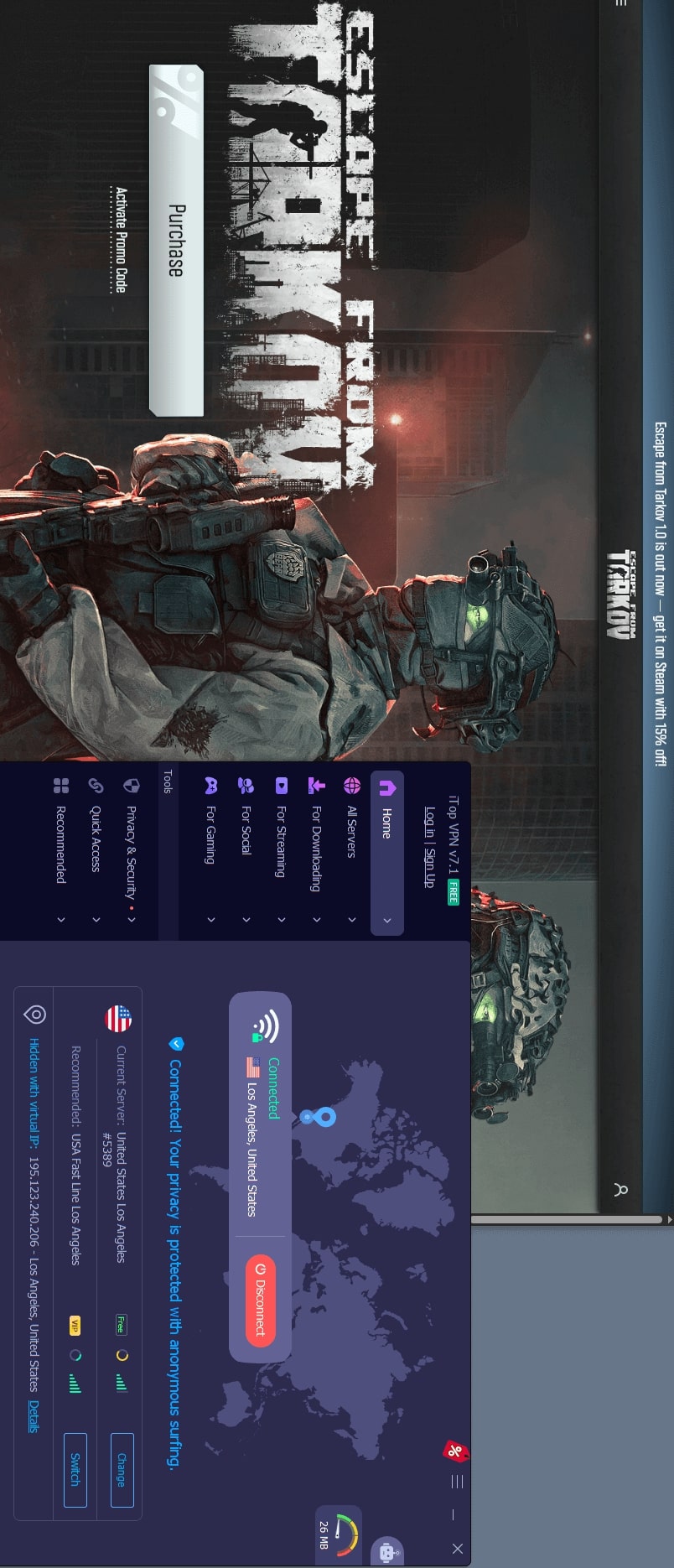
If you're looking for a powerful, no-cost starting point, iTop VPN is a surprisingly strong contender. As a VPN for Escape from Tarkov, it’s built with gamers in mind, focusing squarely on lowering ping and providing a hassle-free experience right out of the gate.

Free VPN for Tarkov: Truly free to download and use. No credit card or lengthy account registration is required to start, making it perfect for a quick test.
Reduce Ping for Smooth Game: Its dedicated "Game Proxy" feature aims to provide exclusive routes to game servers. With no bandwidth limits and NAT support, it aggressively targets lag reduction.
Boost Tarkov Separately: The built-in Game Booster can optimize your PC resources and create an exclusive and free VPN servers just for Escape from Tarkov, prioritizing its traffic.
Keep Safe While Gaming: It offers basic traffic encryption to protect your data and includes an ad-blocker for an interference-free browsing experience alongside your game.
Direct Routes for More Games: Beyond Tarkov, it offers optimized servers for other popular titles, acting as a solid VPN for titles like BGMI VPN or other games.
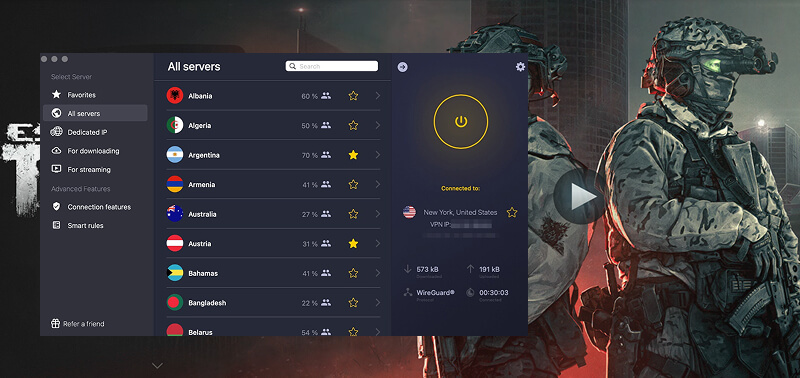
CyberGhost is a reliable VPN for Escape from Tarkov, known for its massive network of servers worldwide. This makes it an excellent tool for players trying to bypass geo-blocks or access Tarkov from regions with connectivity issues.
Key Features:
Huge Global Network: With thousands of servers in over 90 countries, you can almost always find a low-ping connection or a location that works around restrictions.
Specialized Gaming Servers: They label optimized servers for gaming, taking the guesswork out of finding a fast, stable connection for Tarkov and other games like Delta Force.
Strong Security Suite: Offers robust encryption, a kill switch, and strong leak protection to keep your gaming sessions private and secure from DDoS.
Drawbacks:
Speeds on distant servers can be inconsistent.
Its premium pricing is higher than some competitors, though longer plans offer better value.
Speaking of a VPN for Escape from Tarkov, ExpressVPN is consistently at the top of review charts for a reason: blistering speed and rock-solid reliability. For Windows PC gamers who want the best performance money can buy, it's a top-tier choice.
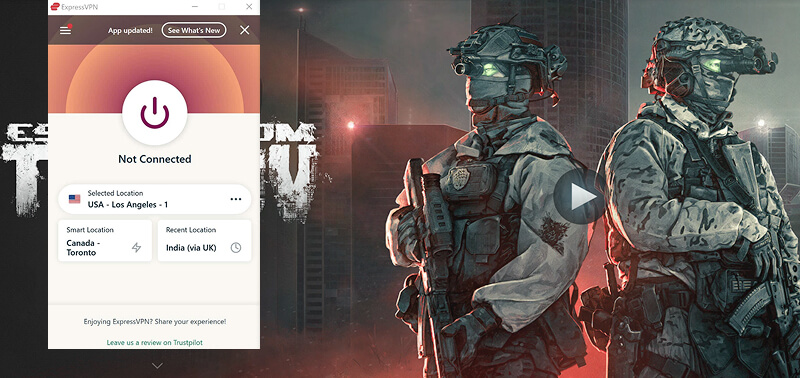
Key Features:
Consistent High Speeds: Its proprietary Lightway protocol is built for speed and stability, minimizing ping spikes—making it an excellent VPN for gaming, especially for Tarkov.
Excellent for Windows: The desktop app is polished, intuitive, and uses advanced techniques to integrate seamlessly with your Windows network for optimal performance.
Trusted & Secure: A proven no-logs policy and top-grade encryption mean you can focus on your raid without worrying about your data.
Drawbacks:
It's the most expensive option on this list.
While feature-rich, it lacks some specific gaming-centric tools like a built-in game mode.
PureVPN stands out for offering a crucial feature that hardcore gamers often seek: port forwarding. This excellent VPN for Tarkov can help create a more direct connection to game servers, potentially reducing NAT-related issues and improving connectivity in peer-to-peer aspects of gaming.
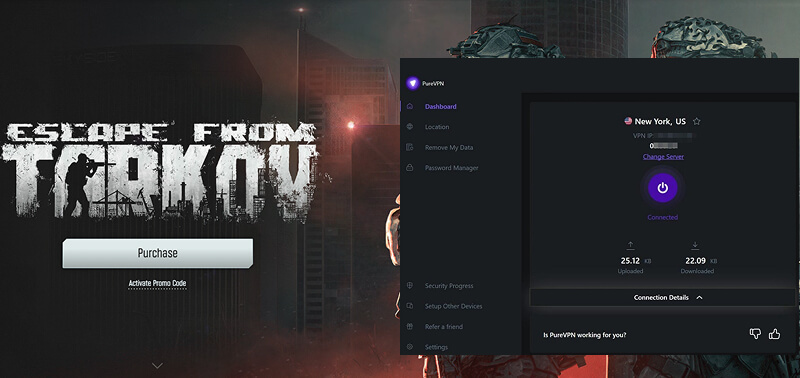
Key Features:
Port Forwarding Add-on: This rare feature allows you to forward specific ports, which can optimize your direct connection to Tarkov servers for a potential latency edge.
Unlimited Bandwidth: Game, stream, and download without ever worrying about data caps or speed throttling.
Wide Device Support: Protect up to 10 devices simultaneously, covering your PC, phone, and console all at once.
Drawbacks:
The interface can be less intuitive than others.
Speeds can vary significantly depending on the server you choose.
Getting set up is easier than surviving a Labs raid. Here’s a quick guide using a gamer-focused option like iTop VPN:
Step 1: Download the VPN client from the official website. Installation is typically a quick, one-click process.
Step 2: Launch the app. Instead of just picking any server, browse the free VPN server list and look for options labeled “For Gaming,” or choose a location closest to the Tarkov server you want to play on.
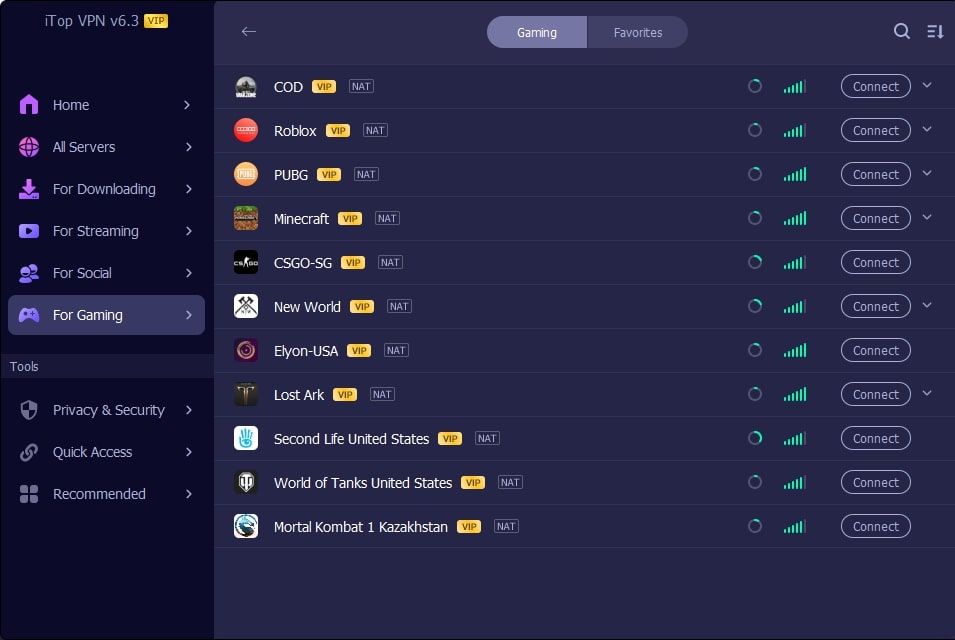
Step 3: Enable game mode within the VPN app. Then, launch Escape from Tarkov. You should now be connected through an optimized route for lower ping.
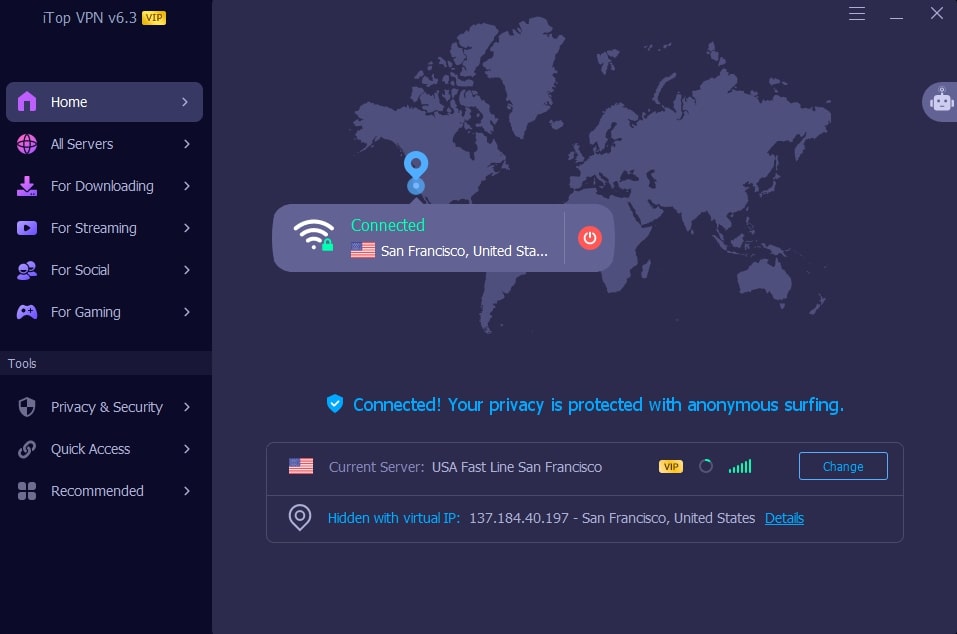
Instead of connecting to the USA for gaming, you might also try connecting to another country to buy Roblox cheaply.
TIPS
If connecting to a closer server still cannot help you lower your ping and lag, you might as well try optimizing your PC, including boosting PC via system cleaning, driver updating, game defrag, overclocking, etc; e.g., Smart Game Booster will be a wise choice if you prefer a 1-stop solution. It helps boost your game via both optimized acceleration routes and PC gaming environmentA common question many players ask is: can you play Tarkov with a VPN without getting banned? Yes, of course. However, it's not without risk. Battlestate Games' anti-cheat (BattleEye) may flag VPN usage.
Why Escape from Tarkov VPN Bans Happen:
Suspicious Activities: Frequent IP changes (hopping between VPN servers & different IP addresses) can be regarded as ban evasion or cheating.
Rule Breaches: Using a common VPN IP address that has been used by a cheater in the past can get you flagged by association.
Violating Terms: While not explicitly banned, using a free VPN for Tarkov might be interpreted as manipulating your connection unfairly.
What to Do If You’re Banned:
Contact Support: If you believe it's a false positive, politely appeal to Battlestate Games support with your details.
Use a Dedicated IP: Consider a VPN for Tarkov that offers a free dedicated IP or a static IP add-on. This gives you a unique, non-shared address that appears more stable and legitimate.
Final Thoughts
Choosing the right VPN for Escape from Tarkov boils down to your needs: raw speed, bypassing power, or specific features like port forwarding. For a balance of solid performance and a truly free start, the free VPN - iTop VPN is an excellent first step toward lag-free raids. Download it today and experience the difference a stable connection makes.




Up to 120% FPS boost
Up to 80% lower ping
Up to 100% less packet loss
Free Download10+ dedicated social app servers
Unblock your favorite apps
Encrypt and protect data

Subscribe to Our Newsletter
Subscribe to our newsletter to stay updated every moment.

Subscribe to Our Newsletter
Subscribe to our newsletter to stay updated every moment.
© 2026 iTop. All rights reserved.