iTop VPN offers 3200+ VPN servers in 100+ locations worldwide to help you access various sites privately and safely, along with dedicated IP, dynamic and static IP, and Double VPN.
Why do you see “Telegram this channel cannot be displayed”? How to fix Telegram this channel cannot be displayed? 7 ways to help restore access. Get now.
Have you ever tried opening a channel on Telegram and suddenly saw the frustrating message Telegram this channel cannot be displayed? It is an annoying situation that commonly happens among users across the world. This channel cannot be displayed on Telegram can block you from important information, entertainment, or community updates.
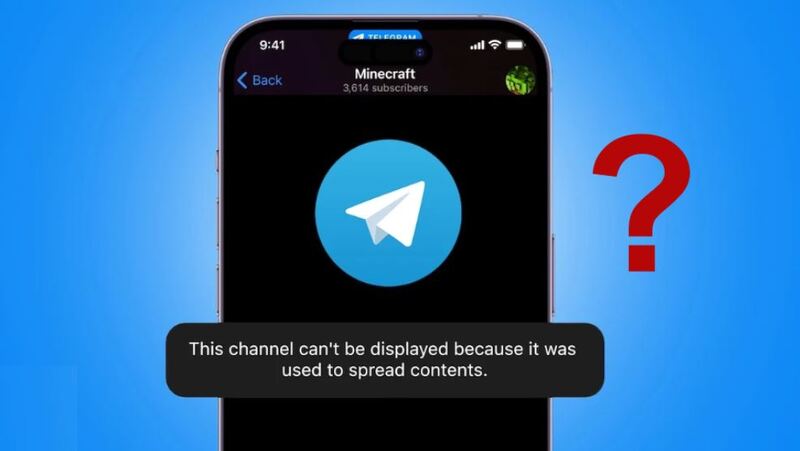
Whether you are meeting "this channel cannot be displayed" on the Telegram desktop version or browsing from a mobile phone, knowing how to fix Telegram this channel cannot be displayed can help you stay connected and avoid missing out on essential content.
When you see “this channel cannot be displayed” or “this channel cannot be displayed because it was used to spread Telegram”, it means Telegram is restricting your access to that channel. This could be due to a number of reasons, which are discussed in detail in the next section of this article.
When this channel cannot be displayed Telegram desktop or mobile happens, you cannot read posts or participate in the conversation until the restriction is bypassed. For users relying on channels for work, news, or study, this can create serious inconvenience and even break communication flow in professional communities.
Before looking at solutions, it’s necessary and helpful to know why this error occurs so you can choose the most effective fix for your situation. The most common reasons include:
1. Sensitive Content Filter – Telegram’s built-in filter hides explicit or adult content for accounts that have filtering enabled.
2. Regional Restrictions – Some countries block certain Telegram channels, leading users in places like India or Russia to encounter the message more often.
3. Policy Enforcement – Channels spreading harmful or illegal material are hidden and flagged as “this channel cannot be displayed because it was used to spread unsafe Telegram content.”
4. Account Limitations – Newly registered accounts or those without verified numbers might have limited access.
5. Device / App Problems – Outdated app versions, corrupted cache, or buggy devices may cause this issue.
6. Network Restrictions – Corporate networks, schools, or ISPs may block Telegram using firewalls or filtering software.
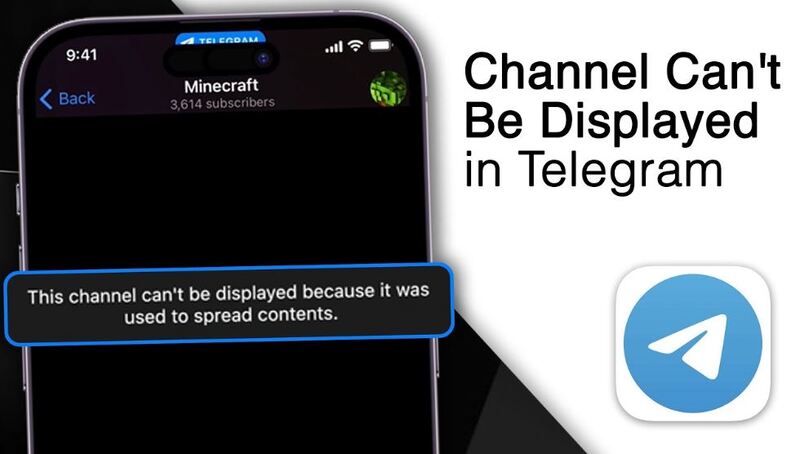
Understanding these reasons can help you decide whether you need to change settings, update the app, or try a network-based solution like a reliable free VPN.
Now that you know the causes, let’s move to the fixes. After detailed research and testing, here are 7 methods to help you fix Telegram this channel cannot be displayed error, and even answer the question of how to fix Telegram this group can't be displayed. These methods work across Android, iOS, and desktop.
Navigate to Settings > Privacy and Security, and enable “Disable Filtering.”
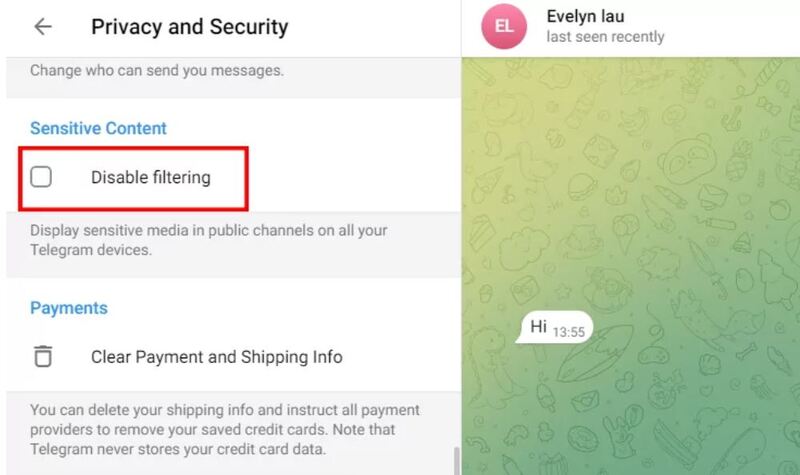
This will allow you to view sensitive channels. If you don’t see the option, try updating Telegram or switching to a different device. It’s often the simplest and fastest way to fix this issue.
Activate Nicegram Bot in Telegram. It toggles hidden privacy settings for your account and is one of the fastest ways to access restricted channels without third-party apps. Many users report that enabling the bot’s switches instantly restores access.
A strong VPN for Telegram is one of the most reliable solutions. Connecting to a server in another region bypasses local censorship. Refer to the VPN server list to pick the best location.
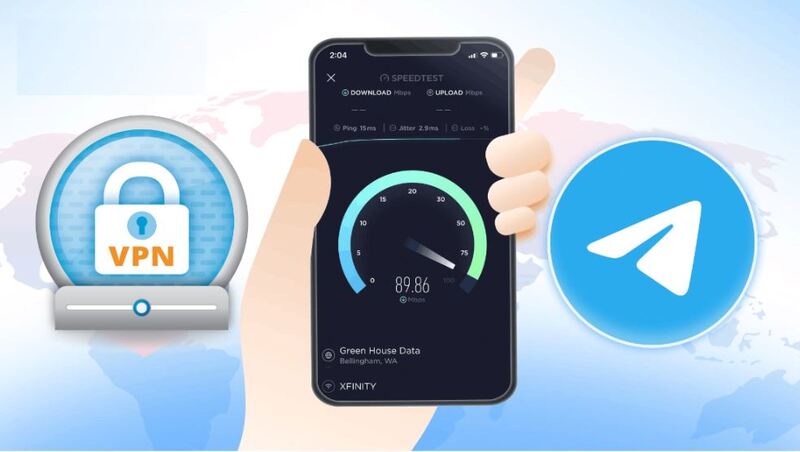
For users in restrictive regions like Malaysia, if you see "this channel cannot be displayed as it goes against Malaysian law", using a VPN for Malaysia and switching to a non-restricted region can restore full access to channels and even improve connection stability if local ISPs throttle your Telegram traffic.
If traveling to China, Iran, Russia, etc., restrictive regions, connect to Telegram from a country with no restrictions, like Germany or France. Using a Telegram VPN is especially useful if you frequently move between regions and want consistent access.
Sometimes the problem lies in the device itself.
Try logging into Telegram on another phone, computer, or using Telegram desktop to check if the channel loads. Switching devices can reveal if the issue is account-related or device-related.
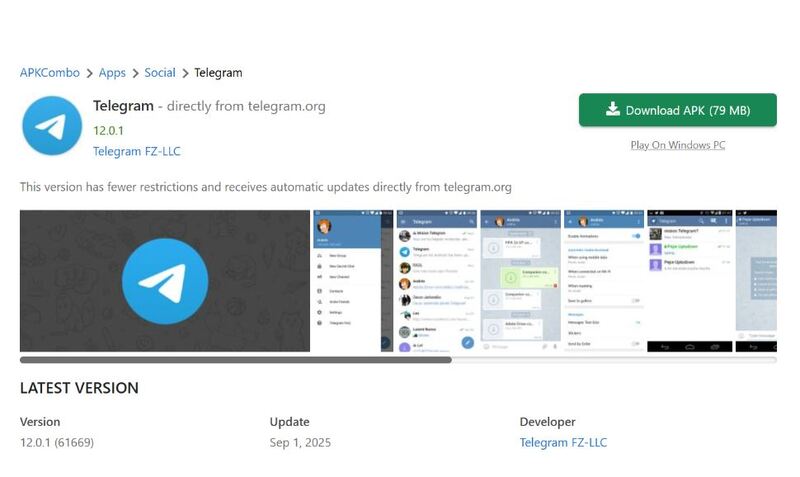
If you are an Android user, download the latest Telegram APK directly from the official site. This bypasses Play Store delays and ensures you have the most recent bug fixes. It also gives you early access to experimental features that may fix filtering issues.
When all else fails, contact Telegram’s support team. Include a clear description, channel link, and screenshots so they can assist. Although responses may take time, it ensures you know if the channel was permanently banned.
If you decide to use a VPN, it’s crucial to pick one that prioritizes privacy, speed, and reliability. A poor-quality VPN can slow down your connection or fail to bypass restrictions. This is why many users prefer iTop VPN, a secure and user-friendly service built with Telegram users in mind.

It provides military-grade AES-256 encryption, has 3200+ global servers, and offers stable connection speeds. It is an ideal solution to unblock Telegram channels no matter where you are.
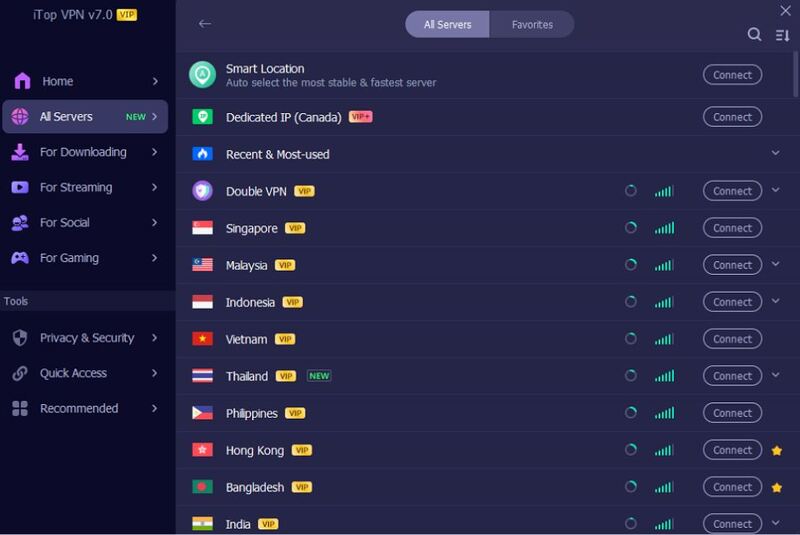
By connecting to its free VPN servers, you can enjoy fast and free streaming, speed gaming, and other bandwidth-heavy tasks like free P2P downloading. The intuitive interface is friendly for even non-technical users, which enables them to use its free plan quickly, without tedious settings, and without logging in.
Benefit from its wide features:
Global coverage with high-speed servers in 100+ countries
AES-256 encryption and a strict no-log policy for privacy protection
Dedicated IP VPN option for consistent, secure Telegram logins
Optimized servers for messaging, streaming, and gaming
Kill switch, split tunneling, and double VPN for advanced security
Free VPN plan available for testing and light use
Affordable and flexible paid plans with a 30-day money-back guarantee
Multi-device support with Windows, Mac, Android, and VPN for iOS
24/7 customer support to troubleshoot connectivity issues
Because the channel is blocked due to Telegram filters, local laws, region restrictions, or more.
Of course. A VPN supports bypassing geo-blocks and restores access to restricted channels.
Yes, especially with a trusted provider like iTop VPN that encrypts your traffic.
Under normal circumstances, this is not possible. Only with a strong Telegram VPN connection can you bypass censorship.
Getting the error Telegram this channel cannot be displayed can be annoying, but you now have multiple ways to resolve it. Whether you use Nicegram, reinstall Telegram, or connect through a VPN for Telegram, access is usually restored quickly. Pair these fixes with a secure VPN like iTop VPN to enjoy private, uninterrupted messaging no matter where you are.
10+ dedicated social app servers
Unblock your favorite apps
Encrypt and protect data

Subscribe to Our Newsletter
Subscribe to our newsletter to stay updated every moment.

Subscribe to Our Newsletter
Subscribe to our newsletter to stay updated every moment.
© 2026 iTop. All rights reserved.