iTop VPN offers 3200+ VPN servers in 100+ locations worldwide to help you access various sites privately and safely, along with dedicated IP, dynamic and static IP, and Double VPN.
How to get unbanned from a Discord server with VPN or no? Explore why bans happen, top VPNs to bypass them, and alternative unban methods. Regain now.
Lots of people are looking for ways on how to get unbanned from a Discord server. Getting banned from a Discord server can be frustrating, especially if it’s your favorite gaming or community space. Whether it happened due to a misunderstanding or an accidental violation, it is the first step before chatting again.
If you’re searching for how to get unbanned from a server on Discord, you are coming to the right place. There are practical methods that can help you regain access. Let's learn the reason behind the ban and then get the recovery tricks. By following the right steps, you can rejoin your favorite servers without trouble.
Before jumping into a detailed reason analysis, it’s important to know that Discord bans are usually linked to your IP address. So even if you create a new account, the platform can still block you.
To help you regain access quickly, let's learn the fastest and most effective method first. Using a VPN to get unbanned is the fastest and workable way. A VPN masks your real IP address and assigns you a new one, making Discord really think you’re connecting from a different location. Among the various options available, iTop VPN is a reliable choice. It offers global servers, military-grade encryption, and a no-log policy.
Its fast and free servers allow you to immediately verify whether it is an IP issue and restore access immediately. Here’s how to get unbanned from a Discord server step-by-step:
Steps to Get Unbanned from a Discord Server with VPN Free:
Step 1. Download and install iTop VPN on your device.
Step 2. Launch the app and connect to a free server from the VPN server list.
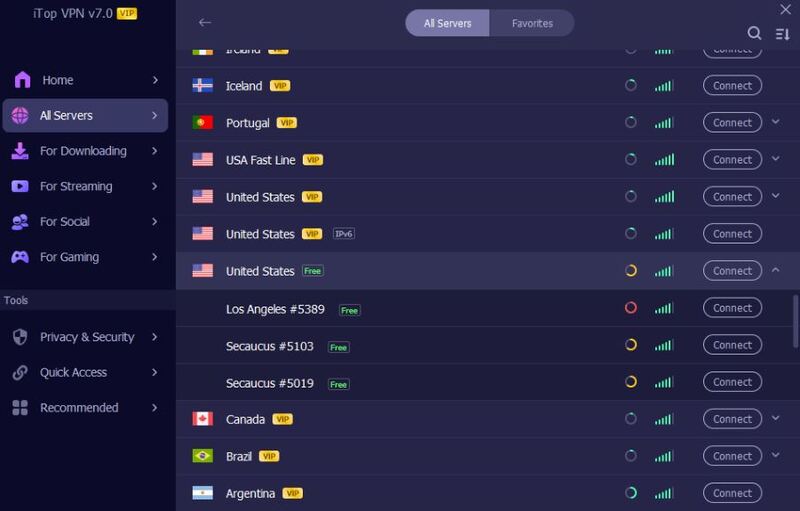
Step 3. When connected, check if your real-time IP has changed.
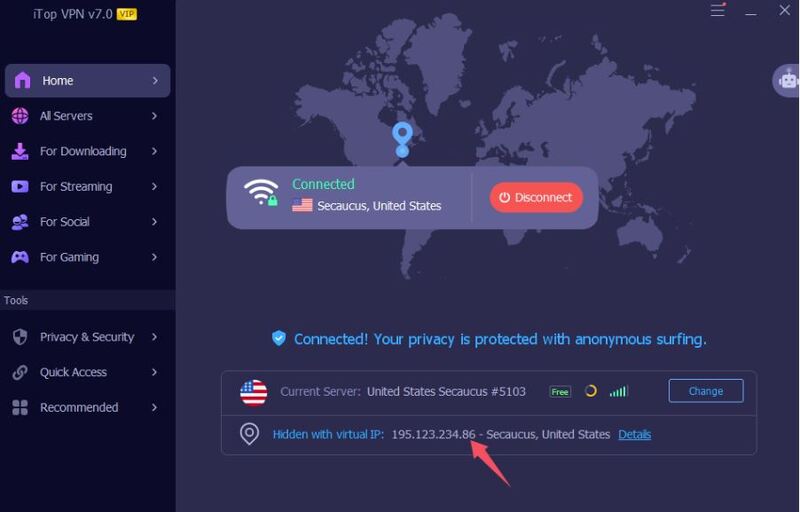
Step 4. Clear your browser and Discord cache to remove your previous IP traces. Create a new Discord account. Rejoin the server using your new IP address and account.
This method also works if you’re searching how to get unbanned from a Discord server mobile - just install the iTop VPN app on your smartphone, connect to a new location, and try joining again.

Understanding why the Discord ban happened can help prevent future issues. Discord bans are typically applied when a user violates community rules, spams messages, posts inappropriate content, or engages in harassment. Sometimes, bans may occur accidentally due to mistaken moderation or automated systems that flag certain behaviors as spam.
There are two main types of bans:
Server bans: applied by server admins, restrict access to a particular community
Discord-wide bans: applied by Discord itself and prevent you from using Discord entirely
For those who are wondering how to get unbanned from Sols RNG Discord server, the process only requires creating a new account with a VPN. However, if it’s a global Discord ban, you’ll need to change your IP address and clear all cached data to regain access safely. In either case, a VPN for Discord is necessary.
Do you think that is all? A VPN isn’t just for unblocking - it's also about protection and freedom.
Using a VPN for Discord ensures your privacy, hides your real IP address, and secures your messages from potential tracking or monitoring. In regions where Discord is restricted, such as workplaces or schools, a VPN allows you to bypass those barriers and chat freely.
Furthermore, a VPN gives you the ability to switch servers, making it easy to appear as if you’re connecting from another country, like India, the USA, Singapore, Malaysia, or Japan. This flexibility can be crucial if you’re trying to know how to get unbanned on any Discord server or simply want a smoother, lag-free chatting experience.
Now that you understand how VPNs work, let’s look at the best ones you can use to get unbanned and enjoy Discord safely. Choosing the right VPN can make all the difference in speed, reliability, and privacy. Below are three of the best options for users who want to know how to get unbanned from a Discord server with VPN effectively.
iTop VPN is one of the best tools if you want to get back into your favorite Discord server quickly. It hides your real IP address and connects you to 3200+ secure VPN servers worldwide. It enables you to appear as a new user to Discord systems.
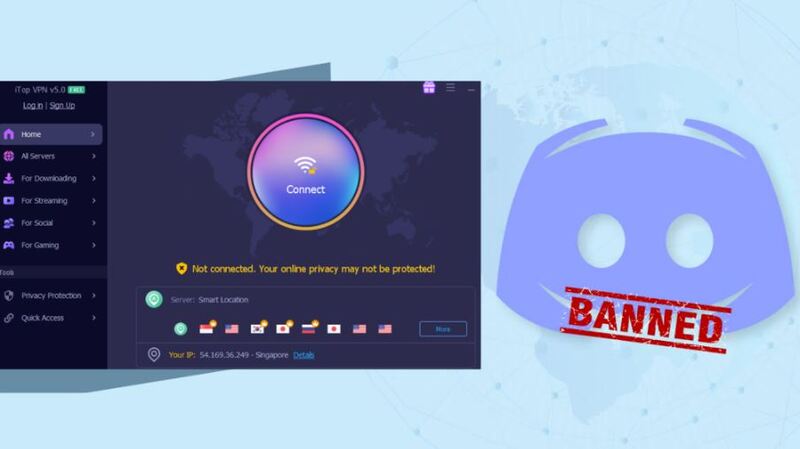
Key advantages include military-grade AES-256 encryption, DNS protection, and a kill switch feature that maintains security even if your connection drops. You can also use a dedicated IP for stable access and smoother communication.
If you’re on a budget, you can try the free VPN plan, which offers decent speed and privacy. These features make it perfect for those looking for how to get unbanned in any Discord server without risking exposure.



NordVPN has been one of the most trusted names in the VPN industry for a long time. It offers over 7400 servers in 118 countries, advanced Double VPN encryption, and a strict no-log policy. When using NordVPN, Discord moderators cannot trace your real IP, meaning you can safely rejoin your banned communities.
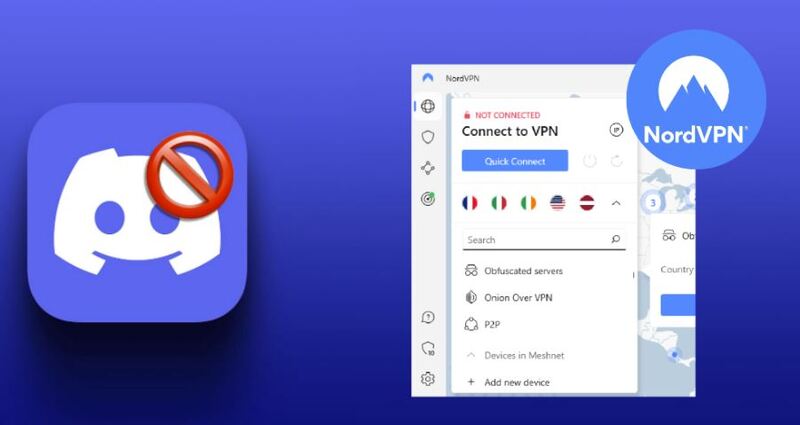
It’s an excellent pick for anyone exploring how to get unbanned from a server on Discord securely. The app also works flawlessly on both desktop and mobile, making it convenient for users who switch between platforms.
ExpressVPN is perfect for users who prioritize speed and consistent connections. It replaces your banned IP with a fresh one instantly, allowing you to reconnect to any server without noticeable lag. Its optimized routes ensure smooth voice calls, while 24/7 support guarantees assistance if you run into connection issues.
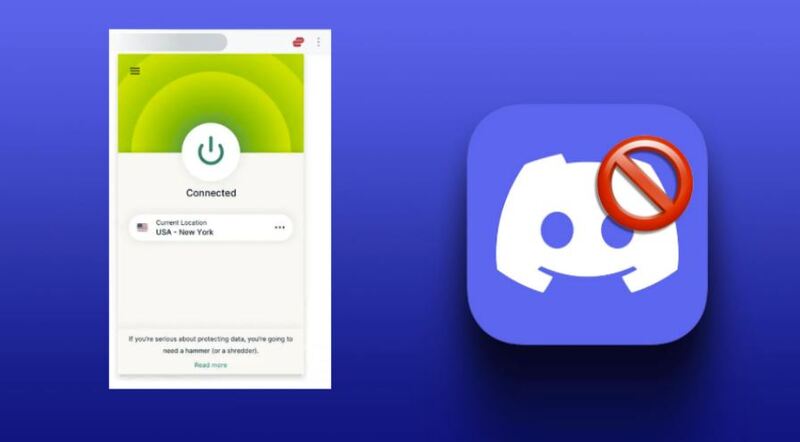
Similar to BGMI VPN solutions for gaming, ExpressVPN provides top-tier unblocking performance. Whether you want to fix how to get unbanned from a Discord server mobile or rejoin via PC, ExpressVPN delivers steady access with no bandwidth limits.
While VPNs offer the quickest fix, there are still alternative routes to regain access. Here are some effective, non-VPN methods to consider:
Method 1. Appeal to the Server Admin
Politely message the moderator or admin (through a mutual friend or another platform) and ask for a second chance. Many bans can be lifted if you demonstrate genuine understanding.
Method 2. Use a New Network or Device
If your IP is blacklisted, try connecting through mobile data or another Wi-Fi. This works especially well for local bans.
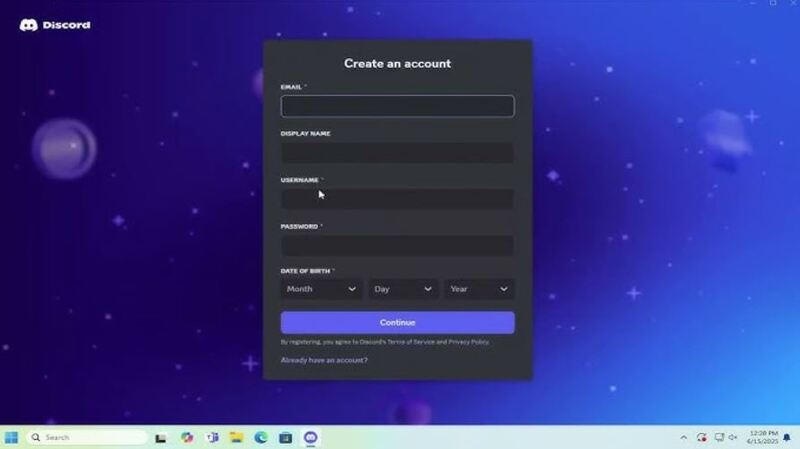
Method 3. Create a Fresh Account
Delete cookies and caches, use a new email address, and sign up again. It may help you sneak past temporary bans.
Method 4. Wait for the Ban to Expire
Some servers impose temporary bans. Waiting a few days might resolve the issue automatically.
By combining these with a new IP (via VPN or router reset), you’ll have the best chance of success. These steps also apply to fixing how to get unbanned from a Discord server, mobile or across devices.
The Bottom Line
Getting banned from a Discord server doesn’t mean you’re out forever. Once you understand how bans work and explore tools like VPNs, you can easily restore access. Whether you use a free VPN for Windows, a mobile app, or alternative tricks, the key is to stay respectful in communities to avoid future bans. Now, you know how to get unbanned from a Discord server. Stay smart, stay safe, and enjoy your return to Discord.
10+ dedicated social app servers
Unblock your favorite apps
Encrypt and protect data

Subscribe to Our Newsletter
Subscribe to our newsletter to stay updated every moment.

Subscribe to Our Newsletter
Subscribe to our newsletter to stay updated every moment.
© 2026 iTop. All rights reserved.